A big paper is due on Friday, three hundred pages of reading are still untouched, and the exam is next week. This is the moment when most students open an AI app and ask for help. The problem is that dozens of apps promise the same thing, and picking the wrong one wastes hours or teaches you to skip the thinking you are paying tuition for.
This guide covers the best AI tools for students in 2026, grouped by the job you need done: explaining a hard topic, finding sources, editing an essay, recording a lecture, solving math or building slides. Every tool comes with its free plan, its price and the place where it falls short. Most AI tools for students have a free tier, so you can build a useful setup without paying anything.
The short version: use one chatbot as a tutor, one tool that works from your own notes, one for sources and one for editing. That covers almost every course, whichever of these AI tools for students you end up choosing.
What Is the Best AI Tool for Students?
There is no single winner, because the best AI tool for students depends on the task in front of you. For most people the safest start is the free version of ChatGPT, Gemini or Claude as an everyday tutor, plus NotebookLM for studying from your own material. Add Perplexity when you need sources and Grammarly when an essay is ready for a last check.

Here is the quick split by job:
- Understanding a hard topic: ChatGPT, Claude or Gemini
- Studying your own notes and PDFs: NotebookLM
- Finding sources with links: Perplexity
- Editing and grammar: Grammarly
- Recording lectures: Otter.ai
- Math homework: Photomath
- Code: GitHub Copilot
Most students need two or three of these. Using more than that usually costs more time than it saves.
Best AI Tools for Students at a Glance
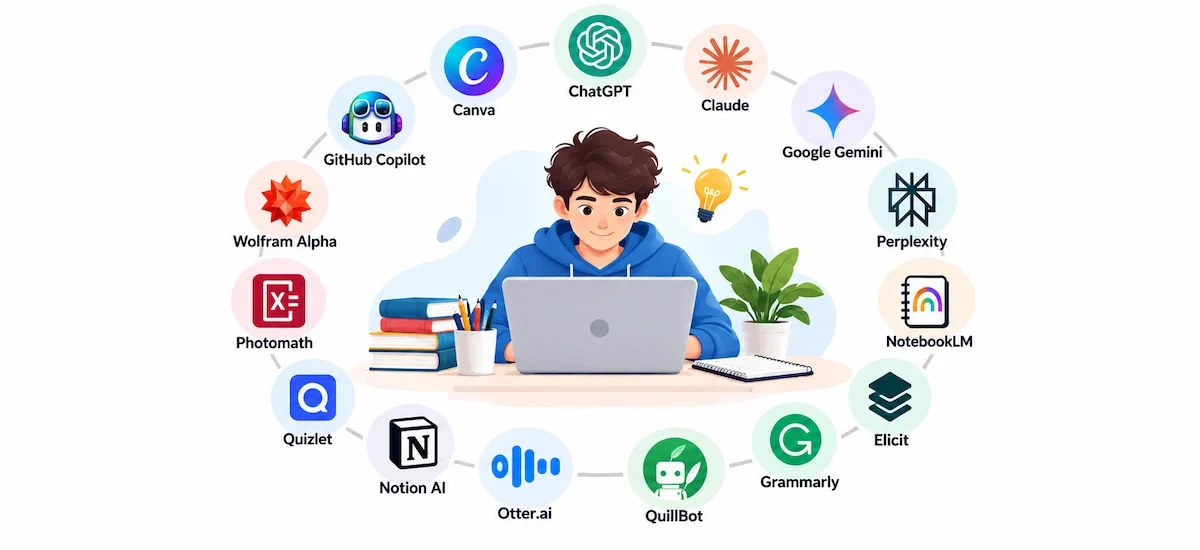
Use this table to shortlist the best AI tools for students, then read the short review of each tool below. Prices change often, so check each site before you pay.
| Tool | Best for | Free plan | Paid plan |
|---|---|---|---|
| ChatGPT | Explaining concepts, practice tests | Yes, with daily limits | Plus, about $20 a month |
| Claude | Long readings, writing feedback | Yes, with daily limits | Paid plans for longer sessions |
| Google Gemini | Google Docs, Drive and Gmail work | Yes | Google AI Pro, about $19.99 a month |
| Perplexity | Sourced answers with links | Yes, limited advanced searches | Pro, about $20 a month |
| NotebookLM | Studying your own notes and PDFs | Yes, with a Google account | Higher limits on paid plans |
| Elicit | Literature reviews | Yes, limited | Paid plans for more searches |
| Grammarly | Grammar, clarity and tone | Yes, core checks | Pro, about $12 a month billed yearly |
| QuillBot | Rewording and shortening | Yes, 125 words per rewrite | Premium for longer text |
| Otter.ai | Lecture transcripts | 300 minutes a month | Pro, about $8.33 a month billed yearly |
| Notion AI | Organizing notes and classes | Free education plan, AI limited | Full AI on paid tiers |
| Quizlet | Flashcards and practice tests | Yes | Plus for advanced study modes |
| Photomath | Step by step math from a photo | Yes, core solutions | Plus for deeper explanations |
| Wolfram Alpha | Advanced math and science | Yes, basic answers | Pro for step by step solutions |
| GitHub Copilot | Debugging and explaining code | Free for verified students | Paid plans for premium models |
| Canva | Slides and posters | Yes, generous | Pro for premium assets |
How We Picked the Best AI Tools for Students
Adoption is already close to universal. A global survey by the Digital Education Council found that 88% of students now use AI in their learning. The useful question is no longer whether students use it, but which AI tools for students are worth the time.
Every pick had to pass five checks:
- Accuracy: a study tool is only as good as its answers, so tools that make up facts often were dropped.
- Price and free limits: students have tight budgets, so we looked at what the free plan really gives you.
- Teaching, not just answering: the best tools explain steps, ask you questions and show their sources.
- Ease of use: a tool you cannot learn in ten minutes will not survive exam week.
- Privacy: your notes and drafts should not end up where you did not want them.
These are AI tools for studying that fit real coursework, from first-year essays to thesis work. If you want a wider look at classroom use beyond a single student, our overview of AI tools in education covers teachers and schools as well.
The 15 Best AI Tools for Students in 2026
The best AI tools for students are grouped by the job they do best. You do not need all of them. Pick the group where you lose the most time and start there.
Best AI Tutors and Chatbots for Students
General chatbots are the AI tools for students that most people try first, and they are also the ones most likely to hand you a finished answer when you wanted to learn. The way you prompt matters more than the logo on the tab. Ask for hints, ask to be quizzed, and ask it to wait for your reply. Among the most popular AI tools, these three are the ones students reach for first.

ChatGPT: Best for Explaining Concepts and Practice Tests
ChatGPT stays the default pick for many students because it handles a confusing textbook paragraph, a practice exam and a study plan without switching apps. Its study mode is built to ask you questions step by step instead of giving the answer straight away. One habit helps a lot: tell it to quiz you one question at a time and to wait for your reply before it corrects you. It works as an AI tutor that is awake at 2 AM.
Free plan: yes, with daily limits. Paid: Plus is about $20 a month. Falls short: it can state a wrong fact with full confidence and it will invent a citation rather than admit a gap, so check every source it gives you. If you keep hitting the free limits, look at the free ChatGPT alternatives before you pay.
Claude: Best for Long Readings and Writing Feedback
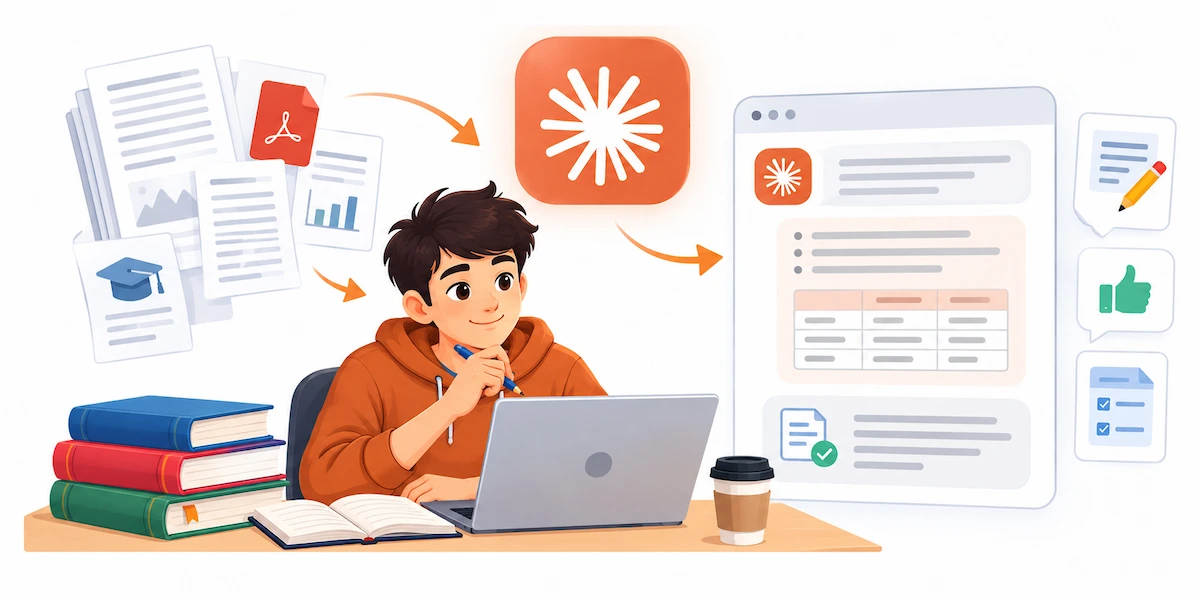
Claude is the one to try when the input is long. A full reading pack, a hundred page report or several lecture transcripts fit into one chat, and you can ask for a table that compares three papers by method, sample size and conclusion. It also tends to say when something is not in the text you gave it, which matters when you have to cite. It is a good partner for essay structure, because it gives feedback on the argument and not only on grammar.
Free plan: yes, with daily limits. Falls short: heavy file use uses up the free limit fast, and there is no public student price, so check whether your university offers access. It can also be more careful than other chatbots and occasionally refuses a harmless request.
Google Gemini: Best for Google Docs and Drive Workflows
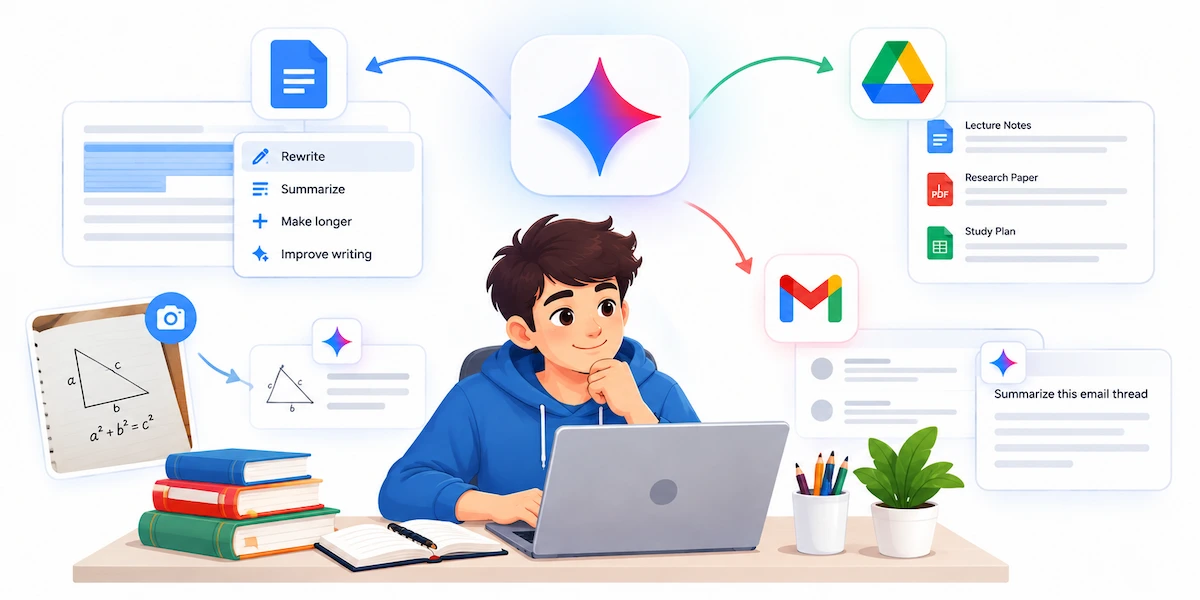
Gemini fits best if your classes already run on Google Docs, Drive and Gmail. You can select a paragraph in a doc and ask for a rewrite, or summarize a long email thread when you need to find a changed deadline. It also reads photos of diagrams and scanned handouts, and its guided learning features are made for working through a topic instead of copying an answer.
Free plan: yes. Paid: Google AI Pro is about $19.99 a month, and Google has run free student offers, so check before you pay. Falls short: it can reach into your Drive and Gmail, so check what it can see on a shared or school account. If it does not suit you, the Gemini alternatives list shows what else is worth testing.
Best AI Research Tools for Students
Research is where a wrong answer costs the most, because a made up source can sink a grade. Among AI tools for students, the ones that show their sources or work only from your own files are safer than a plain chatbot.
Perplexity: Best for Sourced Answers
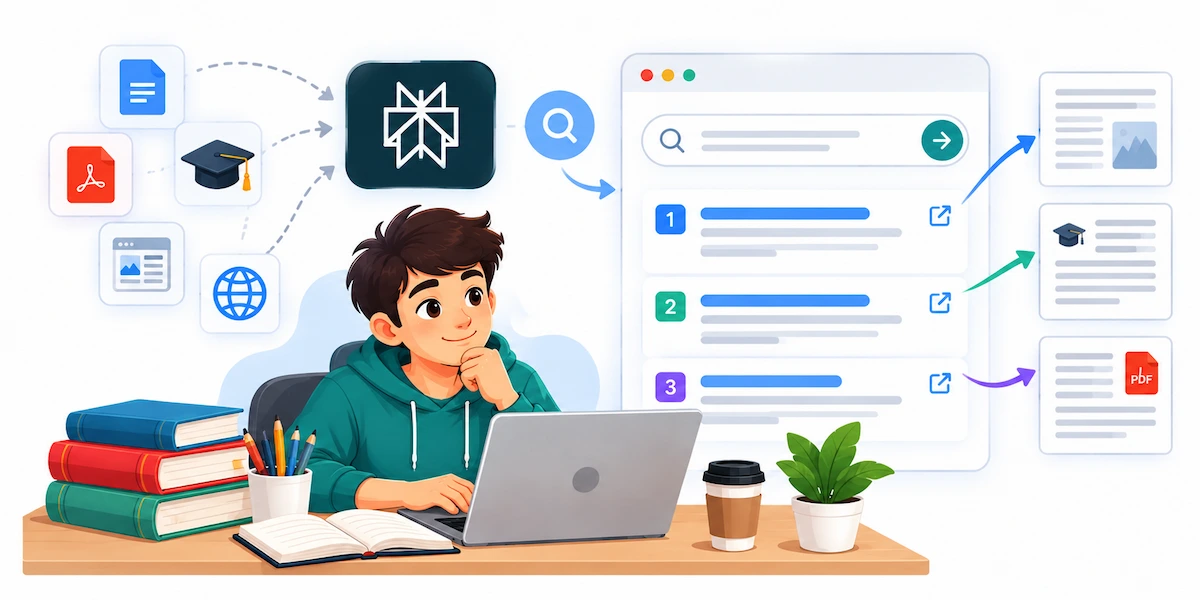
Perplexity is an answer engine, not a chatbot. Every reply comes with numbered links, so you can open the source and read it. It works well in the first phase of a paper, when you are still finding out which sources exist and which are reliable. You can narrow it to academic papers, ask follow-up questions in the same thread and slowly turn a vague topic into a precise one.
Free plan: yes, with limited advanced searches. Paid: Pro is about $20 a month, and education pricing exists for verified students. Falls short: a link proves that a source exists, not that it says what the summary claims. Open the source before you cite it.
NotebookLM: Best for Studying Your Own Notes
NotebookLM is the strongest free tool on this list for revision. You upload lecture slides, PDFs and notes, and it answers only from those files, with references back to the passage. That removes most of the risk of invented facts. From the same files it can build a study guide, a glossary, a set of practice questions and even an audio overview, which is useful if you learn better by listening on the way to class. It is also the easiest way to chat with a PDF when a reading is too long.
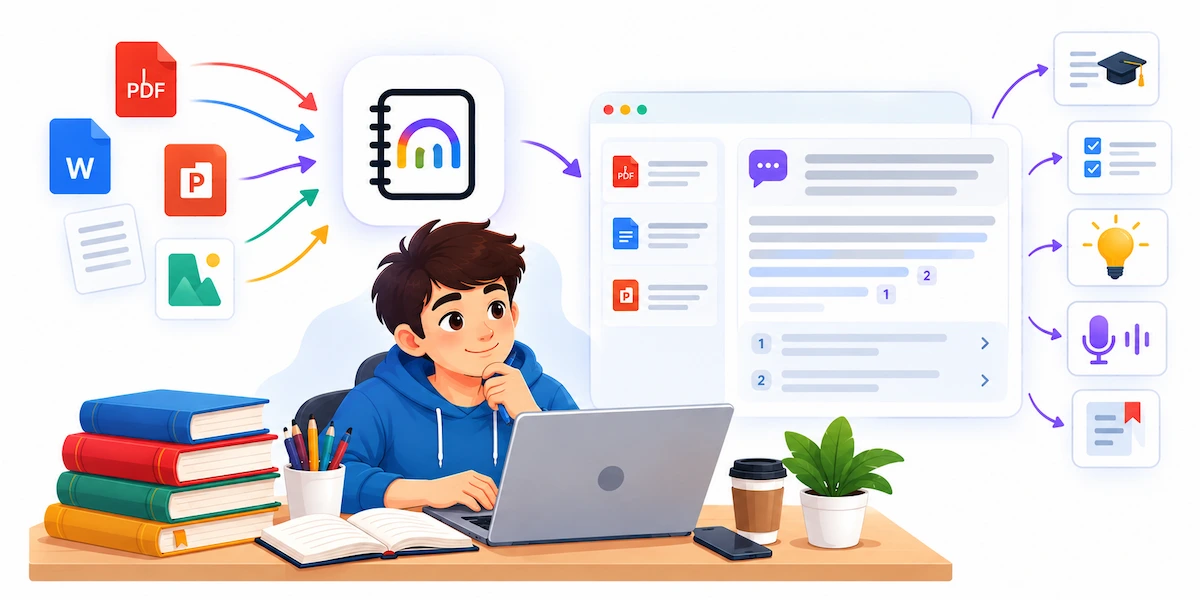
Free plan: yes, with any Google account. Falls short: it only knows what you give it. Upload an incomplete reading list and you get confident answers built on half the picture.
Elicit: Best for Literature Reviews
Elicit is one of the best AI tools for research papers at the graduate and thesis level. You type a research question, and it finds relevant studies and puts them in a table with the method, sample size and findings side by side. That saves days when you are writing a literature review. Consensus does something similar if you want a quick view of how much of the research agrees on a claim.
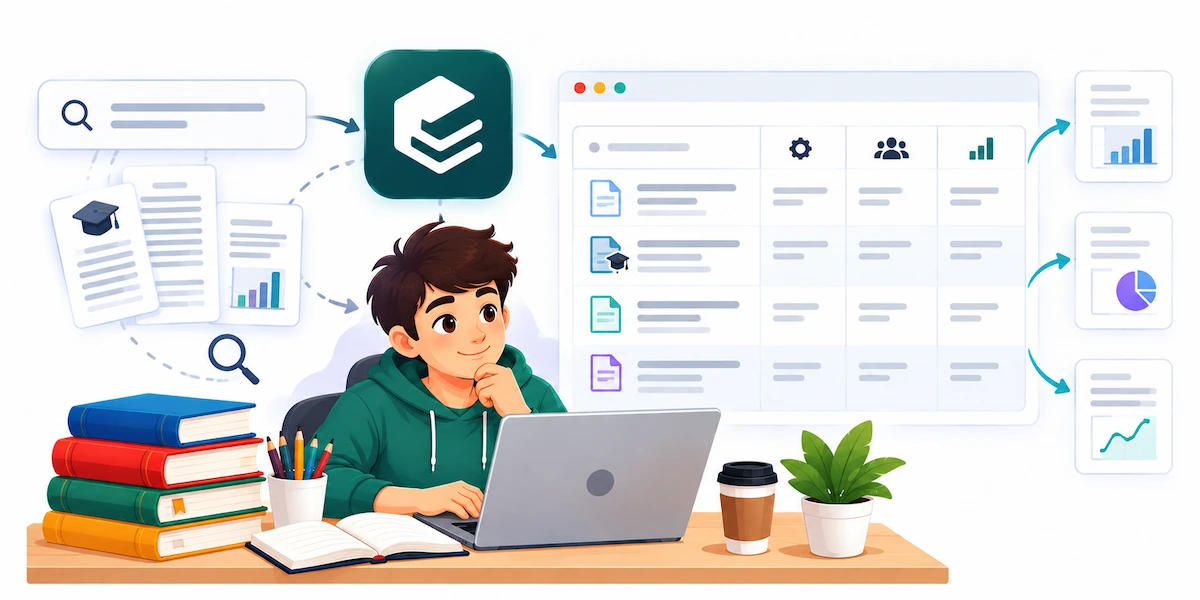
Free plan: yes, with limited searches and paper summaries. Falls short: no search is complete, and extracted details can be wrong. For a formal review you still need your own search record and a manual check of every paper.
Best AI Writing Tools for Students
The gap between a good essay and a marked-down one is often polish, not ideas. These AI writing tools for students tighten wording and catch what a spell check misses, without writing the argument for you.
Grammarly: Best for Final Edits
Grammarly catches the errors a basic spell check walks past, and it works in Docs, Word and most browsers. It explains why a sentence is weak, which turns it into a small writing lesson instead of a crutch. The tone detector is useful when an email to a supervisor sounds too casual or an essay sounds too sharp. Paid plans add plagiarism checks and an AI detector that shows how likely a passage is to read as machine written.
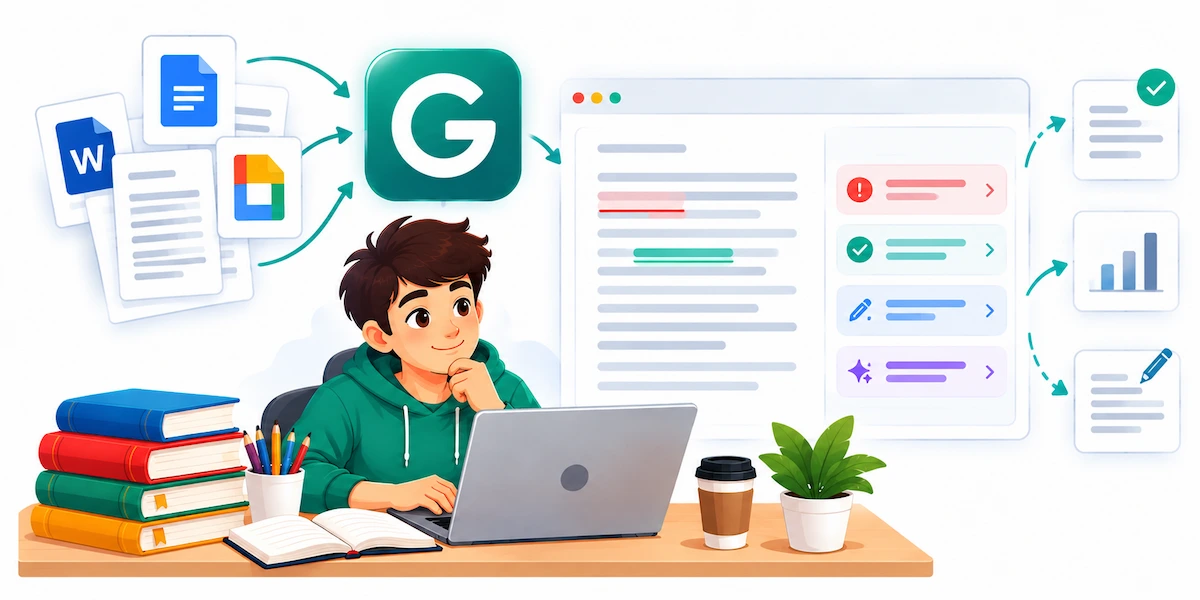
Free plan: yes, with core checks and a monthly prompt limit. Paid: Pro is about $12 a month billed yearly. Falls short: if you accept every suggestion your writing turns flat and generic, and its advice is tuned for general business English, so it sometimes fights the habits of your subject.
QuillBot: Best for Rewording Awkward Sentences
QuillBot is an AI paraphrasing tool for the moment when you know what you mean but the sentence will not behave. It offers several modes: fluent, formal and shorter, and the shorter one is handy against a strict word count. It also has a summarizer and a citation generator.
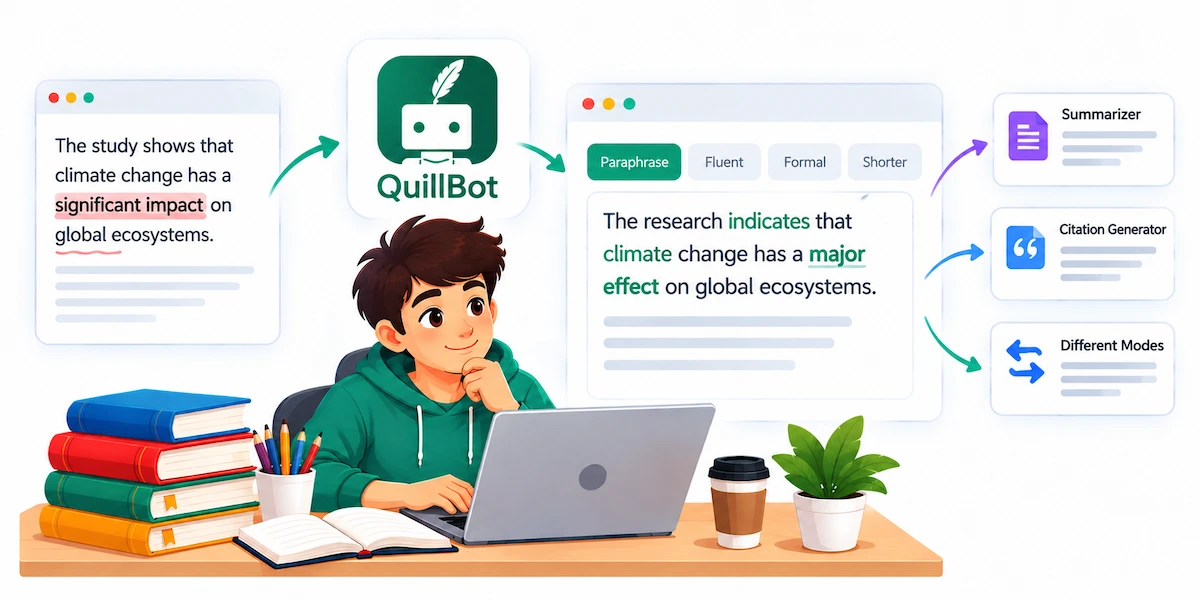
Free plan: yes, but only 125 words per rewrite. Falls short: rewording someone else’s idea does not make it yours, and you still have to cite the original. Using it to dodge a similarity check is plagiarism with an extra step.
Best AI Note-Taking and Study Tools for Students
Fast lectures, dense PDFs and scattered handouts take up half of a degree. These AI study tools turn them into something you can search, quiz yourself on and review quickly.
Otter.ai: Best for Lecture Transcription
Otter.ai records and writes down a lecture in real time, so you can listen instead of scribbling. The searchable transcript is the real prize: search for midterm across a whole term and you land on the exact second it was mentioned. It also creates short summaries and labels speakers, which helps with study groups. For students with a hearing impairment or a lecturer who speaks fast, it can be the difference between following a module and falling behind. Our guide on how to take meeting notes with AI shows the same method for group calls.
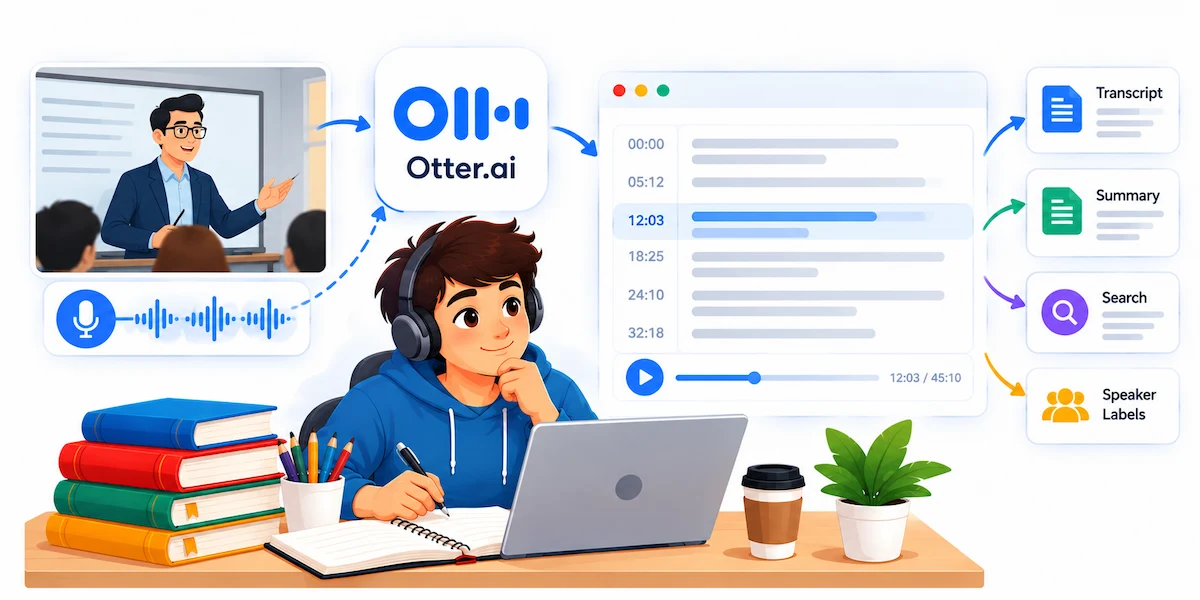
Free plan: 300 minutes a month, with a 30 minute cap per recording, which cuts a longer lecture in half. Paid: Pro is about $8.33 a month billed yearly. Falls short: accuracy drops with heavy accents, overlapping voices and technical terms. Always ask before you record a class, because rules differ by school.
Notion AI: Best for Organizing Classes and Projects
Notion is already a strong place to keep coursework, and the AI layer lets you ask a question across everything you have written. Ask what your notes say about a topic and it pulls an answer from months of material. It can summarize a reading, draft a study guide and turn a messy page into a checklist. If you want more ideas for saving time on daily tasks, see how to use AI for productivity.
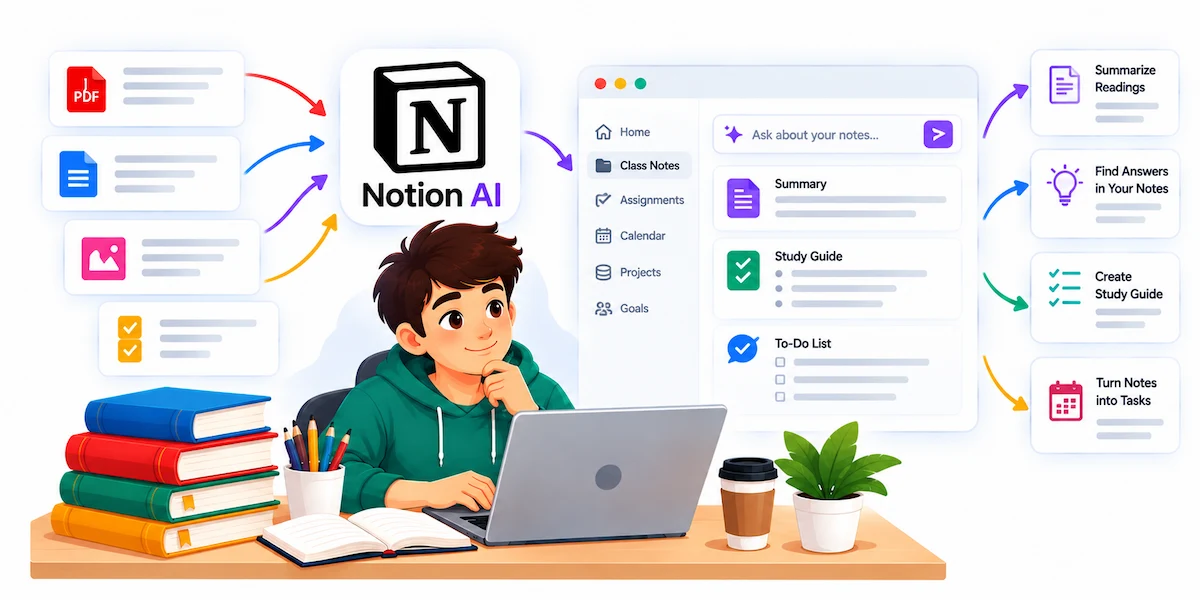
Free plan: verified students can get the free education plan, but full Notion AI is not part of it. Falls short: it rewards people who already keep tidy notes, and building an elaborate system is a popular way to feel busy without studying.
Quizlet: Best for Flashcards and Practice Tests
Quizlet makes memorizing less of a grind. Upload notes or paste a chapter and it builds AI flashcards, practice tests and study games, then tracks what you know and what still needs work. It suits vocabulary, anatomy terms, formulas and dates, anything that needs recall. As an AI quiz generator it saves the hour you would spend writing cards by hand.
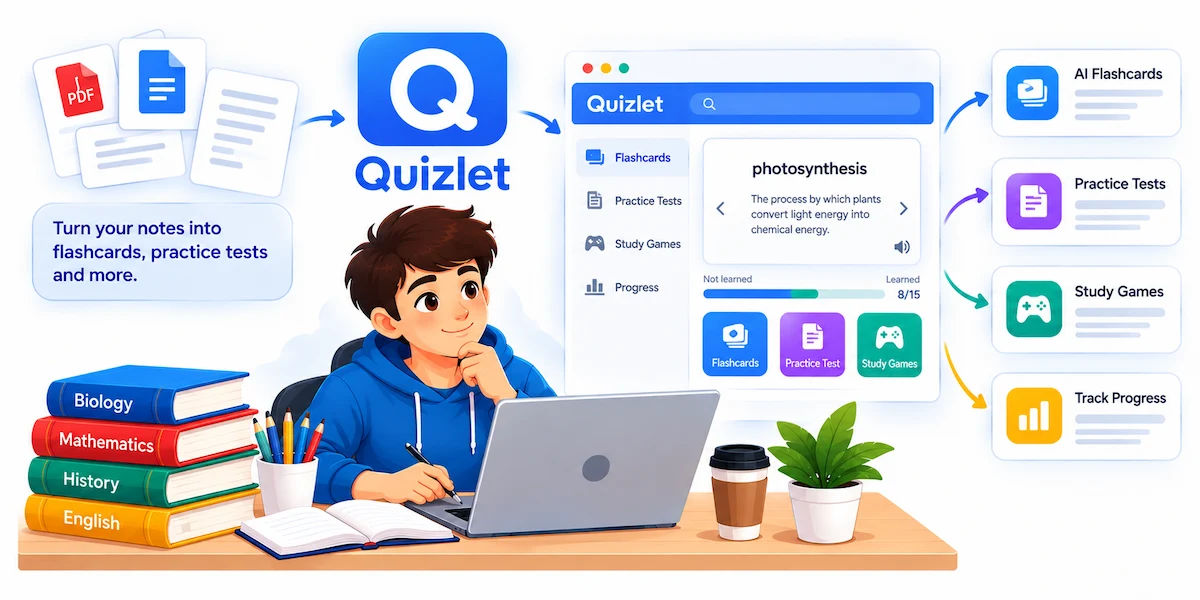
Free plan: yes, with ads and some limits. Falls short: generated cards sometimes need a manual fix, and it works better for memorizing than for understanding a concept. Knowt is a close free alternative if you want to compare.
Best AI Math and STEM Tools for Students
STEM is unforgiving, because an answer is either right or wrong. What you need when you are stuck is the reasoning behind each move, not just the final number.
Photomath: Best for Step-by-Step Homework Help
Photomath is an AI math solver that works from your phone camera. Point it at a printed or handwritten problem and it returns a solution step by step, from basic algebra to calculus. Use it to find where your own working went wrong, then solve the next similar problem without it. That is how it works as AI homework help and not as a shortcut.
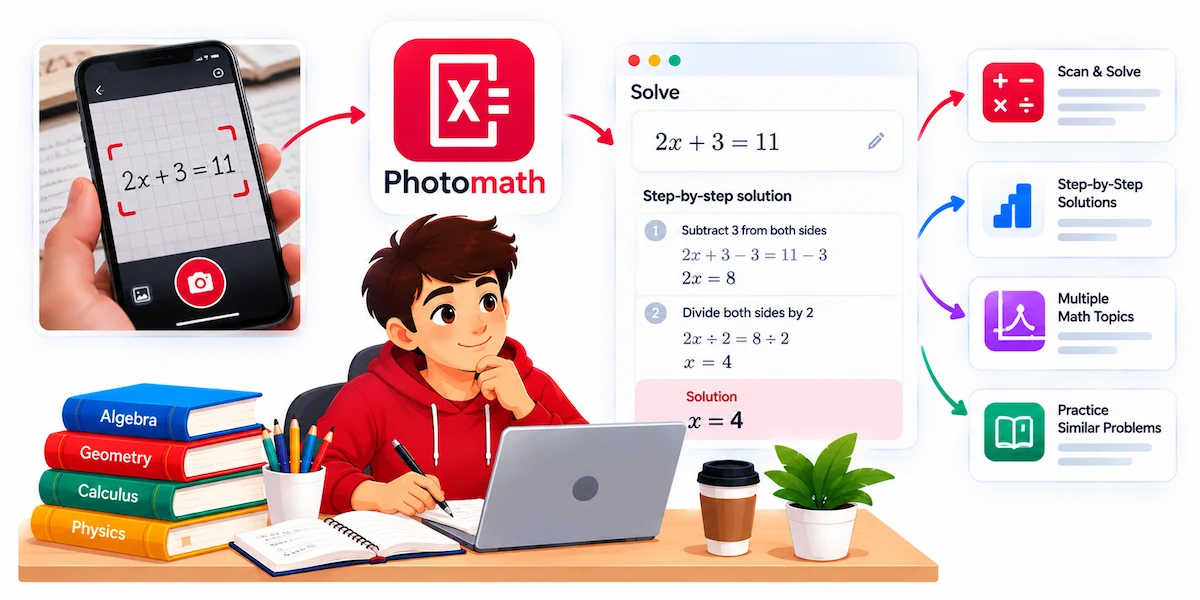
Free plan: yes, with core solutions. Falls short: messy handwriting confuses it, and it is weaker on word problems than on clean equations. It is also the tool on this list that is easiest to use to skip the thinking.
Wolfram Alpha: Best for Advanced Computation
Wolfram Alpha is a computation engine, not a chatbot. It is the better choice for symbolic math, units-heavy physics and any case where you want a verified computation instead of a language model’s best guess. It plots graphs, solves equations and covers statistics, chemistry and engineering questions.
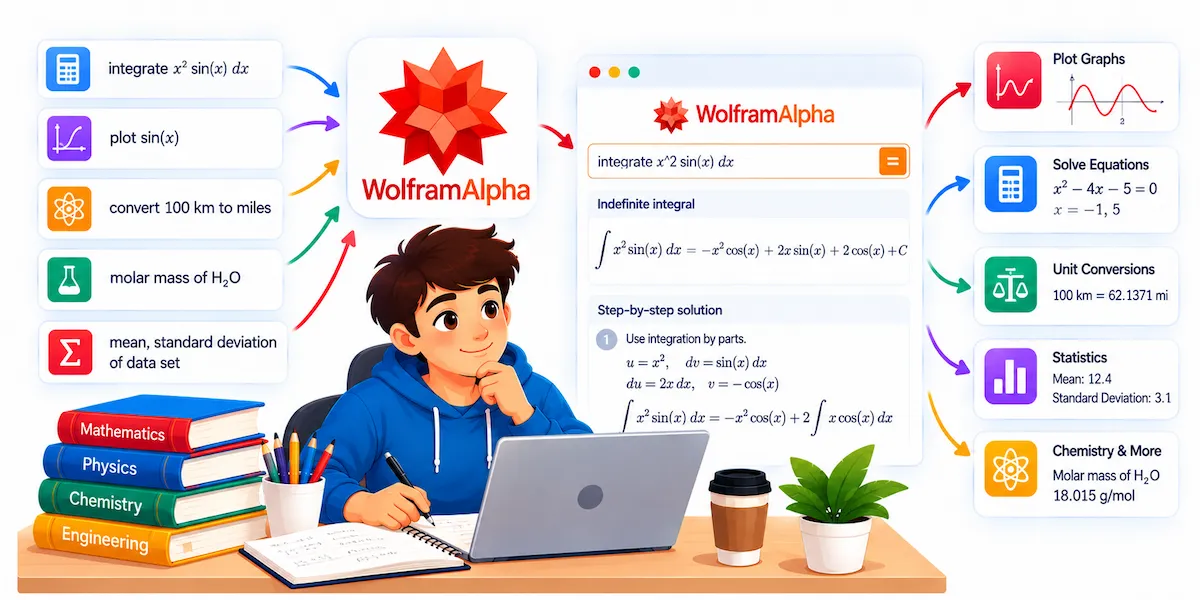
Free plan: yes, for basic answers. Falls short: detailed step by step solutions usually sit behind the paid plan, and a correct result does not mean you understand the method. Try the problem by hand first, then check it.
Best AI Tools for Coding and Presentations
GitHub Copilot: Best for Computer Science Students
GitHub Copilot works inside your code editor like a pair programmer. For a student it is most valuable as an explainer. Ask why a function breaks and you learn something. Ask it to write the whole assignment and you do not. Many computer science departments now test this by asking you to walk through your own code.
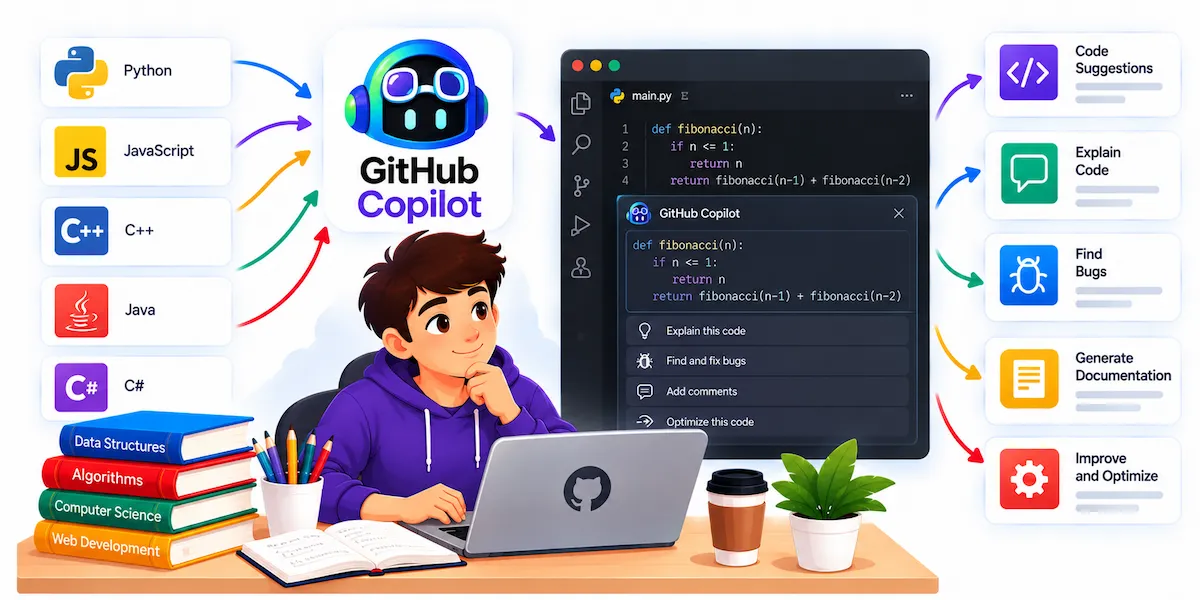
Free plan: GitHub Copilot for students is free for verified students through GitHub Education, but the plan changed in 2026 and now has monthly limits on premium features, so read the current terms. Falls short: it can suggest code that compiles and still does the wrong thing, so run tests on everything.
Canva: Best for Slides and Posters
Canva turns a rough outline into a full deck with layouts, icons and images, which saves hours on group projects. As an AI presentation maker it also resizes a finished deck into a poster or handout. For a deeper walkthrough, read how to create presentations with AI.
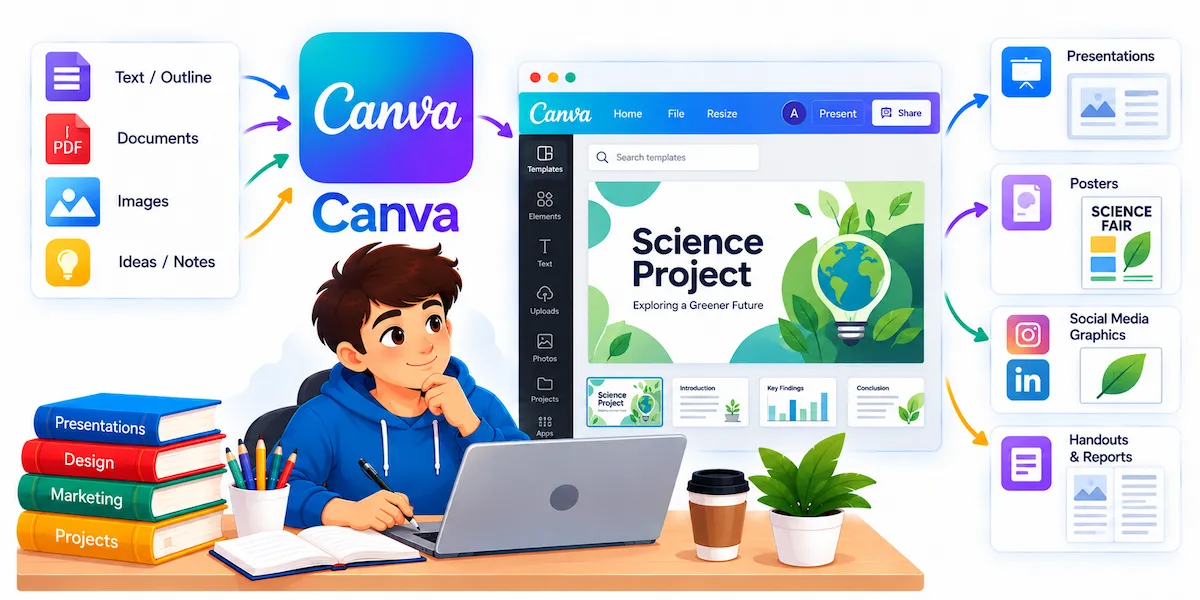
Free plan: yes, and a generous one, so most students never need to pay. Falls short: decks made with one click look competent and generic, and a marker who has seen thirty of them will notice. Change enough that the slides argue your point and do not just fill a template.
Free AI Tools for Students: What You Actually Get
The best free AI tools for students in 2026 are NotebookLM, the free tiers of ChatGPT, Gemini, Claude and Perplexity, and Grammarly and QuillBot for writing. Free here means capped, not unlimited, so the useful question is where each cap bites. Otter.ai stops a recording at 30 minutes. QuillBot rewrites 125 words at a time. ChatGPT slows down when you hit the daily limit. Check the limit inside the app before you build a routine around one tool.

The Best Free AI Stack for Students
If your budget is zero, this combination covers every core academic job:
- NotebookLM for revising your own notes and readings
- One chatbot free tier for explanations and practice questions
- Perplexity free for finding sources
- Grammarly free for proofreading
Free tiers stop being enough at predictable moments. You hit the cap in the middle of a task three weeks in a row. Your documents get longer than the upload limit, as with a dissertation or a full term reading pack. Or a workflow you rely on every week breaks the moment the cap hits. In those cases pay for that one tool only. To compare plans before you commit, see how much AI tools cost.
Best AI Tools by Student Type
The right setup depends on what you study. If you want only one default for your situation, these are the best AI tools for students in each group.
AI Tools for High School Students
Photomath for math, Khanmigo for guided tutoring and Quizlet for revision. Khanmigo is built to ask guiding questions and hold back the answer. School rules on AI are often stricter than university rules, so read yours before using anything on work that counts.
AI Tools for College Students
Start with a free chatbot and NotebookLM. That pair covers explanation and revision, which is most of undergraduate work, and it costs nothing. Add Grammarly once essays count toward your grade. Among AI tools for college students, this keeps the setup small and cheap.
AI Tools for Medical and Nursing Students
Accuracy matters more than fluency here, so lead with Perplexity or Consensus, which show sources you can follow. Add Quizlet for terminology and NotebookLM for course material. Never trust a general chatbot for drug doses or clinical advice.
AI Tools for Law Students
Long documents decide the choice, which makes Claude and NotebookLM a natural pair for case law, statutes and long judgments. Check every case and quotation against an official source. Made up case references have already caused real trouble in real courts.
AI Tools for Engineering Students
Wolfram Alpha for the math, GitHub Copilot for code and a chatbot for explanations. Ask Copilot to explain a suggestion before you accept it, because a technical interview will test what you cannot explain out loud.
AI Tools for PhD and Postgraduate Students
Elicit and Consensus for the literature, Claude for long sources, NotebookLM to keep your own collection searchable and a reference manager such as Zotero for citations. Here the general chatbots play a supporting role.
Best AI Tool by Task
Most weeks you pick by task, not by brand. This table answers it the other way round.
| What you are doing | Best tool | Alternative |
|---|---|---|
| Understanding a hard concept | ChatGPT study mode | Gemini guided learning |
| Studying your uploaded notes | NotebookLM | Claude |
| Finding sources | Perplexity | Gemini |
| Reading research papers | Elicit | Consensus |
| Editing an essay | Grammarly | QuillBot |
| Recording lectures | Otter.ai | Notta |
| Exam revision | Quizlet | NotebookLM |
| Math problems | Photomath | Wolfram Alpha |
| Coding help | GitHub Copilot | ChatGPT |
| Slides | Canva | Gamma |
Student Discounts on AI Tools
Academic verification is the biggest lever on what AI tools for students cost, and most students never use it. ChatGPT, Google, GitHub, Perplexity, Notion and others have run student discounts or free periods, and several come with claim deadlines. Verification usually goes through your university email or a service called SheerID and takes a few minutes.
Offers come and go on the vendor’s schedule, so claim the ones you want while the window is open. Read the renewal terms too: a free trial often renews at the full price unless you cancel.
Is Using AI for Homework Cheating?
Most schools separate help from generation, and that line decides everything. A UK student survey from HEPI found that 95% of undergraduates use AI in some way and 94% use it for assessed work, yet many students say the rules they get are unclear. Read your own policy before you rely on any tool.
What Is Usually Allowed
Asking for an explanation of a concept you missed in class is fine almost everywhere, because it replaces a textbook or a tutor. The same goes for brainstorming topics, outlining a structure you then write yourself, checking grammar and generating practice questions to test yourself.
What Usually Counts as a Violation
Handing in generated text as your own writing is the clearest breach. Submitting code you cannot explain is in the same group. Using a tool during a closed book exam is a breach however you used it. Citing a source the model invented is the one students fall into by accident, and it is punished harshly because it looks just like a fake reference.
Why You Should Disclose Your AI Use
Many courses now ask you to say how you used AI, for example a grammar checker for proofreading or a chatbot for practice questions. Disclosure is almost always safer than silence. Detectors also flag honest writing often enough, especially from students writing in a second language, so hoping a checker stays quiet is a bad plan. If the syllabus is unclear, ask your tutor and get the answer in writing.
How to Use AI Tools Without Hurting Your Learning
Reading a clear explanation feels like learning, and in an exam hall that feeling disappears. The students who gain from AI tools for students use them to test themselves, not to replace the effort. Close the chat and write the answer from memory, then check it. If you cannot explain your own submitted work out loud, the tool did the learning for you.
Check Every Citation
Models still invent references, complete with real author names, believable journals and page numbers that lead nowhere. Open every source before it goes into a bibliography. A tool that links to the source, such as Perplexity or NotebookLM, makes this easier, because you can click and check.
Keep Your Notes Private
Everything you paste into a free tool is a decision about your data. Lecture recordings carry other people’s voices, group documents carry other people’s work and a thesis draft is unpublished research. On many free plans your content may be used to train the model unless you switch that off in settings, so spend ten minutes on this at the start of term. Use the account your university gives you when there is one, turn on temporary chat for sensitive work and never paste passwords or student numbers. The same habits apply to companies, as our guide on AI data privacy for business explains.
How to Build Your AI Study Stack in Four Steps
Fifteen tools is a menu, not a shopping list. Students who get real value from AI tools for studying run three or four tools consistently instead of sampling everything.
- Pick one chatbot and learn it properly. Choose ChatGPT, Gemini or Claude based on where your work already lives, and stay with it for a term. Most of the skill is in how you prompt.
- Add a tool that works from your own material. NotebookLM turns your lecture notes and readings into something you can test yourself against. Most students skip this step, and it is the one that moves grades.
- Add one writing checker. Grammarly or QuillBot is enough, and the free tiers cover most coursework. Read why each change is suggested instead of accepting everything.
- Add a specialist only when a subject demands it. Photomath for math, Copilot for code, Otter.ai for fast lectures, Elicit for research. Add them one at a time, after you hit a wall the first three could not fix.
If you want a wider list of ways to learn with these apps, our guide to AI tools to learn is a good next step.
Final Verdict
The best AI tools for students are the ones that make you think harder, not less. A free chatbot for explanations, NotebookLM for your own notes, Perplexity for sources and Grammarly for the last edit cover nearly every academic job at no cost. Pick the one subject you struggle with most, choose the tool listed for it, and use it on your next assignment before adding anything else. A setup you actually use beats a list of fifteen apps you opened once.
Frequently Asked Questions
How many AI tools should a student use?
Two or three is enough for most people: one general tutor, one tool for sources or your own notes and one for writing. More than that creates distraction and cost without better results. Add a specialist tool only when a specific subject needs it.
Which AI tool is best for college students?
A free chatbot plus NotebookLM is the best starting pair for college students. The chatbot explains topics and writes practice questions, and NotebookLM turns your readings and slides into study guides. Add Grammarly once essays start to count toward your grade.
Are there free AI tools for students that are actually good?
Yes. NotebookLM is free with a Google account, and ChatGPT, Gemini, Claude, Perplexity, Grammarly, QuillBot and Canva all have usable free plans. They are capped, so check the daily limits before you rely on one for a deadline.
Is it cheating to use ChatGPT for homework?
It depends on your school policy and on what you ask it to do. Asking for an explanation, a practice quiz or a grammar check is usually fine. Submitting its writing as your own work is academic dishonesty almost everywhere. Read the syllabus and mention your AI use when the policy asks for it.
Can professors tell if I used AI?
Sometimes, but not reliably through detection software, which makes mistakes in both directions. Teachers more often notice a sudden change from your usual style, generic arguments or citations that do not check out. Being open about how you used AI is safer than hoping nobody notices.
Which AI is best for research papers?
Use a tool that shows its sources or works from files you upload. Perplexity is good for finding sources, NotebookLM for working with papers you already have and Elicit or Consensus for academic literature. Verify every citation yourself, because even these tools can misread a study.
Do I need a paid AI plan as a student?
Not at first. Most coursework fits inside free plans. Paying makes sense when you keep hitting a limit in the middle of a task, when your documents are too big for the free upload cap or when one tool has become part of your weekly routine. Check for student pricing before you pay full price.
Which AI tool is best for exam preparation?
NotebookLM and Quizlet are the best AI tools for exam preparation. NotebookLM builds study guides and practice questions from your own notes, and Quizlet gives you flashcards and practice tests with repeated review. Ask a chatbot to quiz you one question at a time to find weak spots.










