A teacher with one evening to plan a whole week does not need two hundred product names, and a principal who has to approve a tool needs even more than a name. Choosing AI tools in education has become a daily task for teachers, students and school leaders, and the list of options grows every month. This guide sorts the tools by who uses them and by the job they do: lesson planning, grading and feedback, tutoring, special education, school administration and higher education. It also covers free plans, student data privacy, AI detectors, the pros and cons, and a 30-day plan for starting with one tool and one task.
What are AI tools in education?
AI tools in education are apps and platforms that use artificial intelligence to support teaching, learning and school administration. A teacher can use one to build a lesson plan or a quiz, a student can use one as a tutor or a study helper, and a principal can use one to draft a letter to parents or to summarize a long meeting. Some tools are made for classrooms, such as MagicSchool, Khanmigo and SchoolAI, while others are general assistants that teachers adapt for school work, such as ChatGPT, Gemini and Claude.
Most lists of AI tools for education stop at the name and a short description. A tool that saves a teacher an hour of grading can still be a poor fit for a district that needs a data agreement, so the sections below look at the job, the user and the risk of each tool, not only its features.
Types of AI tools used in schools today
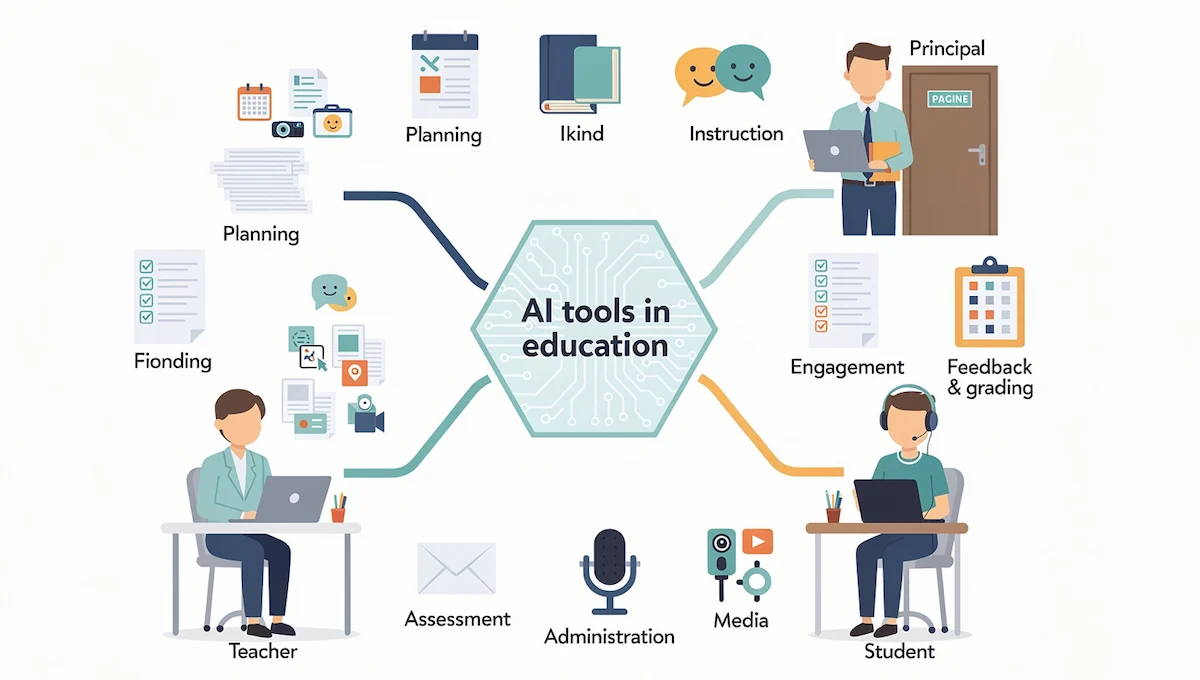
Tools in schools fall into a few groups. Planning and curriculum tools help build lesson plans, units and worksheets. Instruction tools create slides, interactive questions and reading material. Engagement tools help students practice, discuss and get support. Feedback and grading tools check work against a rubric and suggest comments. Assessment tools write quizzes and tests. Administrative tools handle emails, reports and records, and media tools produce images, audio and video. If a term in this guide is new to you, the AI terms glossary explains it in plain language.
How these tools differ from a general AI chatbot
A general chatbot answers whatever you type, and it usually has no idea who your students are. Education platforms add things a teacher needs: templates for lesson plans and rubrics, settings that control what students can see, a record of what students asked, and privacy terms written for schools. That difference matters most when students use the tool directly, because a school needs to know where student data goes and who can read it.
Best AI tools in education at a glance
The table below shows the tools mentioned most often by teachers, school leaders and review sites, with the job each one does best. Features and plans change often, so check the current version on the website of each tool before you decide.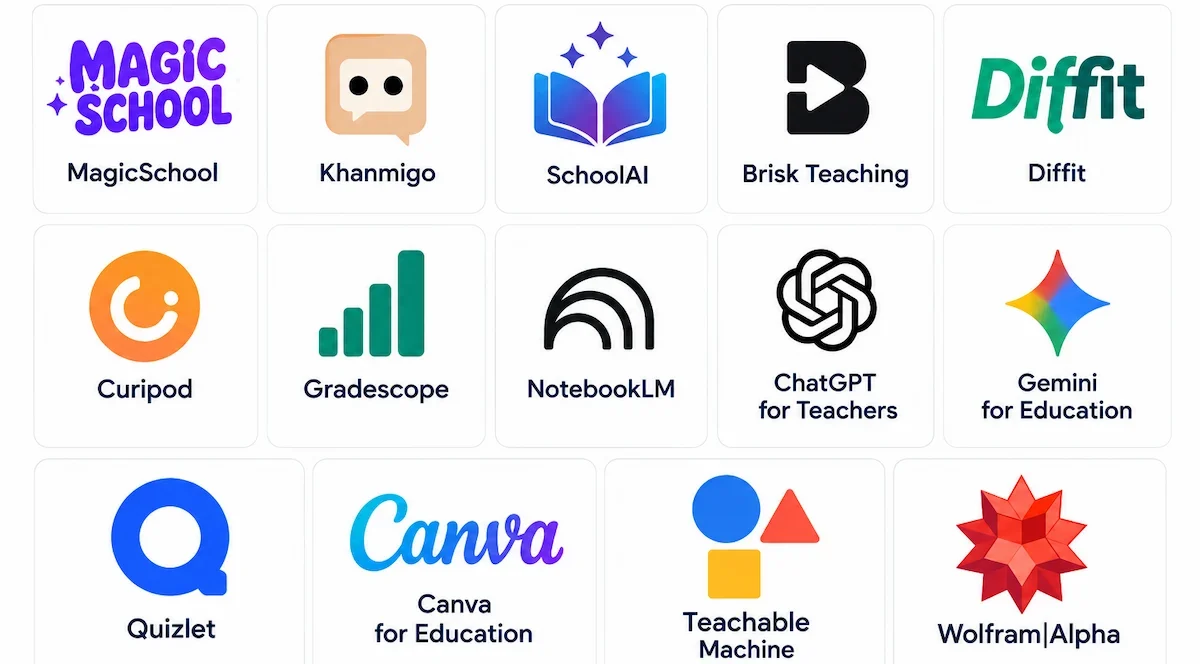
| Tool | Best for | Main users | Free option |
|---|---|---|---|
| MagicSchool | Lesson planning, differentiation and many teacher tools in one place | Teachers | Free plan with limits |
| Khanmigo | Tutoring for students and planning help for teachers | Teachers, students | Free for teachers in the United States |
| SchoolAI | Student spaces that the teacher sets up and watches | Teachers, students, districts | Check the current plan |
| Brisk Teaching | Feedback and lesson materials inside tools teachers already use | Teachers | Check the current plan |
| Diffit | Adapting reading material to different levels | Teachers | Check the current plan |
| Curipod | Interactive lessons with live questions | Teachers | Check the current plan |
| Gradescope | Grading with rubrics and consistent feedback | Teachers, higher education | Check the current plan |
| NotebookLM | Turning your own sources into study material | Students, teachers | Basic features with Education editions |
| ChatGPT for Teachers | General assistant with school privacy settings | Teachers | Free for verified K-12 educators in the United States |
| Gemini for Education | Assistant inside Google Classroom and Workspace | Teachers, students | Basic features with Education editions |
| Quizlet | Flashcards, practice tests and tutor chat | Students | Check the current plan |
| Canva for Education | Slides, posters and visuals | Teachers, students | Check the current plan |
| Teachable Machine | Showing students how AI learns | Teachers, students | Free, no sign-in needed |
| Wolfram|Alpha | Math and science problems with step-by-step work | Students, higher education | Check the current plan |
How we picked these tools
The tools come from the lists that teachers, school leaders and education sites mention most often, and each one had to meet four tests: it solves a clear job, a teacher can control what it does, it has a plan that can be tested for free or at low cost, and its provider explains how it handles data. A tool that fails the last test can still be useful for teacher-only tasks, but not for anything that involves students.
Best AI tools for teachers, by job
The best AI tools for teachers are the ones that remove a task you repeat every week. Pick the job first, then the tool. Most teachers settle on one all-in-one platform for planning and materials and one or two extra tools for feedback or visuals, and a general assistant fills the gaps.
Lesson planning and unit design
Lesson planning is where most teachers start, because a first draft arrives in a minute and the teacher edits it. MagicSchool, Eduaide, Edcafe and Diffit are AI tools for teachers that offer templates for lesson plans, units, objectives and activities, and a general assistant works too if you give it the grade, the subject, the standard and the time you have.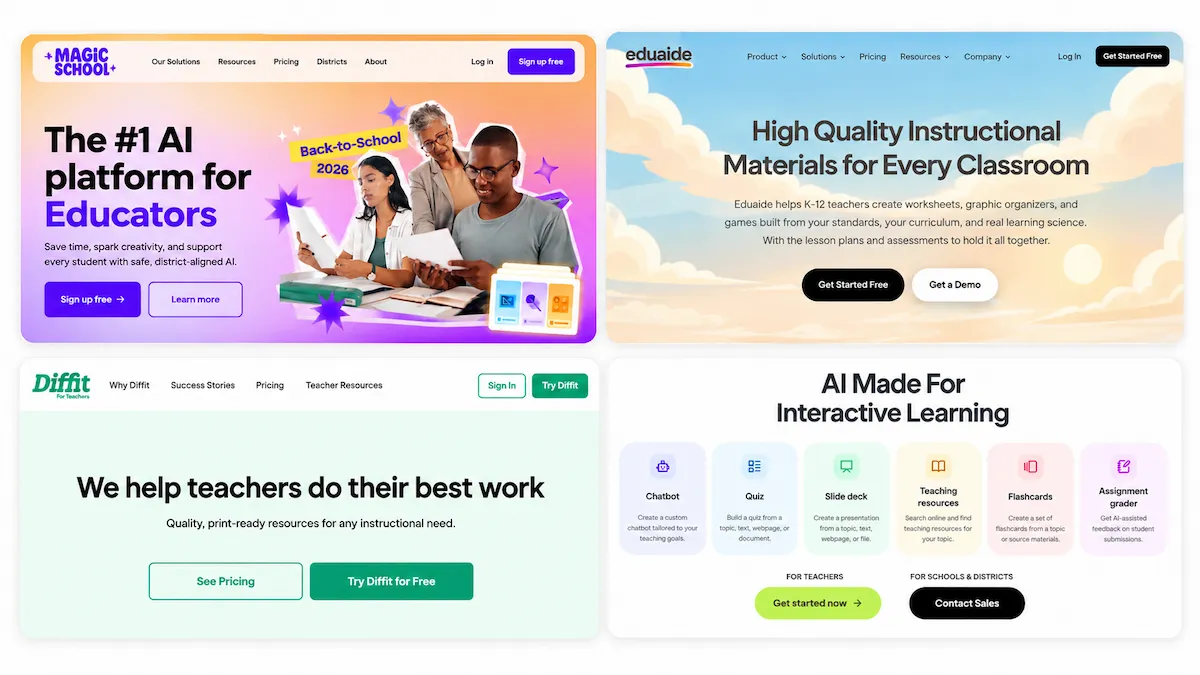
Good prompts make the difference, and the guide on prompt engineering for business explains how to ask for exactly what you need. Always check the draft against your curriculum, since a plan that looks polished can still miss the standard.
Worksheets, slides and teaching materials
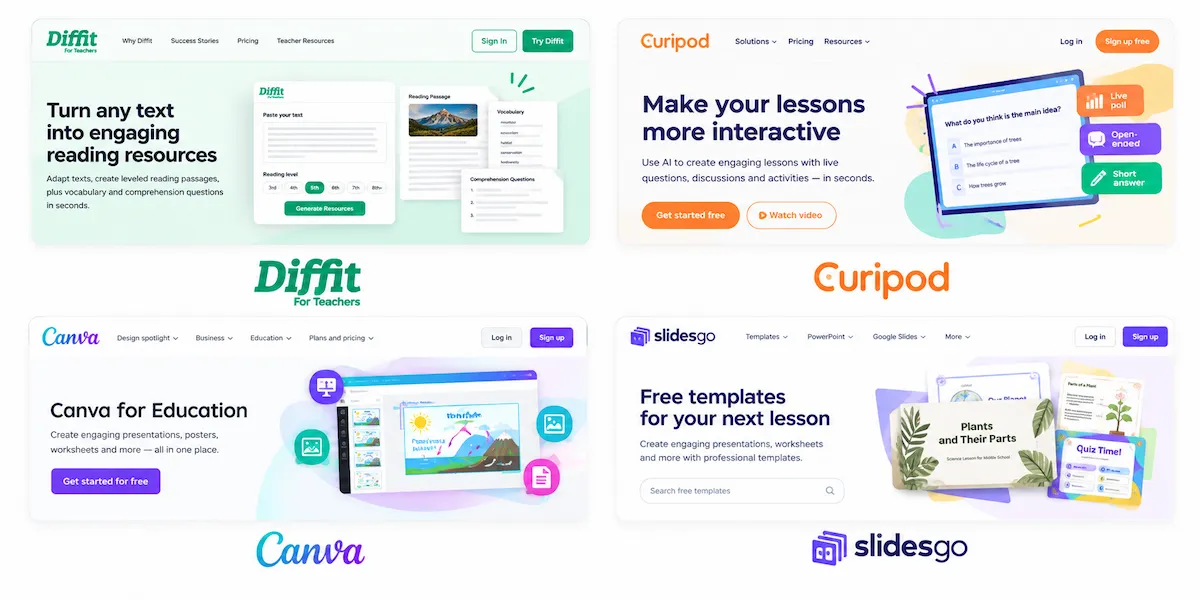
Tools such as Diffit, Curipod, Canva and Slidesgo turn a topic or a text into worksheets, slide decks and activities. A common workflow is to paste a reading passage, pick a reading level and get a version with vocabulary and questions.
Read every question before it reaches students, because generated materials sometimes contain errors or slightly off facts.
Quizzes and assessment creation
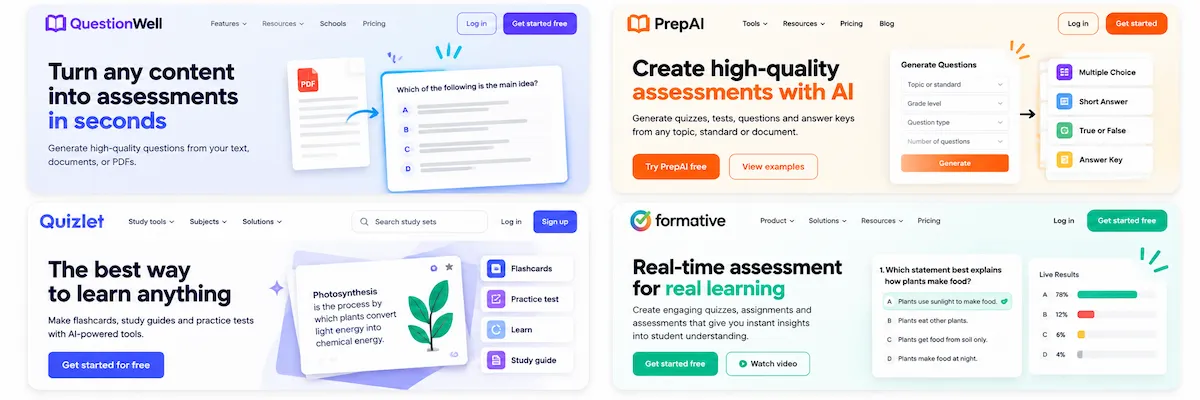
Quiz tools such as QuestionWell, PrepAI, Quizlet and Formative write multiple choice questions, short answers and practice tests from a topic or a document. Ask for questions at different difficulty levels and for an answer key, then check the key by hand.
Good assessment questions measure what you taught, so remove any item that tests something the class never covered.
Grading and feedback
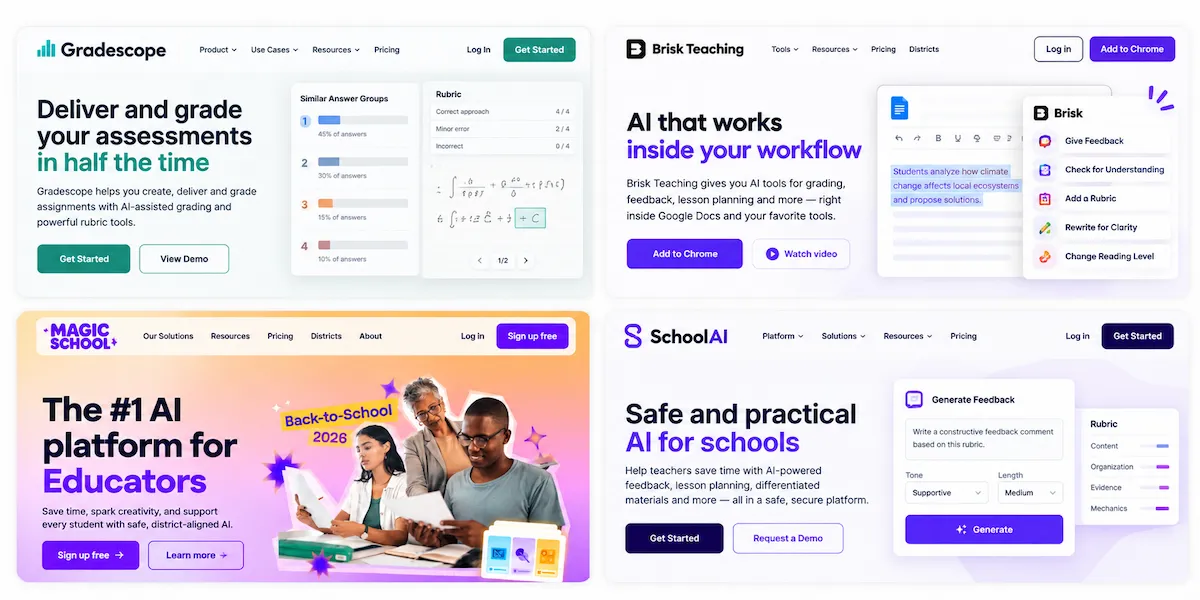
Grading and feedback take more time than anything else in a teaching week. Gradescope, one of the AI tools for teachers built for grading, groups similar answers and applies a rubric consistently, Brisk Teaching adds feedback inside Google Docs, and platforms such as MagicSchool and SchoolAI draft comments based on a rubric you provide.
The teacher stays responsible for the grade. A draft comment can save minutes per student, but the score and the final words should always come from you, and a policy that says so protects both teachers and students.
Differentiation and personalized learning
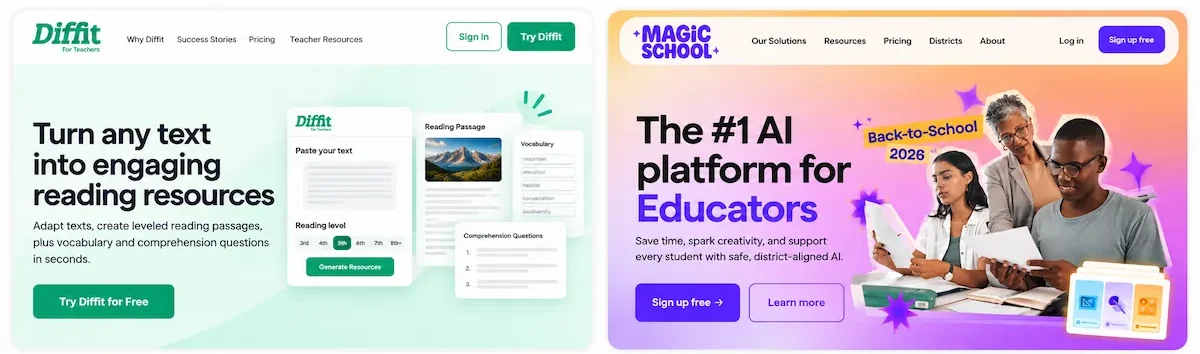
Differentiation means giving students the same goal through different routes. Diffit and MagicSchool can rewrite a text at several reading levels, simplify vocabulary for multilingual learners and add extension tasks for students who finish early.
This is the practical side of personalized learning: not a separate lesson for each child, but a few well-made versions of the same material. Check each version for accuracy, since simplifying a text can change its meaning.
Student engagement and classroom management
Engagement tools such as Mentimeter and Curipod add live polls, word clouds and questions that students answer on their own devices, while ClassDojo supports behavior and communication with families.
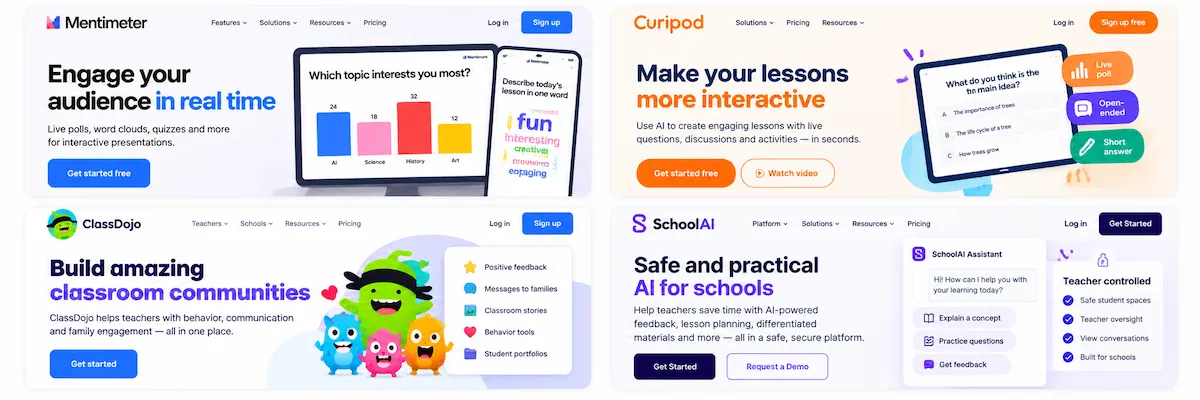
SchoolAI lets a teacher open a space where students chat with an assistant under the teacher direction and the teacher sees the conversations. These tools help most when the activity has a clear purpose, such as a quick check for understanding before the next topic.
Parent communication and admin tasks
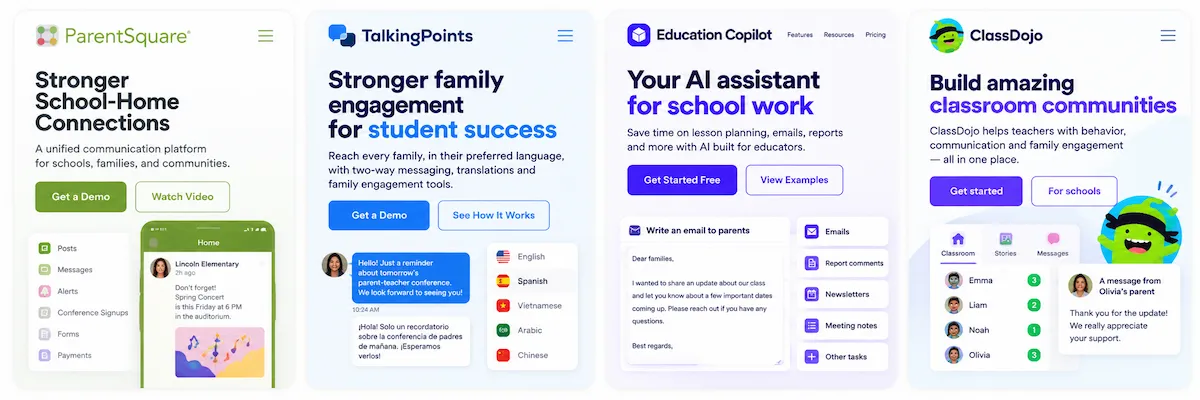
Emails to parents, report comments, newsletters and meeting notes eat up evenings. ParentSquare and TalkingPoints support communication with families, and Education Copilot and similar tools draft messages and reports.
Before you paste anything, remove student names and any detail that identifies a child. Read each message once more, because tone matters in school communication.
Visuals, audio and video
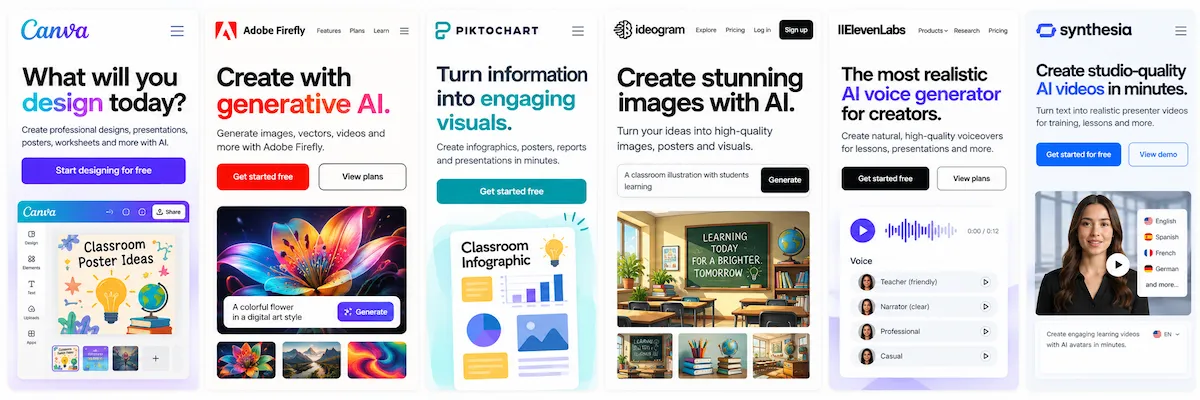
Canva, Adobe Firefly, Piktochart and Ideogram create images, posters and infographics, and ElevenLabs and Synthesia produce narration and presenter videos for flipped lessons. Always label AI-generated images and voices so that students know what they are looking at.
For a broader look at image and text creation, read the guide to AI content creation.
Best AI tools for students
The best AI tools for students explain, ask questions and give practice, rather than only write the answer. Which tools students may use depends on age, school policy and the data agreement the school has with the provider, so a teacher should decide first and then share the list with students and parents.
AI tutors and study helpers
Khanmigo, one of the best-known AI tools for students, guides a student with questions and hints instead of handing over a result, and Quizlet offers flashcards, practice tests and a tutor chat, both useful for personalized practice. NotebookLM lets a student upload their own notes and sources and then ask questions, make summaries and generate study guides from that material, which keeps answers tied to what the class studied. A good habit is to ask the tool to quiz you, not to summarize for you.
Language, math and writing support
Duolingo supports language practice, Photomath and Wolfram|Alpha show steps for math and science problems, and Speechify reads text aloud for students who learn better by listening. Writing helpers such as Grammarly point out grammar and clarity issues. They work best when students use them after writing a draft, so the ideas stay their own.
Tools that support learning, not cheating
With any of the AI tools for students, the line between support and cheating depends on what the assignment tests. A tool that explains a concept supports learning, and a tool that writes the essay replaces it. Teachers can set the line with a simple rule for each task: allowed, allowed with disclosure, or not allowed. Rules for academic integrity are covered further down in this guide.
AI tools for students with disabilities
Text to speech, speech to text, captions and reading support help students with dyslexia, vision or hearing difficulties and motor challenges. Captions improve access in video lessons, and the guide on how to add AI subtitles to videos shows how to create them quickly. Always involve the student, the family and the support team when a tool becomes part of an individual plan.
AI tools by grade level and subject
The same AI tools in education look very different in a first grade classroom and in a high school lab. Age decides how much a student can do alone, and the subject decides which errors matter most.
Elementary and primary school
In the early grades the teacher should be the one who uses the tool, on a shared screen or behind the scenes. Teachers use it to prepare reading passages at the right level, simple practice activities and messages to families, and some read-aloud tools support early readers. Children under 13 are covered by COPPA in the United States, so a school should approve any tool that a young student touches directly.
Middle and high school
Older students can work with a tutor tool, a research helper such as NotebookLM or a feedback tool on their own drafts, under rules that the teacher sets. This is also the age where academic integrity questions begin, so each assignment needs a clear line about what is allowed. Ask students to show how they used a tool, not only what it produced.
Math and science
Photomath, Wolfram|Alpha and Khanmigo show steps for equations, graphs and science problems, and Gradescope grades written work with a rubric. The risk is a wrong step that looks right, so students should check a result with an independent method or ask the tool to explain each step in their own words.
Languages and writing
Duolingo supports vocabulary and speaking practice, Grammarly points out grammar and clarity, and text to speech tools read drafts aloud, which helps students hear their own mistakes. Translation tools help multilingual families follow what happens in class, but quality varies by language, so important messages should be checked by a person.
Career and technical education
In career and technical classes, tools can create practice scenarios, summarize long manuals and explain trade vocabulary. Teachable Machine is a good fit in computing and technology classes because students train a simple model themselves and see how data shapes the result. Safety content, such as workshop or lab procedures, must always come from approved sources.
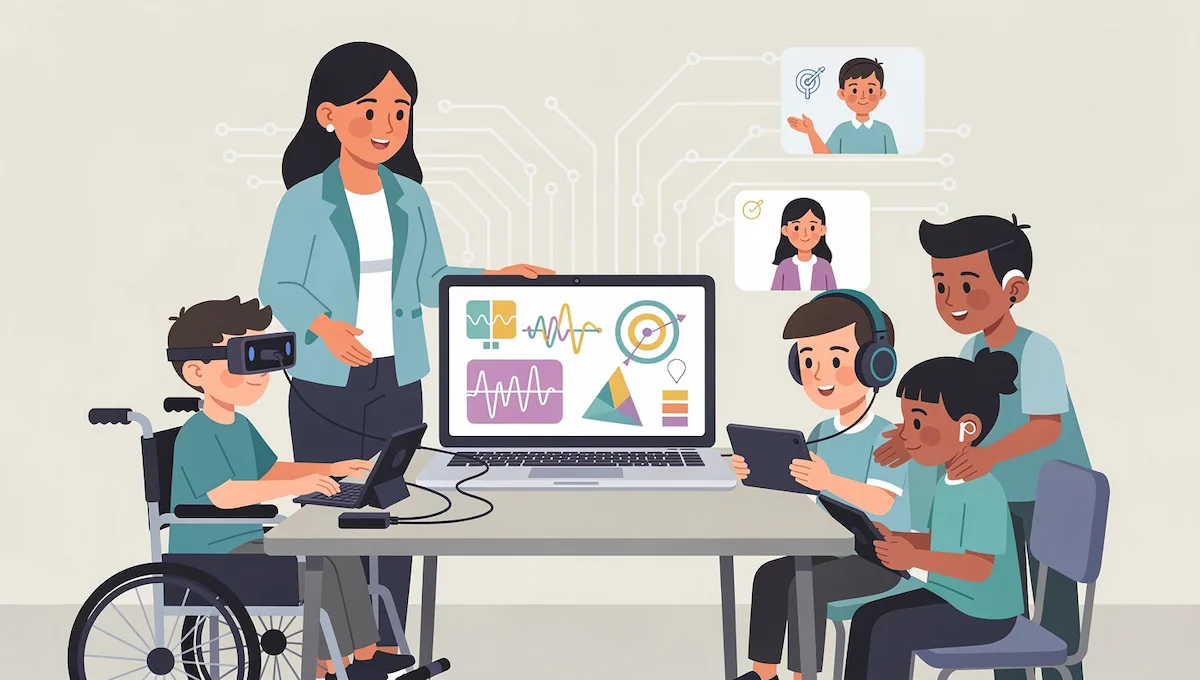
AI tools for special education
AI tools for special education promise more individual support and less paperwork, but this is also the area where an error costs the most. Use them to prepare and to save time, and let the qualified teacher and the support team make every decision.
Assistive technology and communication aids
AI-powered communication systems help students with speech difficulties build sentences, choose words and take part in lessons. Reading tools adjust text size, spacing and vocabulary, and speech tools turn spoken answers into text. These are most useful when they are set up for one student and reviewed regularly.
IEP paperwork and its risks
Several platforms advertise help with IEPs and behavior plans. A review by Common Sense Media flagged IEP generators as especially worrying, because they can produce a convincing document from very little information. Use them for structure, wording suggestions and progress summaries, and never for decisions about services or goals.
Keeping a teacher in the loop
Every output in special education needs a human review: the teacher, the case manager and often the family. Keep the real student data out of tools that your school has not approved, and use a school-approved system when the work involves a plan or a record.
AI tools for schools and school leaders
AI in education is mostly discussed in terms of classroom use, but AI tools for schools also include the office, the leadership team and the district. School leaders need tools that save time on writing, meetings and data, and they need a clear way to approve tools for staff and students.
AI tools for principals and administrators
Principals use AI for communication and writing (letters, newsletters, policies), meeting notes and transcription, analysis of attendance and student data, and records and documents. Start with writing and meeting tasks, since they carry the lowest risk, and keep student information out of general tools unless the school has a data agreement with the provider.
How a district can pilot and roll out tools
A district rollout of AI tools for schools works best as a small pilot: one tool, a few classrooms or offices, a clear goal and a date to review the result. Name one person as the AI lead, form a small team from instruction, IT and data, and write down what the pilot should prove. The guide on building an AI tool stack shows how to keep the number of tools small and the setup simple.
Professional development and AI literacy
Gallup data reported by The 74 found that nearly two thirds of teachers used AI during the 2024 to 2025 school year, yet about 68 percent had no training. Even a short session on prompts, checking output and privacy rules makes a big difference. Teach students the same basics, because AI in education now includes AI literacy as part of the school day. Short workshops, a named AI champion in each school and a shared folder of tested prompts work better than one long training day.
Writing a school AI policy
A school policy answers four questions: who approves a tool, what data may be entered, when students may use AI and how the rules are reviewed. Sample guidance from TeachAI says that teachers decide if, when and how AI is used in their classes, that tools must disclose how they use personal information and that the guidance should be reviewed every year. Write the policy in plain language and share it with families.
How to measure whether a tool works
Decide before the pilot what success means: hours saved per week, quality of the output after editing, student feedback, problems found and cost. Claims from vendors about learning gains vary and independent evidence is still limited, so compare a class that uses the tool with your own earlier results. Drop a tool that does not show a clear benefit after one term.
AI tools in higher education
AI tools in higher education follow the same pattern as in lower grades, with more writing, research and independent study. Students use NotebookLM and similar tools to organize sources and make study guides, and instructors use Gradescope and rubric-based tools to grade at scale. Blackboard and other course platforms add AI features for course management. ChatGPT Edu and Gemini for Education are aimed at universities and colleges, with admin controls and data protection settings.
Universities usually publish their own AI policies, and they differ a lot from one course to another. Students should check the syllabus, cite any AI use the way the instructor asks, and keep their notes and drafts, because they show how the work was produced.
Free AI tools in education
Many free AI tools for education are good enough to test an idea or cover a small need. A free plan rarely covers a whole school, so check the limits before you build a routine around it.
What free plans usually include
MagicSchool lists a free plan for individual teachers with a large set of teacher tools and limits on output, and a Plus plan for unlimited use at $8.33 per month billed annually at the time of writing. Khan Academy offers Khanmigo for teachers at no cost for teachers in the United States. OpenAI offers ChatGPT for Teachers free to verified K-12 educators in the United States, with the end date of the free period stated on its page, and says that content is not used to train its models by default. Google includes Gemini and its notebook tool with Education editions at no extra cost for the basic features. For general assistants beyond education, see the list of free ChatGPT alternatives.
How to test a free tool safely
Test with made-up examples, not real student work. Read the privacy page, check what the tool stores and for how long, and see whether you can delete your data. If the tool asks for student accounts, stop and ask your school first. A free tool is only free if it fits the rules of your school.
How to choose AI tools for your classroom or school
The right AI tools in education match a real problem, respect student data and fit the way you already teach. The questions below work for AI tools for schools of any size, from a single teacher to a district, and the guide on how to choose AI tools offers a general checklist you can adapt.
Data privacy and student safety
Find out what data the tool collects, where it is processed, who can see it, and whether student inputs are used to train models. Prefer tools that your school or district has approved, and avoid entering names, grades or anything that identifies a child into a tool with no agreement.
Accuracy and bias
Test the tool on your own subject with questions where you know the correct answer. Check for factual mistakes, one-sided explanations and different treatment of different groups of students. A tool that is fine for a draft quiz can be a bad choice for a behavior plan.
Curriculum fit
A tool must work with your standards, your grade level and your language. Ask whether it can align to your curriculum or whether you have to correct that yourself, and see how much editing a plan needs before you can use it.
Cost and long-term support
Compare the free plan, the paid plan and the cost for a school. Ask what happens when the tool changes its price or disappears, because some tools in this market do not survive more than a year. The guide on how much AI tools cost explains what to look for in pricing.
Training and onboarding
A tool that nobody learns to use is wasted money. Look for short tutorials, a help center, sample prompts and a community of teachers, and plan a short training for staff before the rollout.
Student data privacy: FERPA, COPPA and GDPR
Privacy is the first question a school asks about AI tools in education, and the right answer depends on where you live. The notes below describe the main rules in the United States and Europe, and they are a general overview, not legal advice. Check your own school or district policy and ask your data protection officer when in doubt. For an overview of privacy beyond schools, read the guide on AI data privacy for business.
In the United States, FERPA gives parents rights over the education records of their children, and those rights pass to the student at 18 or when the student attends college. The Department of Education guidance on online educational services covers the tools a school provides to students and parents. COPPA protects children under 13 online. According to the FTC, a school can consent for parents only when the provider collects student information solely for an educational purpose, and not for any commercial use. In Europe, GDPR applies, with extra care for children data and a data protection impact assessment for high-risk tools.
What to check in a privacy policy
| Check | Red flag |
|---|---|
| Where data is processed | Processed globally with no named jurisdiction |
| Use of inputs for training | Inputs may be used to improve services, with no education exception |
| Data retention | No retention policy, or indefinite storage |
| Children and age | No mention of children data or age checks |
| School review | Tool used without review by the school data protection officer |
What never to type into an AI tool
Do not enter student names, addresses, ID numbers, grades, health information, behavior records or IEP details into a tool that your school has not approved. Replace real names with initials or a code, and describe the situation without details that could identify a child. The same rule applies to photos and voice recordings of students.
School-approved tools and data agreements
A school-approved tool comes with a data agreement that says what the provider may do with student information. Ask your IT team which tools are on the approved list before you start, and follow the TeachAI guidance, which says that staff and students should not enter personal information into AI tools without an approved data privacy agreement.
Pros and cons of AI tools in education
The pros and cons of AI tools in education are easier to weigh when you separate what the tools do well from what they do badly. They are good at first drafts, repetitive tasks and practice, and weak at judgment, context and accuracy.
Benefits for teachers and students
- Time saved on planning, grading drafts, emails and reports.
- Materials adapted to different reading levels and needs.
- Instant practice and personalized feedback for students.
- Support for students who need more time or a different format.
- Faster production of visuals, quizzes and slides.
Accessibility and equity
AI tools can widen access: text to speech, captions, translation and reading support help students who struggle with a standard format. They can also widen gaps, because not every student has a device, a stable connection or a paid plan at home, and the best features often sit behind a subscription. Choose tools that work on school devices, offer a free route for students and do not make homework depend on a paid account.
Bias, cost and weak context
AI tools reflect bias in their training data, and they know nothing about your class, your students or the local situation. Costs matter too, since classroom licenses add up and some providers change prices or disappear.
AI hallucinations and wrong answers
AI tools sometimes state wrong facts with full confidence, invent sources or quotes and make errors in dates, names and formulas. This is called a hallucination. In the Common Sense Media review, two of the tools did not identify a debunked claim as false. Check every fact, ask the tool for sources and then open those sources yourself, and teach students to do the same.
Over-reliance and cognitive offloading
When a tool does the thinking, students stop practicing it. Researchers call this cognitive offloading, and it matters most for writing, reasoning and basic skills. Teachers can limit it by asking students to attempt a task first, explain their reasoning aloud and use the tool only after that. Over-reliance affects teachers too: a plan that nobody edits is a plan nobody owns.
What independent research found
A review by Common Sense Media of four AI teacher assistants (Khanmigo, MagicSchool, Curipod and Gemini in Google Classroom) rated them as a moderate risk. As reported by The 74, reviewers found that the tools can create misleading or biased material, that they make it easy to send content to students without teacher review, and that behavior plans written for students of different races differed in tone. The advice that followed is simple: set clear policies, train teachers and review every output.
Ethics of AI in the classroom
Ethical use of AI in education comes down to three habits: look for bias, be open about what you use and keep a person in charge of every decision that affects a student.
Bias and fairness
Common Sense Media found that behavior plans written by two tools for students of different races differed in tone, with more positive suggestions for white students. A teacher cannot see that bias in a single output, so compare results for different students and never use a tool to label, rank or predict a child.
Transparency with students and parents
Tell students and parents which tools you use, what they are for and what data they see. A short note at the start of the year, with a way to ask questions, prevents most misunderstandings. Students should also be told when a teacher used AI to prepare feedback or material.
Keeping a human in the loop
Grades, behavior plans, referrals and placement decisions belong to people. Sample guidance from TeachAI states that humans review AI output before use and that AI should not be solely responsible for grading. Treat each output as a draft that a teacher signs off on.
AI detectors and academic integrity
Many teachers ask which AI detection tools they should use, and the honest answer is that they should not rely on them alone. Academic integrity rests on clear rules and good assignments more than on software.
Why detector scores are not proof
Detectors give a probability, not a fact, and they can flag honest work and miss generated text. Sample school guidance from TeachAI says teachers should not rely on tools that claim to detect AI content because their accuracy is questionable. A score can start a conversation with a student, but it should never be the only evidence.
Setting clear rules for AI use
Tell students what is allowed for each assignment and why. Allow AI for brainstorming on one task and forbid it for a first draft on another, and explain the reason. Rules that students understand are followed more often than rules that only forbid, and they make academic integrity easier to protect.
Asking students to cite AI use
Ask students to name the tool, the prompt and what they used from it, and to cite it in MLA, APA or Chicago style where the class uses those. Handing in generated work as your own is plagiarism. Keeping a short process log, with drafts and notes, makes honest work easy to show.
How to start with AI tools in education: a 30-day plan
The easiest way to start with AI tools in education is to start small. Audit one task that takes you too long, pick one tool for it, and treat the first month as a test, not a rollout.
Week 1: pick one task and one tool
Choose the task that costs you the most time, such as lesson planning for one unit. Pick one tool, a free plan is enough, and use it to prepare that one task only.
Week 2: check the output and the privacy settings
Compare the result with what you would have made yourself. Fix the errors, note what you had to change, and read the privacy settings so that you know what the tool stores.
Week 3: try it with students
If the tool is meant for students, try it with one class, tell the students and parents what you are testing and watch how students use it. Ask students what helped and what confused them.
Week 4: review and decide
Write a short note on time saved, quality, problems and cost. Share it with a colleague or your leadership team, then decide to keep, change or drop the tool.
Will AI tools replace teachers?
AI in education changes a lot of routine work, but no tool replaces the relationship between a teacher and a class. AI can draft, sort, suggest and explain, but it cannot notice that a student is struggling, adjust to a mood in the room or decide what a class needs next. The most useful way to see these tools is as an assistant that handles routine work, so that teachers have more time for the parts of teaching that need a person. The risk is not replacement but careless use, which is why a human review, a clear policy and good training matter more than any single tool.
Common mistakes when using AI tools in education
- Entering student names, grades or records into a tool with no data agreement.
- Using a draft lesson plan, quiz or comment without reading it.
- Trusting an AI detector score as proof of cheating.
- Choosing a tool because it is popular, not because it fits the task.
- Starting with five tools at once instead of one task and one tool.
- Giving students AI tools without clear rules or an explanation.
- Ignoring the free plan limits and the end date of a free offer.
- Skipping training for staff and families.
Final checklist before you adopt a tool
- The tool solves a real problem that you can name.
- Your school or district has approved it, or the use involves no student data.
- You tested the output on a topic you know well.
- The privacy policy says how data is stored, used and deleted.
- Students and parents know when and how AI is used.
- You review every output before it reaches a student.
- You know the cost after the free period ends.
Where to start
Pick one task that takes you too long, test one of the AI tools for teachers for a month and write down the result. Teachers who start this way usually keep two or three tools and drop the rest. If you plan to use AI tools across a school or an organization, read how to use AI in business for a practical framework that works outside the classroom too.
AI tools in education FAQ
What are AI tools in education?
AI tools in education are apps that use artificial intelligence to help teachers plan lessons, grade work and communicate, to help students study and practice, and to help schools manage administration. They range from teacher platforms such as MagicSchool to general assistants such as ChatGPT and Gemini.
What are the best AI tools in education for teachers?
The most popular choices are MagicSchool for planning, Khanmigo for tutoring and planning, SchoolAI for student spaces, Brisk Teaching for feedback, Diffit for reading levels and Gradescope for grading. The best tool depends on the task, so test one on a real job.
What are some free AI tools for teachers?
MagicSchool has a free plan, Khanmigo is free for teachers in the United States, ChatGPT for Teachers is free for verified K-12 educators in the United States, and Gemini and NotebookLM come with Education editions. Check the limits and the end date of each offer.
What AI tools do teachers use?
Teachers use planning platforms such as MagicSchool and Eduaide, feedback tools such as Brisk Teaching and Gradescope, interactive tools such as Curipod and Mentimeter, and general assistants such as ChatGPT, Gemini and Claude.
What is the school version of ChatGPT?
OpenAI offers ChatGPT for Teachers for verified K-12 educators in the United States, and ChatGPT Edu for universities. Both include privacy settings meant for education. Check the page of the provider for the current terms and eligibility.
What are the best AI tools for students?
Khanmigo, Quizlet, NotebookLM, Duolingo, Photomath and Wolfram|Alpha are common choices for tutoring, practice, languages and math. Students should use them to learn, and the teacher should set the rules.
What are the pros and cons of AI tools in education?
The pros are time saved, materials adapted to different levels and instant practice. The cons are errors, bias, privacy risks, over-reliance and the cost of licenses. A human review of every output reduces most of these risks.
How much do AI education tools cost?
Many have a free plan for individual teachers. MagicSchool Plus, for example, was listed at $8.33 per month billed annually at the time of writing, and district plans are usually priced by quote. Check the current price and what the free plan limits before you build a routine around it.
Are AI tools safe for students?
They can be safe when the school approves the tool, has a data agreement, controls what students can do and teaches them how to use it. Tools with no agreement or with unclear data use are not safe for student information.
How can teachers check AI output for mistakes?
Read every output, check names, dates and formulas against a trusted source, and ask the tool for references that you then open yourself. Test the tool on a topic where you know the answer, and compare its results for different students to spot bias.
Which AI tools help with grading essays?
Gradescope, Brisk Teaching, Turnitin Feedback Studio and platforms such as MagicSchool and SchoolAI can draft feedback against a rubric. The teacher should read the comments and decide the final grade.
How can AI tools personalize learning for primary school students?
They can adjust reading level, offer extra practice and give hints at the right moment. For young children, a teacher should choose and supervise the tool, and check the age rules and the data agreement first.
Is AI going to replace teachers?
No. AI handles routine tasks and cannot replace the judgment, relationships and care of a teacher. It works best as an assistant under the control of the teacher.
What AI detection tools do teachers use, and do they work?
Some teachers use detectors, but their accuracy is questionable and they can flag honest work. School guidance such as TeachAI advises against relying on them, and recommends clear rules, process logs and conversations with students.
What AI tools help special education teachers?
Communication aids, reading and speech tools, and platforms that help prepare IEP documents can help. Reviews have flagged IEP generators as risky, so use them for structure and wording, and let the support team decide.
What AI tools can school principals use?
Principals use tools for writing and communication, meeting notes and transcription, data analysis and document management. Start with low-risk writing tasks, and use only tools your district has approved when student data is involved.










