Research used to mean long hours with search engines, PDFs and half-finished notes. The problem now is not finding information. It is sorting through far more of it than any person can read. The best AI tools for research cut that pile down to a short list of sources you can check and use.
No single tool does every job. Some find papers, some read them for you, some check whether a claim holds up, and some help with the draft. This guide sorts AI research tools by the job each one does best, shows where each one falls short, lists current prices, and explains how to pick two or three that fit your work. You will also find free options, a simple step-by-step workflow and the risks to know before you trust any answer.
What Is the Best AI Tool for Research?
There is no single best AI tool for research, because research moves through stages and each stage needs a different tool. A tool that is great at finding papers may be weak at writing, and a good writing assistant may know nothing about peer-reviewed sources. The quick picks below match each job to the tools that handle it best.
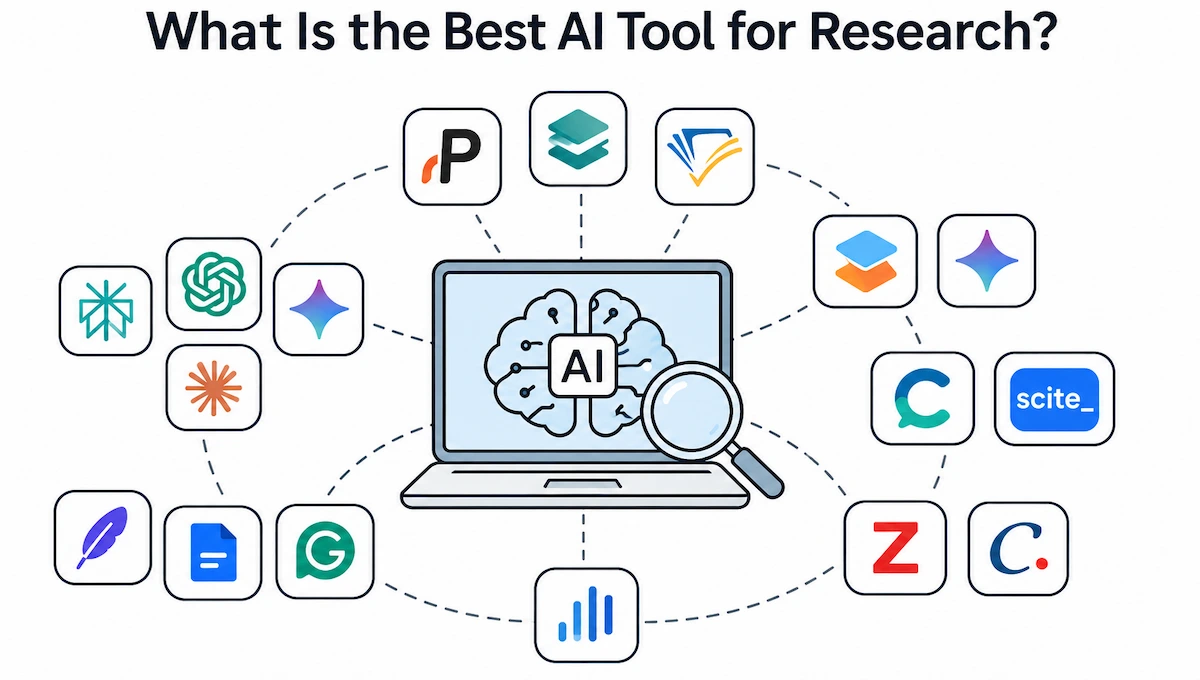
- Finding papers: Paperguide, Elicit, Semantic Scholar
- Reading and summarizing PDFs: SciSpace, Gemini Notebook
- Checking evidence and citations: Consensus, Scite
- Managing references: Paperguide, Zotero, Citavi
- Writing and editing: Jenni AI, Paperpal, Grammarly
- Data analysis: Julius AI
- Fast answers and long reports: Perplexity, ChatGPT, Gemini, Claude
Most researchers end up using two or three of these together. An AI research assistant that searches only peer-reviewed papers gives you stronger sources, while a general assistant gives you speed and flexibility. The best setup usually mixes both.
Best AI Tools for Research at a Glance
The table shows what each tool is best at, whether it has a free plan and its main weak point. Prices and limits change often, so check the official page before you pay.
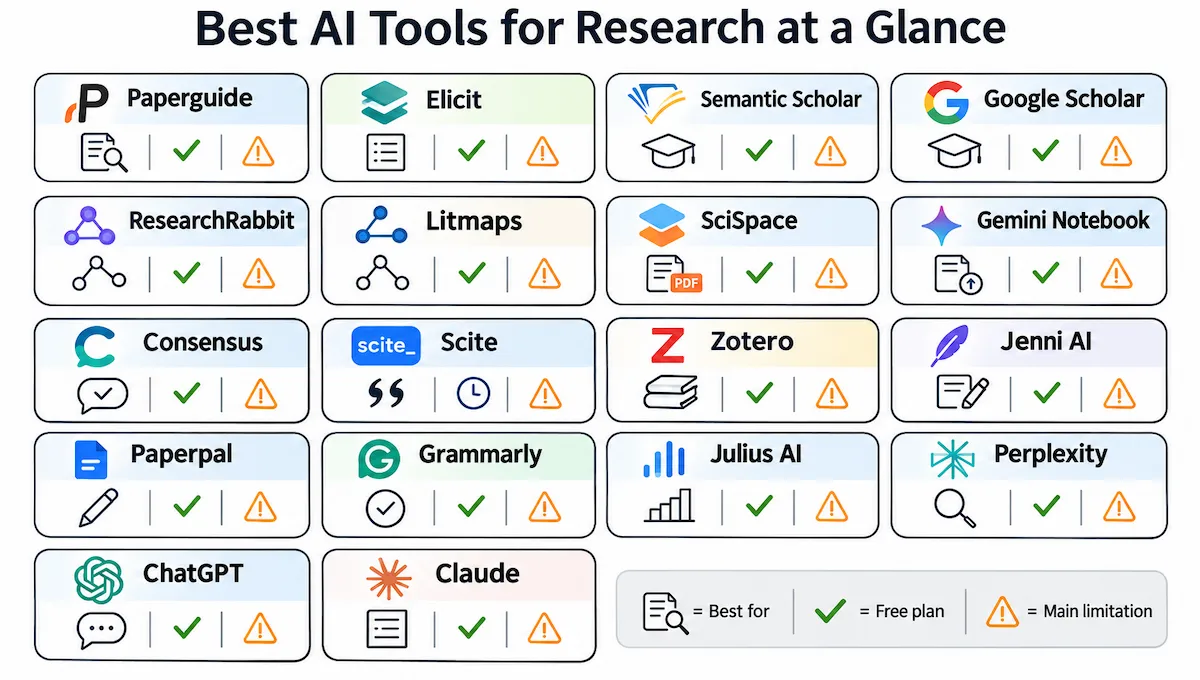
| Tool | Best For | Free Plan | Main Limitation |
|---|---|---|---|
| Paperguide | Search, literature review, references and writing in one workspace | Yes, limited credits | Best features need a paid plan |
| Elicit | Screening many studies and pulling data into tables | Yes, limited | Little help with writing |
| Semantic Scholar | Free academic search with short summaries | Yes, fully free | Search only, no writing |
| Google Scholar | Widest free paper search | Yes, fully free | No AI summaries or synthesis |
| ResearchRabbit and Litmaps | Mapping how papers connect | Yes, with caps | Mapping only |
| SciSpace | Reading and explaining dense PDFs | Yes, limited | Summaries need checking |
| Gemini Notebook | Questions about your own uploaded sources | Yes | Cannot find new papers |
| Consensus | Quick evidence-based answers to focused questions | Yes, limited | Leans toward health topics |
| Scite | Seeing how later papers cited a study | Short trial, check site | Narrow use |
| Zotero | Saving and citing sources | Yes, free software | Free file storage is capped |
| Jenni AI | First drafts with inline citations | Yes, limited | Citations must be verified |
| Paperpal | Academic language editing | Yes, limited | Editing only |
| Grammarly | Final grammar and clarity check | Yes, limited | Not built for academic sources |
| Julius AI | Data analysis in plain language | Yes, limited | Not built for advanced statistics |
| Perplexity | Fast answers with sources | Yes | Weaker on complex academic questions |
| ChatGPT | Deep Research reports and brainstorming | Yes | Can invent references |
| Claude | Long documents and careful analysis | Yes | Not tied to a paper database |
How AI Tools Save Time and Improve Accuracy in Research
Research runs through five stages, and AI tools for research now touch every one of them. The biggest time savings come at the reading and screening stages, where a person used to work through dozens of papers by hand.
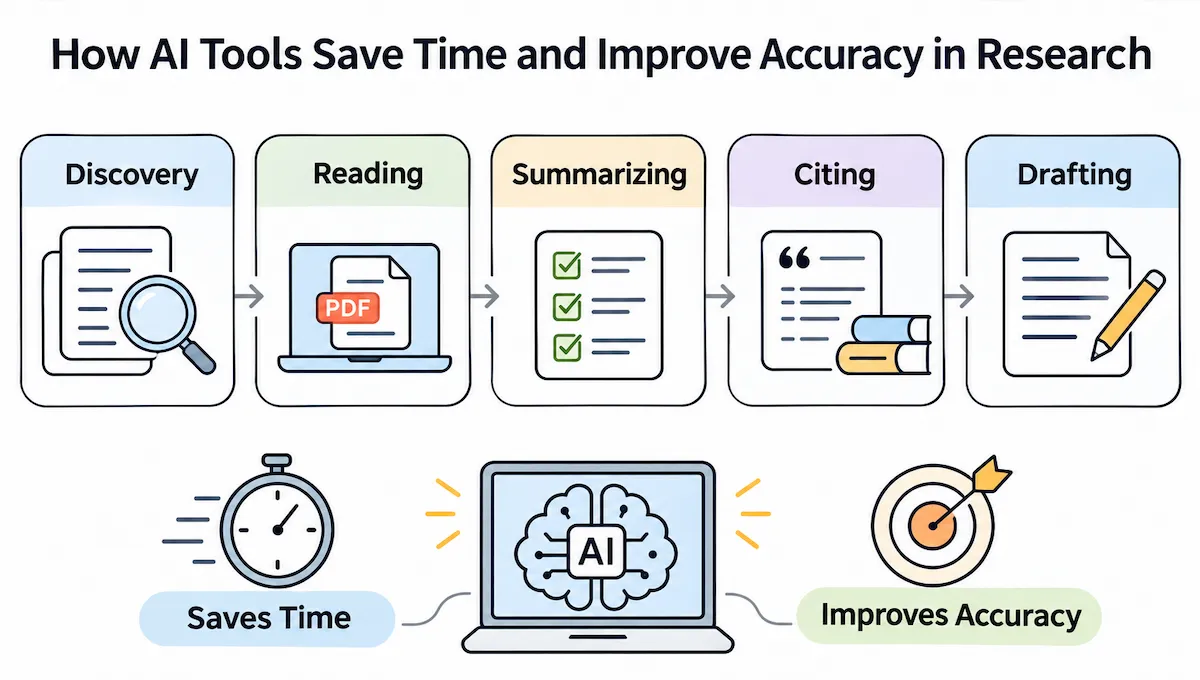
- Discovery: a paper-based tool returns a short list of relevant sources in seconds instead of ten pages of search results.
- Reading: you upload a long PDF and get an answer to a direct question in minutes.
- Summarizing: key findings, methods and limits are pulled out, so you decide which papers deserve a full read.
- Citing: reference tools format citations, so you stop copying details by hand.
- Drafting: writing tools turn notes into a first draft that you edit instead of starting from a blank page.
Speed is easy to gain, while accuracy is not automatic. Tools that point to the exact passage in a paper are easier to verify, so errors get caught earlier. A chatbot that answers from training data can hand you a confident answer with a wrong source behind it. The tool matters less than the habit of checking what it gives you.
What Are AI Research Tools and How Do They Work?
AI research tools are apps built on large language models that help with searching, reading, citing, analysis and drafting. Many connect to real databases of papers, so their answers point back to actual studies. Others, such as ChatGPT or Claude, are general assistants that can help with almost any task but are not tied to an academic index. Many of the most popular AI tools now include research features, which makes the difference between the two types easy to miss.
The gap matters. A tool that pulls from a paper database lets you click through to the source, while a chatbot that answers from its training can sound sure and still be wrong.
Types of AI Tools for Research
- Literature discovery: find papers and build a reading list
- PDF reading and summaries: ask questions about a paper and get answers with sources
- Citation management and analysis: organize references and check how a study was cited
- Data analysis: run statistics and charts on survey or spreadsheet data
- Writing and editing: turn notes into drafts and polish the language
- General assistants: brainstorm, explain and run long Deep Research reports
Some tools sit in more than one group. The same names show up in lists of AI tools for academic research and AI tools for scientific research, since both rely on the same paper databases. If a term in this guide is new to you, the AI terms glossary explains it in plain words.
How We Chose the Best AI Research Tools
We compared each tool on five points that matter once you start using it:
- Sources: does it link to real papers or only generate text
- Citation quality: how much checking you must do before you cite anything
- Job fit: which research stage it is built for
- Free access: whether the free plan is usable
- Limits and price: where it falls short and what the paid plans cost
Features and prices were checked in October 2026 against vendor pages and recent price listings. Plans change often, so confirm current details on the official site before you pay for anything.
Best AI Tools for Literature Review
A literature review is usually the first big job in a project. The tools below cover AI tools for literature review work in different ways: some build tables from many studies, some give you free search, and some map how papers connect.
Paperguide
Paperguide puts search, reading, writing and reference management in one workspace. Its AI search takes a full research question and returns a cited answer built from the top papers, and the literature review feature runs a plan, search, screen, extract and synthesize sequence with every claim linked to a source. You can also chat with PDF files, use data extraction to pull sample sizes and methods from several papers into one table, and run a protocol-based systematic review.
Best for: students and researchers who want one platform from first search to final citation. Limit: the strongest features need a paid plan and some time to learn. Price: a free plan with 2,000 AI credits a month, and paid plans from about 12 to 89 dollars per seat per month, billed annually.
Elicit
Elicit is built for screening a lot of studies fast. You type a research question in plain language and get a table of papers with short summaries, then add columns for details such as sample size, method and outcome. It searches more than 130 million papers and lets you upload your own PDFs for data extraction, which makes it a strong fit for a systematic review or a quick overview of a new topic.
Best for: evidence tables and comparing studies. Limit: little help with writing, and report limits are strict on lower plans. Price: a free Basic plan, Plus at 12 dollars a month (120 a year), Pro at 49 a month (499 a year) and Team at 79 per seat per month.
Semantic Scholar
Semantic Scholar is a free academic search engine from the Allen Institute for AI. It covers more than 200 million papers, adds a short AI summary to each result, and shows a citation graph so you can see which studies are foundational. You can follow authors and set alerts for new work without paying anything.
Best for: a free starting point for any literature review and for finding peer-reviewed papers. Limit: search only, so there is no synthesis or writing help, and it covers academic sources, not news or blogs. Price: free.
Google Scholar
Google Scholar is still the widest free search for papers, theses, books and court opinions, and it picks up non-English work that curated databases often miss. It tracks citations and sends alerts on a topic. It has no AI summaries and no quality filter, and results lean toward older, heavily cited work.
Best for: a broad first pass and checking who cited a paper. Limit: no synthesis, so reading and sorting stays with you. Price: free.
ResearchRabbit and Litmaps
These two build a citation map from papers you already trust, which helps when a keyword search keeps missing things. You add a few seed papers and the tool shows related, older and newer work as a visual network. Litmaps can also monitor your map and add new connected papers each week. Connected Papers does something similar from a single seed paper, and its free tier is capped at a few graphs a month. Together they handle literature mapping better than a plain search box.
Best for: exploring an unfamiliar field and spotting gaps. Limit: mapping only, and the free tiers have caps. Price: free tiers with limits, and paid plans from around 10 dollars a month.
Best AI Tools for Summarizing Research Papers
Long PDFs take time. Tools for summarizing research papers let you ask direct questions and get answers tied to the text, which works like a fast AI research paper summarizer with sources attached.
SciSpace
SciSpace lets you upload a paper and chat with it. Its Copilot explains jargon, methods and tables in plain language and points to the passage each answer came from. It also has a literature review mode that searches a large paper index, summarizes the results and exports to formats such as CSV, BibTeX and RIS. A built-in AI writer and citation generator cover the drafting stage.
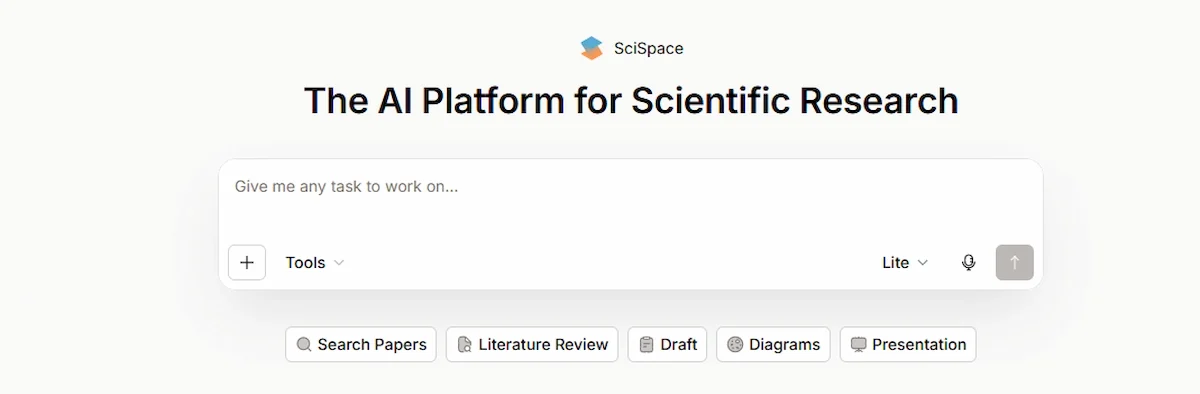
Best for: getting through dense papers outside your own field. Limit: summaries need checking against the original text, and the deepest review features sit on higher plans. Price: a free Basic plan, Premium at 12 dollars a month billed annually (20 monthly) and Advanced at 70 a month billed annually (90 monthly).
Gemini Notebook (Formerly NotebookLM)
Google renamed NotebookLM to Gemini Notebook in July 2026, and Google announced the rename as a new name for the same standalone product. The tool answers only from the sources you add, such as PDFs, links and notes, which keeps answers grounded and cuts down on made-up details. It can also create audio overviews and summaries from your own material.
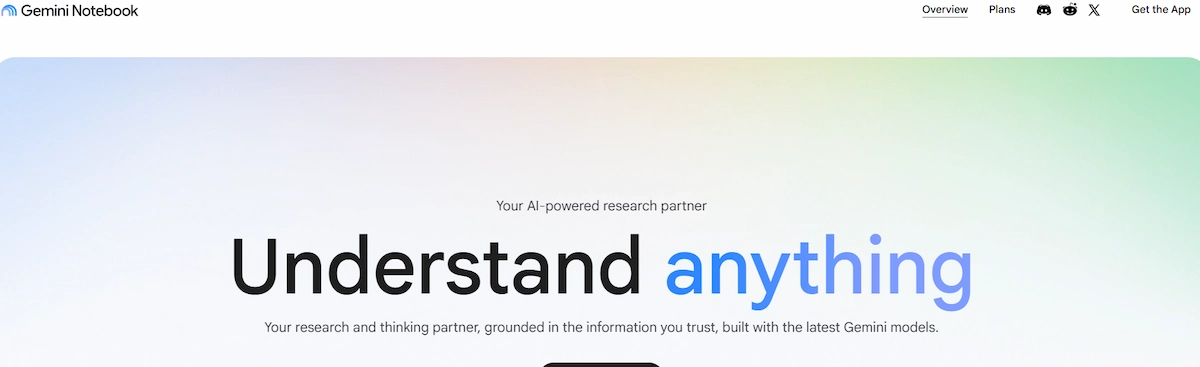
Best for: working through a fixed reading list, such as the core papers for one chapter. Limit: it cannot discover new papers, so gather your sources first. Many articles still call it NotebookLM. Price: a free tier, with higher limits on paid Google AI plans.
Scholarcy
Scholarcy breaks a paper into summary cards with key points, highlights and flashcards, which helps students who need to remember what they read. It is quick for early reading but gives less depth than a full research platform.
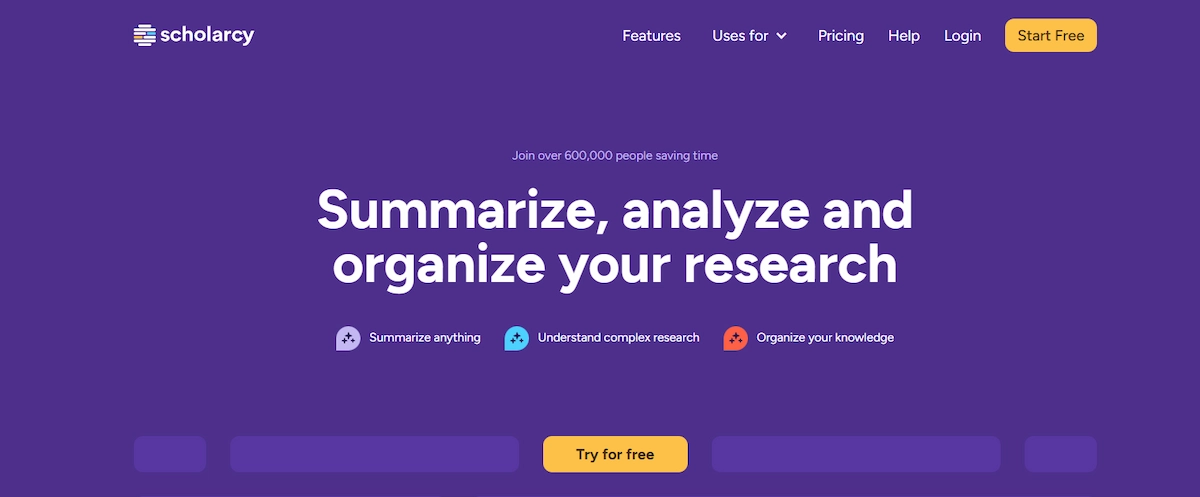
Best for: a fast pass through many papers. Limit: not meant for detailed synthesis. Price: a limited free option, with paid plans from about 10 dollars a month or 90 a year.
ChatPDF
ChatPDF is a light option for a single file. It lets you chat with PDF files: you upload one, ask questions in plain language and get answers, in many languages. It has a free tier that covers the basics.
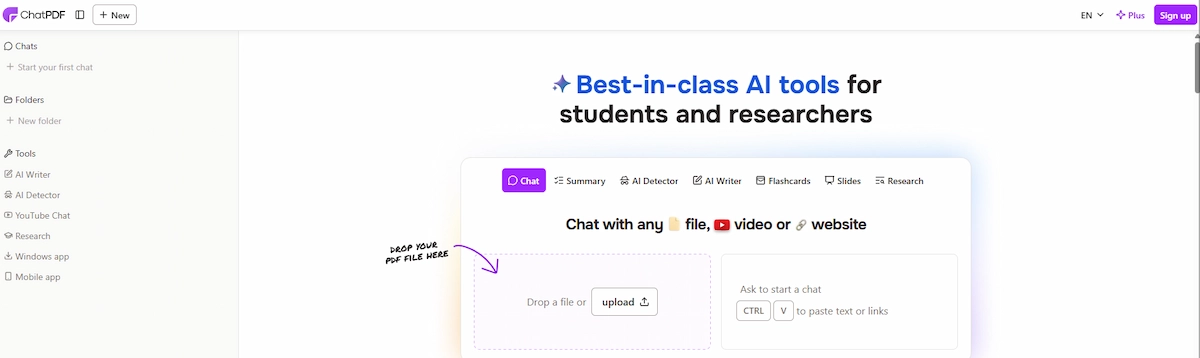
Best for: quick questions about one document. Limit: no paper search and no citation tools.
Best AI Tools for Checking Evidence and Citations
Finding a source is not the same as knowing it holds up. These tools help with quick evidence checks and citation analysis.
Consensus
Consensus searches published studies and returns a direct answer to a focused question instead of a list of links. Its Consensus Meter shows how many papers agree, disagree or give mixed results on a claim, which makes it a quick way to test an idea before you build on it. Think of it as an AI research assistant for yes or no questions backed by published studies.
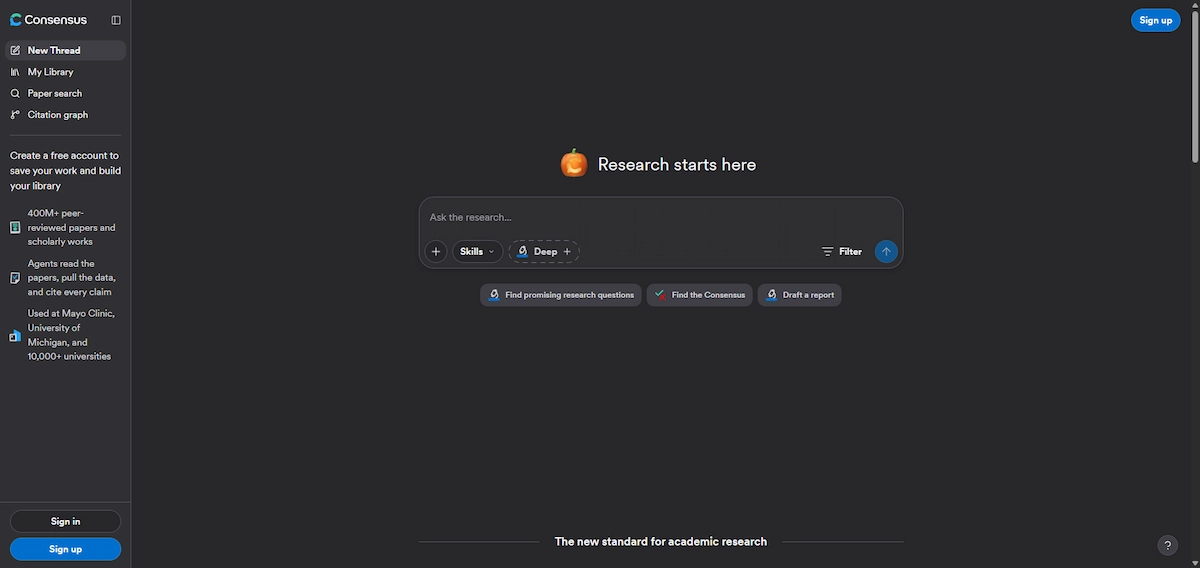
Best for: fast fact-checking against real studies. Limit: it leans toward health and medical topics and is not a writing tool. Price: a free plan with monthly limits, Pro at 20 dollars a month (12 a month billed annually) and Deep at 65 a month (45 billed annually). Students can apply for a discount.
Scite
Scite shows how later papers cited a study: as supporting it, contrasting with it or only mentioning it. A raw citation count cannot tell you that, and it matters when a paper in your review has since been challenged. This kind of citation analysis works well as a second check after you find sources elsewhere.
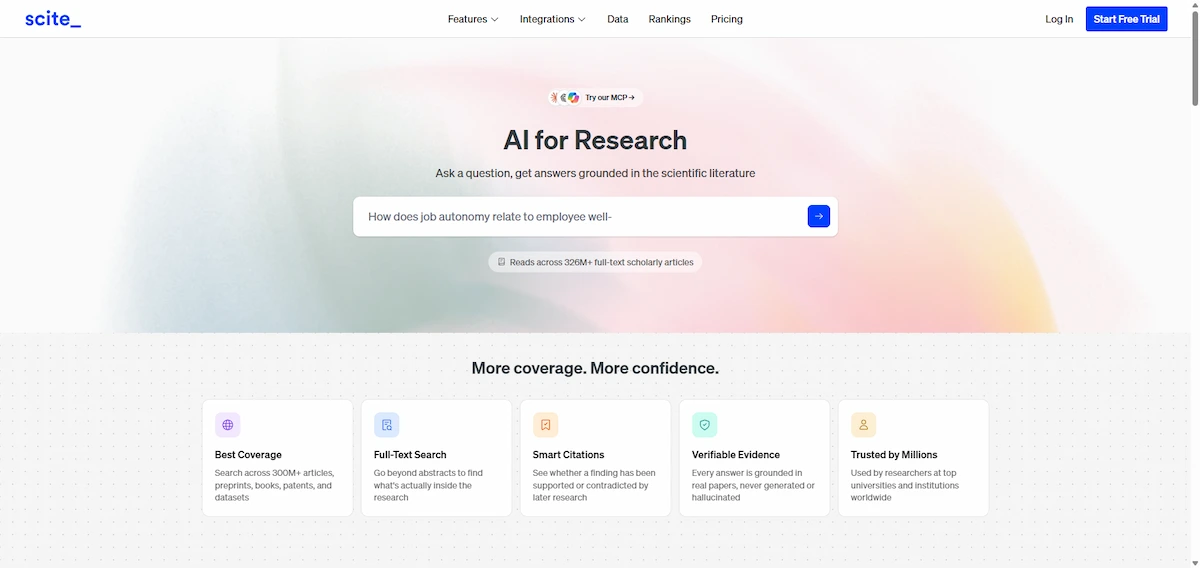
Best for: checking whether a key study is still trusted. Limit: best used next to a discovery tool. Price: a short free trial, then paid plans reported at about 12 to 20 dollars a month depending on billing.
Best AI Tools for Citation and Reference Management
Good citation management saves hours at the end of a project. Reference managers collect sources, store the PDFs and format the bibliography in the style your university or journal asks for, and many now add AI features on top. Mendeley is another common choice, though its AI features are lighter than the tools below.
Paperguide Reference Manager
Paperguide includes a built-in reference manager that imports BibTeX, RIS and DOI files, saves papers from the browser and exports citations in many styles. Each saved paper gets an AI summary, so your library is searchable by meaning and not only by title. It also connects to Zotero and Mendeley if you already keep a library there.
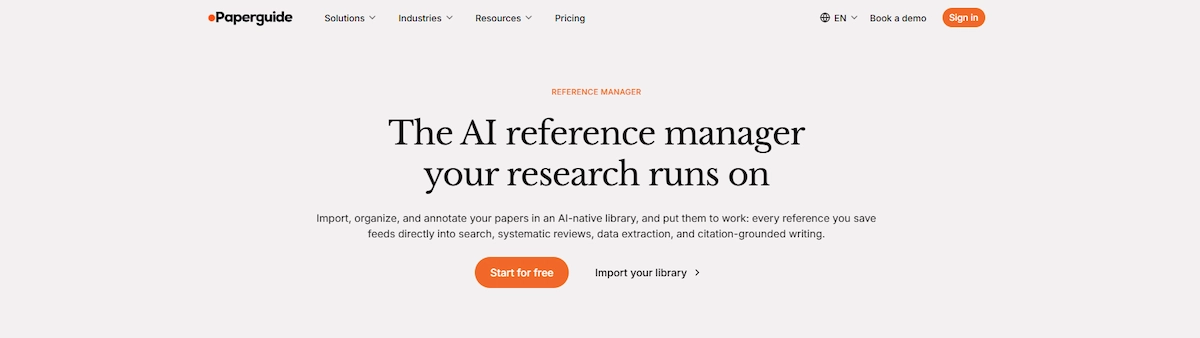
Best for: keeping search, notes and citations in one place. Limit: a new library to learn if you already use another manager. Price: see the Paperguide entry above.
Zotero
Zotero is free, open-source reference software that collects sources with a browser button, builds bibliographies and works inside Word and Google Docs. Many AI tools, Elicit among them, export straight to it. File storage is the only paid part: 300 MB is free, 2 GB costs 20 dollars a year, 6 GB costs 60 and unlimited storage costs 120.
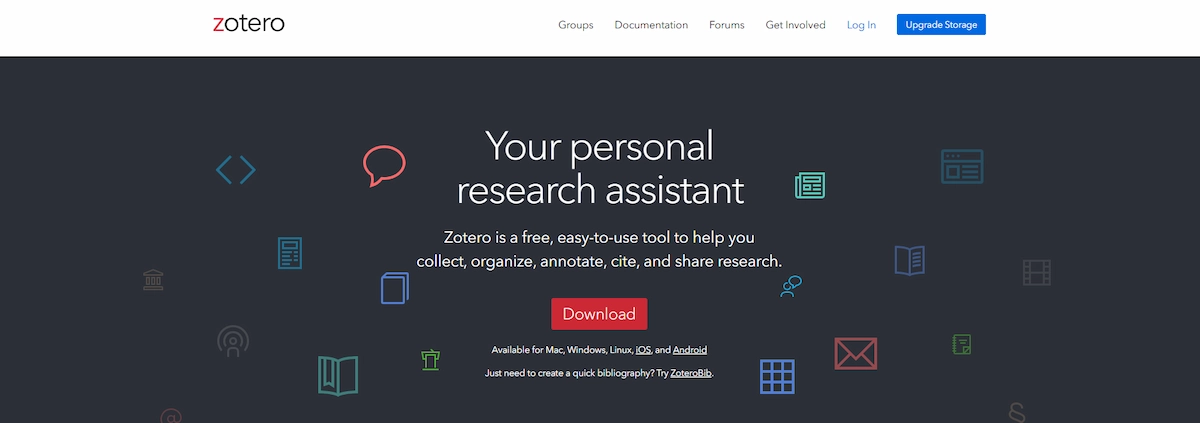
Best for: students and researchers who want a free, reliable library. Limit: few built-in AI features, so pair it with a reading tool. Price: free software, with paid storage as listed.
Citavi
Citavi combines reference management with knowledge organization, so you can keep quotes, notes and tasks next to each source. Its AI Paper Search lets you describe a topic in plain language and returns a ranked shortlist checked against your library.
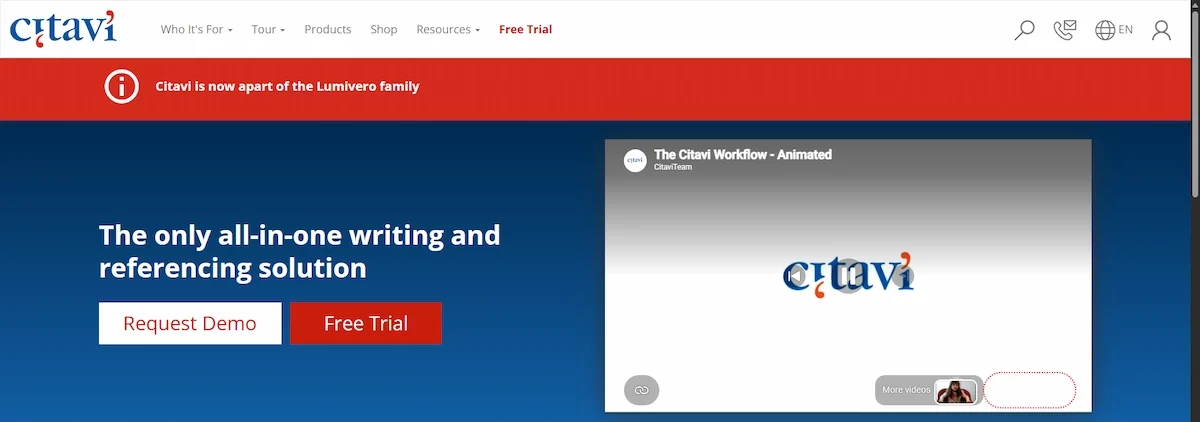
Best for: long projects such as a thesis. Limit: paid software, so it makes sense mainly if your university does not already provide it. Price: around 90 dollars a year, with a 30-day trial.
Best AI Tools for Research Paper Writing
Writing is a separate job from finding and reading, and it carries its own risk, mainly citations that look real but are not. The AI tools for research paper writing below help with drafts and edits, though you still verify every source. Paperguide also has an AI paper writer that drafts sections from your imported references.
Jenni AI
Jenni AI is one of the better known AI tools for research paper writing, and it helps you get past the blank page. It can build an outline from a prompt, suggest text as you type, insert in-text citations and rewrite, simplify or fix the flow of a paragraph. The output reads close to academic prose, and the editor stays clean and simple.
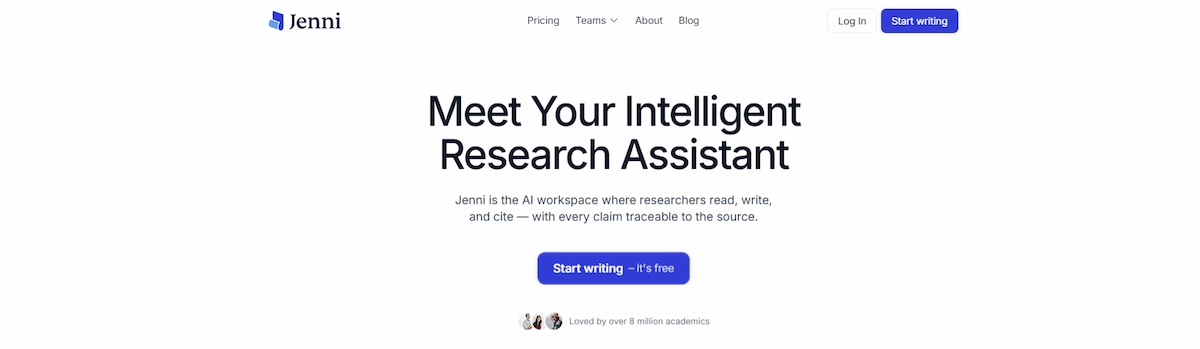
Best for: first drafts and literature review sections. Limit: every claim and every inserted citation needs checking, since inaccurate or copied text is possible. Price: a free plan with daily limits, and paid plans from about 12 dollars a month billed annually.
Paperpal
Paperpal is made for the final stretch. It checks grammar, tone and coherence with academic writing in mind and can run checks against journal submission requirements before you send a manuscript. It does not find sources or write the paper for you.
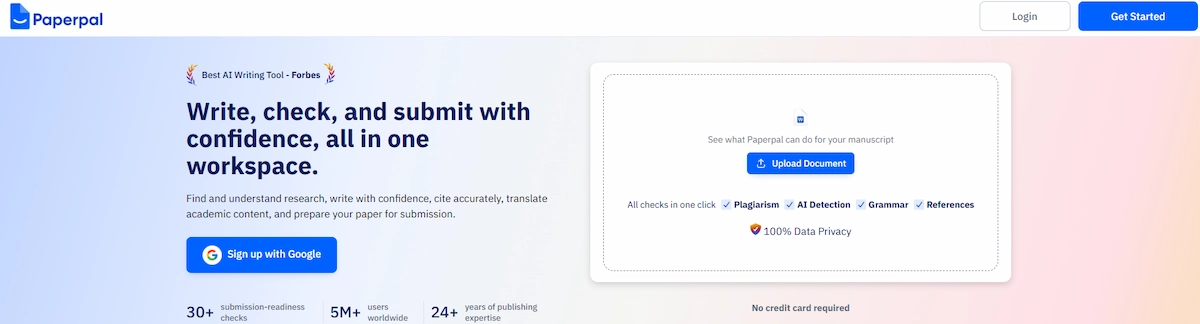
Best for: polishing language before submission. Limit: editing only, so you need a full draft first. Price: a free plan, then Prime at 25 dollars a month, 55 a quarter or 139 a year.
Grammarly
Grammarly checks grammar, tone and clarity as you type and works inside Word, Google Docs and the browser. It also offers rewrite suggestions and a plagiarism check on paid plans. It is a general editor, so it does not know the conventions of a specific journal.
Best for: a final read of any draft. Limit: suggestions for citations or facts can be wrong, so do not accept them without checking. Price: a free plan, with Pro from about 12 dollars a month.
QuillBot
QuillBot is known for its paraphraser, and it also offers a summarizer and a grammar checker. It helps when a sentence is clumsy, but it can drift from your original meaning, and copying an existing text with new wording is still plagiarism.
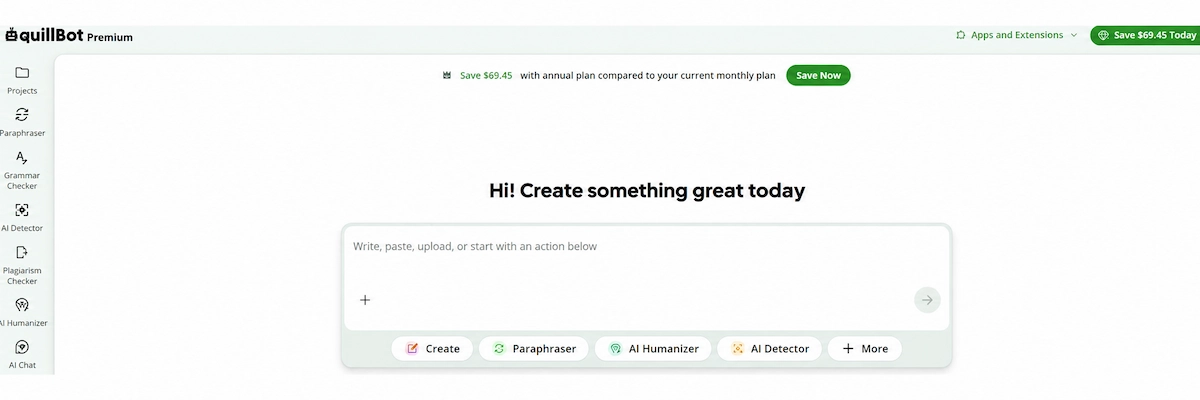
Best for: rewording your own sentences. Limit: a general writing tool with no source search. Price: a free tier, with paid plans from about 20 dollars a month.
Best AI Tools for Data Analysis in Research
Survey results, spreadsheets and interview transcripts need a different kind of tool.
Julius AI
Julius AI lets you upload a CSV or Excel file and ask questions in plain language. It writes the Python code, builds charts and tables, and reruns the analysis if an error appears, so you can do data analysis without coding. You can read the code afterward and reuse it elsewhere.
Best for: quick analysis and charts for researchers without a coding background. Limit: the free plan caps usage, and it is not built for very advanced statistical work. Price: a free plan with 15 messages a month, and paid plans from about 20 dollars a month (around 17 billed annually).
NVivo and ATLAS.ti for Qualitative Research
For interviews, focus groups and open survey answers, NVivo and ATLAS.ti are the usual programs for qualitative research. Both help you code text, audio and video, and both keep a clear record of every coding decision, which committees and reviewers often expect. NVivo adds an AI assistant that suggests themes and codes for you to approve, and ATLAS.ti lets you ask questions about your data in a chat. AI does not make the analysis rigorous by itself, because sampling and coding choices stay with you.
Best for: thesis and project work built on interviews. Limit: paid software with a learning curve. Price: both offer free trials, and many universities provide licenses.
Best AI Research Assistants for Deep Research
General AI tools for research are the ones most people open first. They are quick, flexible and good at explaining a topic, but they are also the most likely to give a confident answer with a weak source behind it. Use them for a first scan, then confirm the details with a tool above. An AI research assistant in this group is a starting point, not a final source.
Perplexity
Perplexity works like a search engine that reads the results and writes an answer with sources attached. It is fast, easy to use and good for early exploration of a topic. The monthly cap on its Deep Research runs has changed over time, so check the current limit.

Best for: quick cited answers. Limit: accuracy drops on complex academic questions. Price: a free plan, with Pro at around 20 dollars a month.
ChatGPT
ChatGPT has a Deep Research mode that runs for several minutes, gathers information from many sources and returns a long structured report. It also helps with outlines, rewriting and explaining hard concepts. If you want to compare other options, see these AI tools better than ChatGPT.
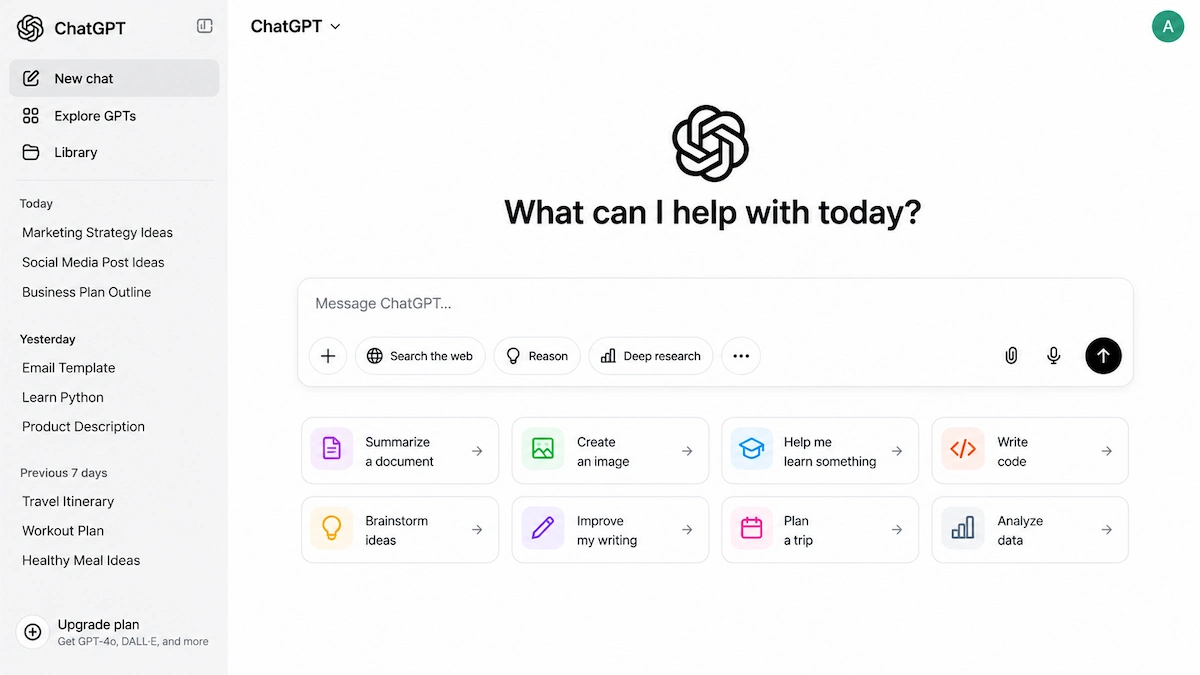
Best for: broad background reports and brainstorming. Limit: it can write references that look correct and do not exist, so open every source. Price: a free plan, with Plus at around 20 dollars a month.
Gemini
Gemini has its own Deep Research mode and connects to documents in Google Workspace, which suits people who already work in Docs and Drive. Because it pulls from the open web, source quality varies more than in paper-based tools.
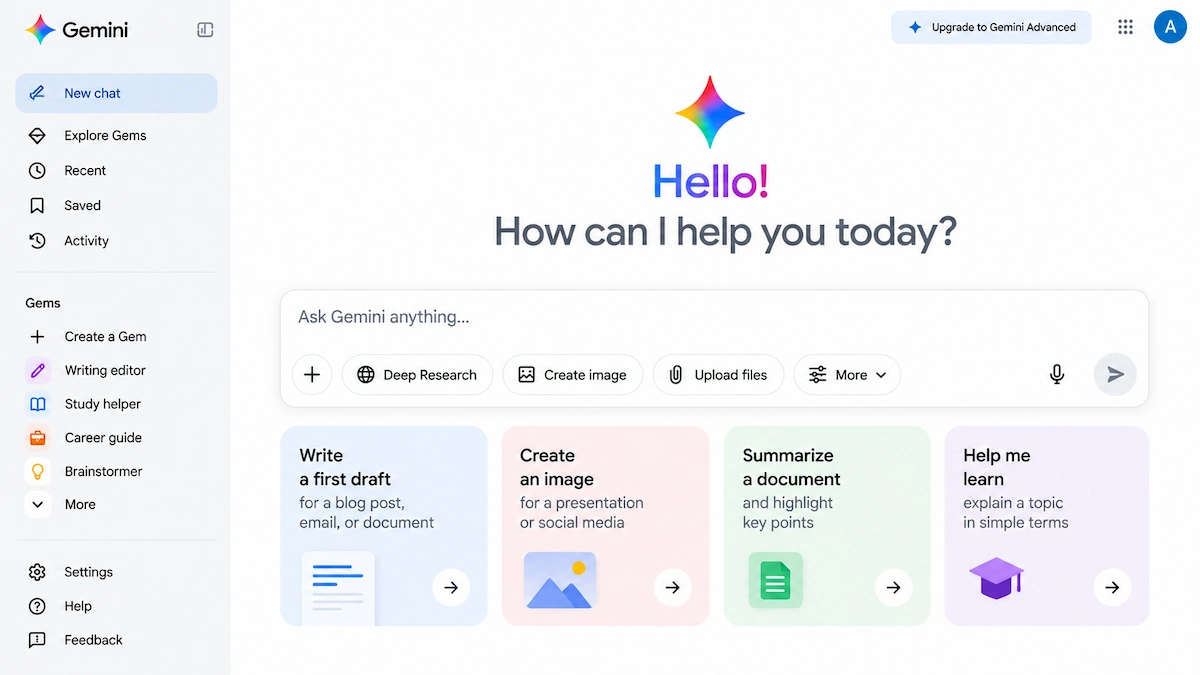
Best for: a fast overview of an unfamiliar topic inside Google tools. Limit: weaker source control than an academic database. Price: a free tier, with paid Google AI plans from around 20 dollars a month.
Claude
Claude handles very long documents well, so you can load several papers or a full report and ask it to compare them. It tends to be careful about claims it cannot support, though it is not tied to a paper database by default.
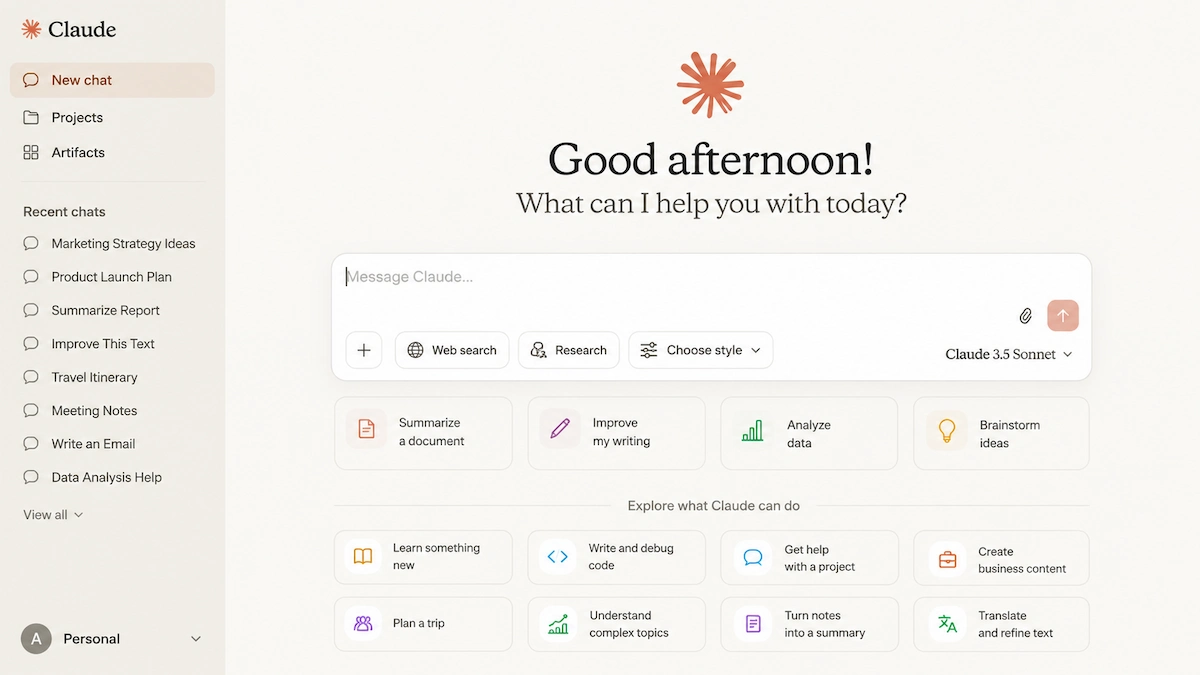
Best for: reviewing long documents and careful analysis. Limit: citations still need to be checked against the original, and AI hallucinations remain possible. Price: a free plan, with Pro at around 20 dollars a month.
Best Free AI Tools for Research
You can cover most of a student project without paying. The best free AI tools for research to start with are listed below.
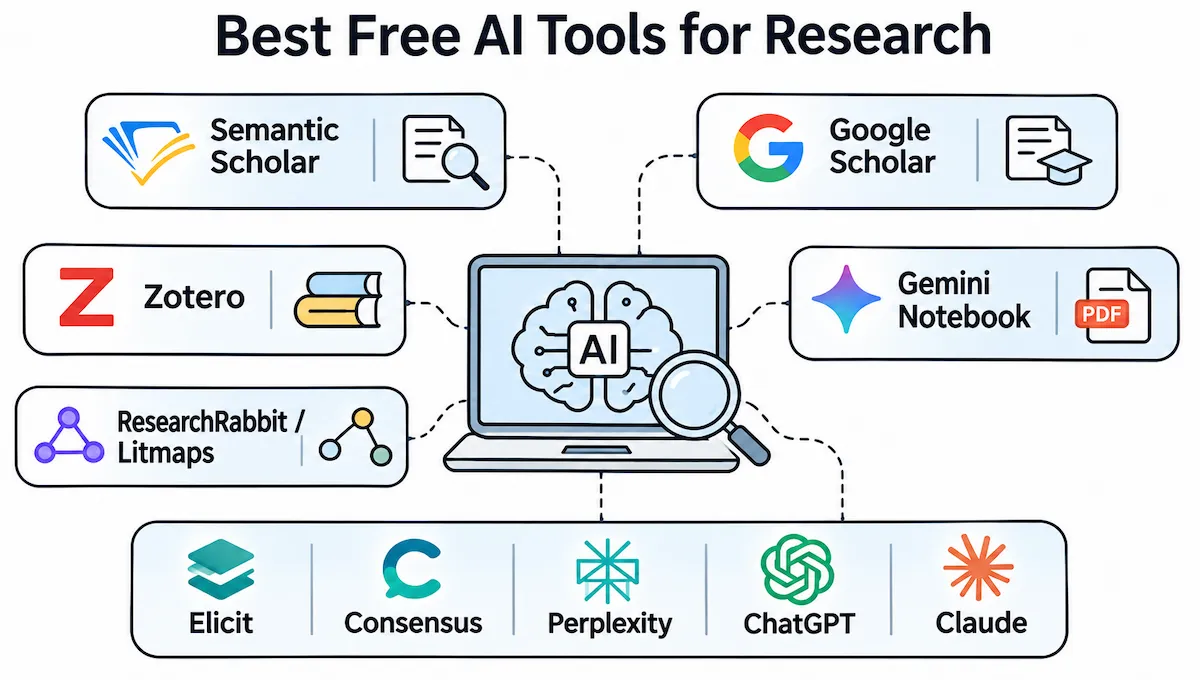
- Semantic Scholar: fully free academic search with summaries and alerts
- Google Scholar: free and very broad, with citation tracking but no AI synthesis
- Zotero: free reference software with 300 MB of file storage
- Gemini Notebook: free tier for questions about your own sources
- ResearchRabbit and Litmaps: free tiers with limits for citation maps
- Elicit, Consensus, Perplexity, ChatGPT and Claude: usable free plans with usage limits
For most students, the best free AI tool for academic research is Semantic Scholar paired with Gemini Notebook. Add one paid tool only when you know which gap it fills. Among the free AI tools for research, these two cover discovery and reading, and the free plans of general chatbots can handle the rest.
Free vs Paid AI Tools for Research
The free plans of most AI tools for academic research are enough for a short paper or a first scan of a topic. Paid plans matter when you hit monthly limits, need full exports or run a long project such as a systematic review. Prices below were checked in October 2026, so confirm them on the official page before you buy.
| Tool | Free Plan | Paid Plans From |
|---|---|---|
| Paperguide | 2,000 AI credits a month | About 12 dollars per seat per month, billed annually |
| Elicit | Basic plan, limited reports | 12 dollars a month (120 a year) |
| SciSpace | Basic plan, limited credits | 12 dollars a month billed annually (20 monthly) |
| Consensus | Free plan with monthly limits | 12 dollars a month billed annually (20 monthly) |
| Jenni AI | Free plan with daily limits | About 12 dollars a month billed annually |
| Paperpal | Free plan | 25 dollars a month (139 a year) |
| Julius AI | 15 messages a month | About 20 dollars a month |
| Scite | Short trial | About 12 to 20 dollars a month |
| Grammarly | Free plan | About 12 dollars a month |
| Perplexity, ChatGPT, Claude | Free plans with limits | Around 20 dollars a month each |
| Zotero | Free software, 300 MB storage | 20 dollars a year for 2 GB |
| Semantic Scholar, Google Scholar | Fully free | No paid plan |
How to Choose the Right AI Tools for Research
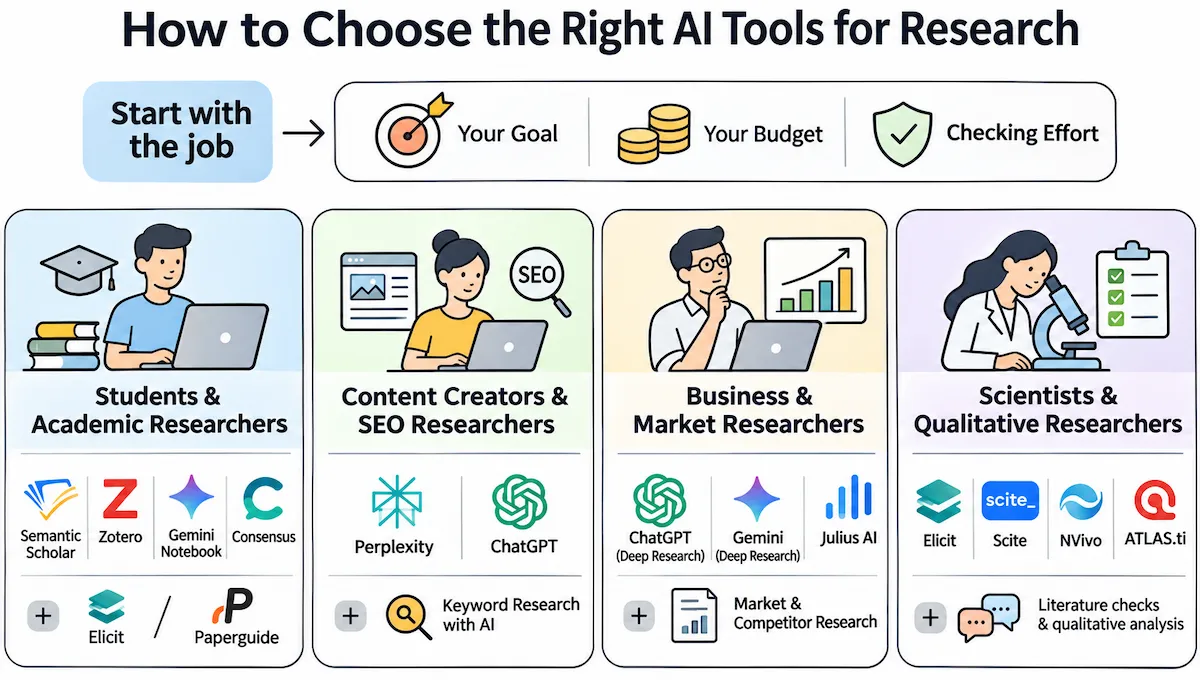
Start with the job, not the tool. The best AI tools for research for you depend on what you produce, how much you can spend and how much checking you are willing to do. The same logic applies to any shortlist of AI research tools, and this broader guide on how to choose AI tools for business covers the general rules.
For Students and Academic Researchers
Begin with free tools: Semantic Scholar for search, Zotero for references, Gemini Notebook for reading your sources and Consensus for quick evidence checks. Add Elicit or Paperguide when a literature review or systematic review needs more structure.
For Content Creators and SEO Researchers
Perplexity and ChatGPT are usually enough for background, fact checks and competitor summaries. Academic tools such as Elicit or Scite are too much for this kind of work, because you rarely need a table of studies to check a fact or a competitor claim. If your research feeds articles, pair these tools with a guide on keyword research with AI.
For Business and Market Researchers
Deep Research modes in ChatGPT or Gemini pull long reports from many sources, which suits competitor and industry work. Julius AI handles survey data and sales exports. Strong AI tools for market research save hours on the first draft of a report, but the best AI tools for market research still need a human to check every figure against the original source.
For Scientists and Qualitative Researchers
Among AI tools for scientific research, Elicit and Scite add real value for literature checks and citation trust, while NVivo and ATLAS.ti remain the standard AI tools for qualitative research when you need to code interviews and show how you reached each theme.
Quick Reference by Research Task
| Task | Tools to Try | Why |
|---|---|---|
| Find papers | Paperguide, Elicit, Semantic Scholar | Results tied to real papers |
| Map related work | ResearchRabbit, Litmaps | Visual citation network |
| Read dense PDFs | SciSpace, Gemini Notebook | Answers linked to the text |
| Check a claim | Consensus | Counts how many studies agree |
| Check how a study was cited | Scite | Supporting, contrasting and mentioning citations |
| Manage references | Paperguide, Zotero, Citavi | Import, store and format citations |
| Draft and polish | Jenni AI, Paperpal, Grammarly | Draft first, edit after |
| Analyze data | Julius AI | Charts and code from plain questions |
| Code interviews | NVivo, ATLAS.ti | Audit trail for every code |
| Get a fast overview | Perplexity, ChatGPT, Gemini | Quick answers and long reports |
| Work with long documents | Claude | Compares several papers at once |
How to Use AI Tools for Research Step by Step
A simple order saves time and prevents most mistakes.
- Write a clear question. A specific prompt gives better results, and this guide on prompt engineering for business shows how to ask.
- Search with a paper-based tool. Use Elicit, Paperguide or Semantic Scholar to build a first reading list.
- Read and summarize. Upload the best papers to SciSpace or Gemini Notebook and ask direct questions.
- Check the evidence. Run key claims through Consensus or Scite and open every source yourself.
- Write and edit. Draft from your own notes, then use Jenni AI or Paperpal for the language.
For a full systematic review, keep a record of your search and screening choices, because an AI search is not a saved, repeatable method. Never paste a reference into your paper until you have opened it, since fabricated citations are the most common mistake.
Best Practices for Using AI Tools for Research
- Verify every citation. Open the paper and confirm the claim appears there before it goes into your text.
- Combine tools. One tool to find, one to read or check and one to write works better than a single tool for everything, and this guide on using AI for productivity shows how to keep the stack short.
- Keep your own notes. Save the prompts you used and the sources you kept, so you can explain your method later.
- Follow the rules. Check the policy of your university, advisor or journal on AI use and disclose it when required.
- Protect sensitive data. Keep unpublished results and personal information out of tools you have not checked.
Limitations and Risks of AI Tools for Research
No tool is risk free, and trusting output blindly is where most mistakes start.
Fabricated Citations and AI Hallucinations
The biggest risk is a citation or fact that sounds right and is not real. General chatbots do this more often than tools that pull from a paper database. These AI hallucinations can slip past a quick read, so open each source and confirm the claim appears there.
Data Privacy and Confidentiality
Do not upload unpublished data, interview transcripts or anything with personal details before you read the data policy of the tool. Many tools do not state clearly how long they keep uploads. This guide to AI data privacy for business explains what to check.
Over-Reliance on AI Output
Leaning on a summary instead of reading the paper weakens your own judgment. Treat every answer as a starting point and keep the final reading, interpretation and conclusion for yourself. Rules on AI use also differ between schools and journals and keep changing, so check them before you submit.
Conclusion
The best AI tools for research are the ones that match the job in front of you. Use a paper-based tool to search, a reader to understand dense PDFs, an evidence checker to confirm claims, a reference manager to keep sources in order, and a writing tool only at the end. Start with free AI research tools such as Semantic Scholar, Zotero and Gemini Notebook, add one paid tool once you know what is missing, and verify every source before it reaches your paper.
Frequently Asked Questions
What is the best AI tool for research?
There is no single winner. Paperguide and Elicit are strong for finding papers, SciSpace for reading PDFs, Consensus for quick evidence checks, and Perplexity or ChatGPT for fast background. Pick the tool for your stage, and remember that the strongest picks work as a small set of two or three.
What is the best free AI tool for academic research?
Semantic Scholar is fully free and covers most paper searches, and Gemini Notebook is a good free choice for questions about your own sources. Elicit and Consensus also offer free plans, and many AI tools for academic research follow the same pattern of a limited free tier.
Is ChatGPT good for academic research?
It helps with brainstorming, outlines and background reports, but it is not built for citation search. Open every source it gives you, because it can write references that do not exist.
Does ChatGPT have deep research?
Yes. Its Deep Research mode runs for several minutes and returns a long structured report with sources. It is useful for a broad first look at a topic, but the references still need to be checked one by one.
Are AI-generated citations reliable?
Not by default. General chatbots can produce fabricated citations that look real, and a wrong attribution can pass a quick read. Tools such as Consensus, Scite, Elicit and Semantic Scholar link to real papers, but you should still confirm the claim in the source.
Can AI tools replace human researchers?
No. They save time on searching, summarizing and formatting, while judgment, interpretation and responsibility for accuracy stay with you.
Is there any AI better than ChatGPT for research?
It depends on the task. For academic search, Elicit, Consensus and Semantic Scholar tie answers to real papers. For reading your own documents, Gemini Notebook is a closer fit. ChatGPT still works well for general reports and brainstorming.
Which AI tool is best for literature review?
Elicit and Paperguide suit a structured review, Semantic Scholar gives free search, and ResearchRabbit or Litmaps help you map related work. Whichever of the AI tools for literature review you choose, keep your own record of searches and screening choices.
What are the best AI tools for market research?
ChatGPT and Gemini Deep Research suit long industry reports, Perplexity works for quick answers with sources, and Julius AI handles survey and sales data. For campaign and audience work, this list of AI tools for marketing adds more options. Check every number against the original source before it goes into a report.
What AI tool is best for qualitative research?
NVivo and ATLAS.ti are the standard AI tools for qualitative research because they keep a record of every coding decision. General assistants can summarize a transcript, but they do not give you a coding structure that you can defend to a reviewer.
Can I use AI tools in my PhD or dissertation research?
Often yes, but the rules depend on your university, advisor, funder and target journal. Read the policy first, verify every source, and disclose AI use whenever the rules ask for it.
Are AI research tools safe for confidential data?
Not always. Read the data policy before you upload anything, and keep unpublished results, patient data and personal information out of tools that do not clearly state how they store and use files.
How many AI tools should I use for one research project?
Two or three is enough for most projects: one to find papers, one to read or check them and one to help with writing. More tools usually add confusion, not value.
Do free AI research tools work well enough for serious academic work?
For most students, yes. Semantic Scholar, Zotero and Gemini Notebook cover discovery, references and reading at no cost. Paid plans mainly add higher limits, full exports and tools built for systematic reviews.
Are AI research tools only useful for academic researchers?
No. Students, analysts, journalists, content creators and business teams also use them to find sources, check claims and summarize long documents. The same rule applies to everyone: confirm important facts in the original source.










