The best free ChatGPT alternatives in 2026 are Gemini, Claude, Perplexity, Microsoft Copilot, DeepSeek, Mistral Le Chat, Meta AI, and Duck.ai, and the right one depends on what you use ChatGPT for. If you searched for AI tools like ChatGPT free of charge, this guide lists 14 of them, shows what each free plan includes, and explains where the limits start.
Plans, limits, and prices were read from vendor pages and published reviews in October 2026. Free plans change often, so open the plan page of any tool before you count on a number. The guide also covers tools that work without an account, open-source options you can run on your own computer, what free plans do with your chats, and a one-hour test you can run yourself.
The best free AI tools like ChatGPT at a glance
For most people, Gemini is the best free all-rounder, Claude is the best free plan for long writing, and Perplexity is the best free choice for answers with sources. The table lists all 14 free ChatGPT alternatives with the job each one does best.

| Tool | Best for | Free plan | Account needed |
|---|---|---|---|
| Gemini | Google users, images, long files | Free with standard limits | Google account |
| Claude | Long writing and documents | Free with session limits | Yes |
| Microsoft Copilot | Windows, Edge, Microsoft 365 | Free chat | Microsoft account for full use |
| Perplexity | Answers with sources | Free, few Pro searches | Optional for basic questions |
| DeepSeek | Coding, math, low cost | Free web app | Reviews disagree, so check |
| Mistral Le Chat | EU hosting, lower prices | Free plan | Yes |
| Meta AI | WhatsApp, Instagram, Facebook | Free | Meta account in the apps |
| Grok | Live trends from X | Free with limits | Yes |
| Qwen | Multilingual work, coding | Free | Yes |
| Poe | Many models under one login | Free daily credits | Yes |
| Duck.ai | Private chat with no account | Free with a daily limit | No |
| HuggingChat | Open-source models | Free | Optional for basics |
| Gemini Notebook | Answers from your own files | Free for personal use | Google account |
| Pi | Voice-first conversation | Free | Yes |
The account column reflects vendor pages and reviews and can differ by country.
Quick picks
If you only want the short list of free ChatGPT alternatives, start here.
- Best overall: Gemini.
- Best for long documents and writing: Claude.
- Best for answers with sources: Perplexity.
- Best with no account: Duck.ai.
- Best all-in-one: Poe, since it puts many models under one login.
- Best inside Microsoft apps: Copilot.
- Best open-source route: DeepSeek, Qwen, Mistral, or a local model.
- Best inside messaging apps: Meta AI.
- Most personal: Pi.
What free really means for AI tools like ChatGPT
The word free covers very different deals. Some tools stay free forever with a cap, some give a short trial, and some are open source and cost only your hardware. Knowing which deal you are looking at saves a lot of wasted time.
Five kinds of free: free tier, trial, no sign-up, open-source, bundled
- Free tier: a permanent plan with message caps and a smaller model, such as the free plans of Gemini, Claude, and Perplexity.
- Trial: full features for a short period, then a paywall.
- No sign-up: chat without an account, usually with stricter limits, such as Duck.ai.
- Open-source: free models you run yourself or use through a host such as HuggingChat.
- Bundled: AI included in a plan you already pay for, such as storage or an office suite.
ChatGPT free: what you are comparing against
Before you switch, check what the free plan of ChatGPT gives you now. According to the OpenAI help page for the free tier, free users get unlimited everyday text chats, subject to abuse-prevention safeguards.
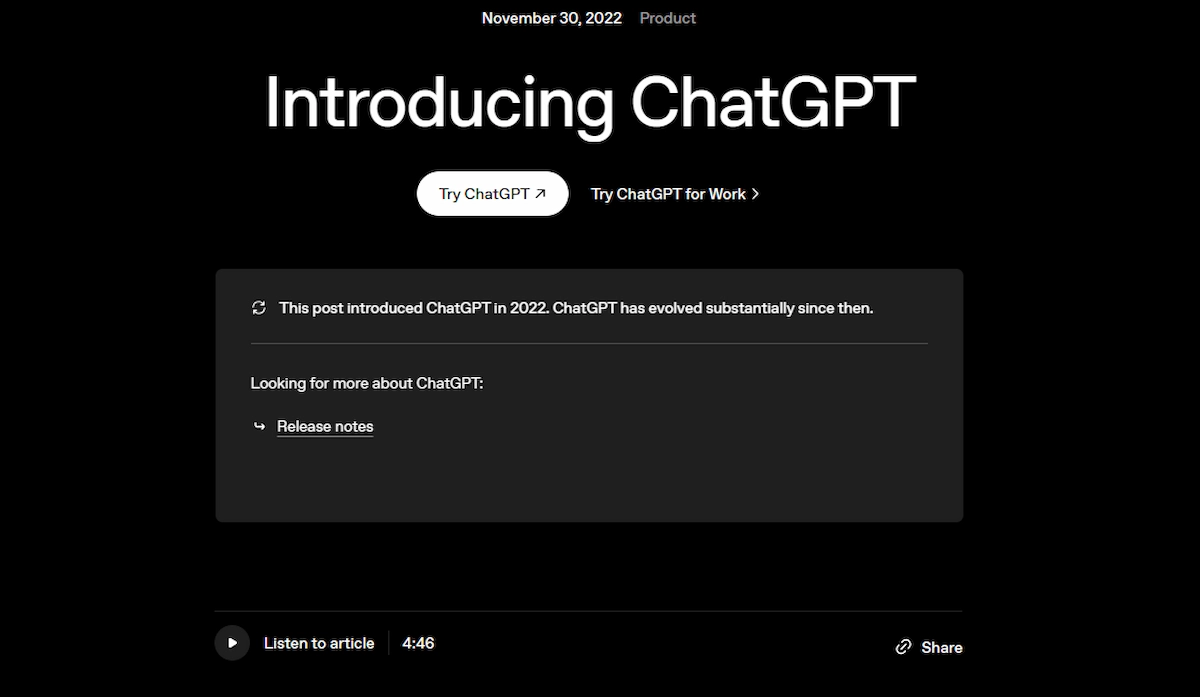
File uploads, image generation, voice, and data analysis have separate caps, ads may appear in some countries, and the default model and limits can change over time. Reviews that mention GPT-4o mini describe an older setup, so treat any model name in a review with care. Reviews also report that text chats became uncapped in August 2026 and that free accounts gained a Think button for harder questions, while the separate caps on files, images, and voice stayed.
Free limits compared
Limits are the part that changes most often. Terms such as token, context window, and rate limit are explained in our AI terms glossary. The table shows how each major free plan works, based on vendor pages and reviews read in October 2026.

| Tool | How the free limit works |
|---|---|
| ChatGPT | Unlimited everyday text chats, with separate caps on uploads, images, voice, and data analysis |
| Gemini | Compute-based limits that refresh every 5 hours up to a weekly cap, in effect since May 17, 2026 |
| Claude | Session-based limits with no published number, reported at about 15 to 40 messages per 5 hours |
| Perplexity | Basic searches with sources, plus a small number of Pro searches per day (reported) |
| Copilot | Free chat, with lower usage than Microsoft 365 subscribers |
| Duck.ai | A daily limit, with no exact number published |
| DeepSeek | No hard message cap beyond anti-abuse throttling, according to reviews |
Google explains its limits on the Gemini Apps usage limits page. Paid Google AI plans raise the cap, with Plus at 2 times and Pro at 4 times the standard limit. Premium features such as image and video generation, Deep Research, and the Pro model use more of the allowance.
Why people look for a free ChatGPT alternative
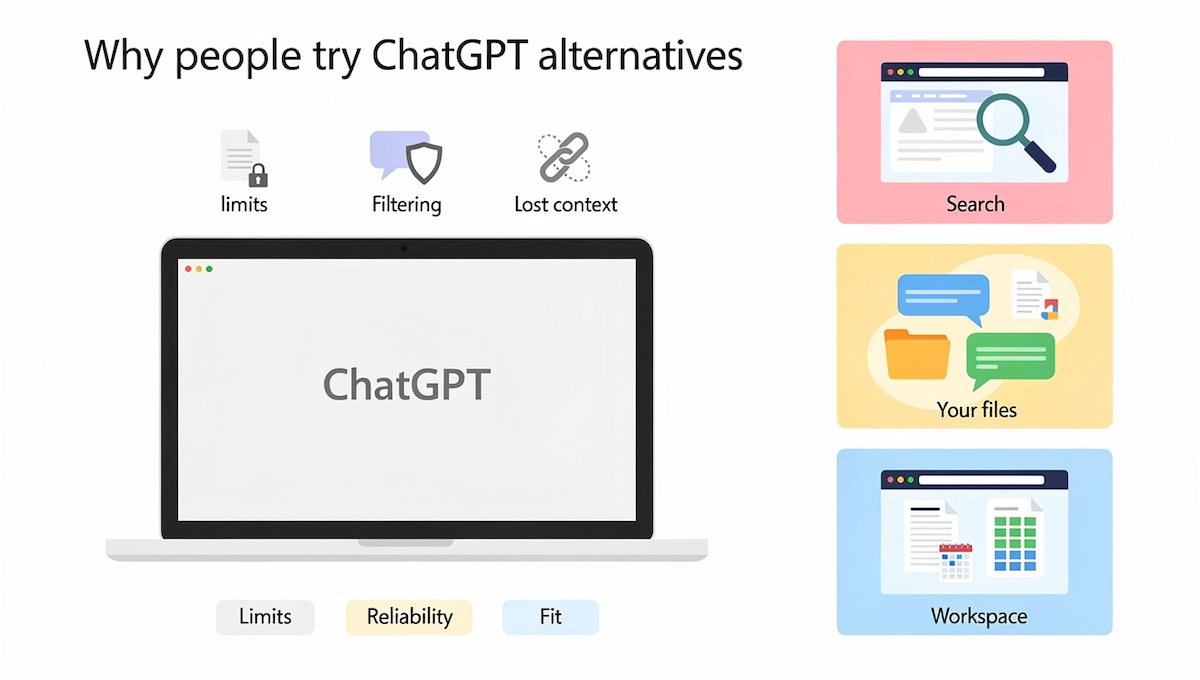
ChatGPT is still the default for many people, and still a good tool. The reasons to try a ChatGPT alternative come down to limits, reliability, and fit.
Limits, filtering, and lost context
Heavy users hit caps on file uploads, image generation, and tools long before they hit a cap on plain chat. Long conversations can lose track of earlier details, which forces you to explain the same thing again. Some users also report normal questions being blocked or watered down, and the inconsistency is the real frustration, since you cannot predict when it will happen.
Specialist tools beat a generalist on one job
Apps similar to ChatGPT differ mainly in what they are built around, because a general chatbot makes trade-offs. A tool built around search shows its sources, a tool built around your own files answers only from those files, and a tool inside your office suite works where you already write. If you want the wider picture of what these models do, see our guide to generative AI for business.
How these free ChatGPT alternatives were picked
Each tool had to pass the same checks before it made the list.
- Usable free plan: you can finish real tasks without paying.
- Clear limits: the vendor says what is capped, or the cap shows in your account.
- Data handling: there is a stated policy on training, retention, and deletion.
- Sources and files: it can search the web, read files, or both.
- Apps: a working mobile app or a browser version with no install.
- Availability: it works in many countries, including outside the US.
This guide is based on public pages and published reviews, not on a lab benchmark, so it does not rank tools by score. Meta AI and Grok are included for completeness, although some reviewers leave them out because of accuracy and privacy concerns. The test section below shows how to compare them on your own work, which is the only comparison that counts.
14 free AI tools like ChatGPT, by job
Every entry follows the same pattern: what the tool is good at, what the free plan includes, where the limit sits, and what the paid plan costs.
Gemini: best free all-rounder for Google users
Gemini is the assistant from Google and the closest free ChatGPT alternative for everyday work. It reads images, files, and long documents, works inside Gmail, Docs, and Drive, and is built into Chrome and Android. The weak side is that features differ by plan, region, and account type, which makes the product feel scattered. If you want other options to Gemini itself, see our list of Gemini alternatives.
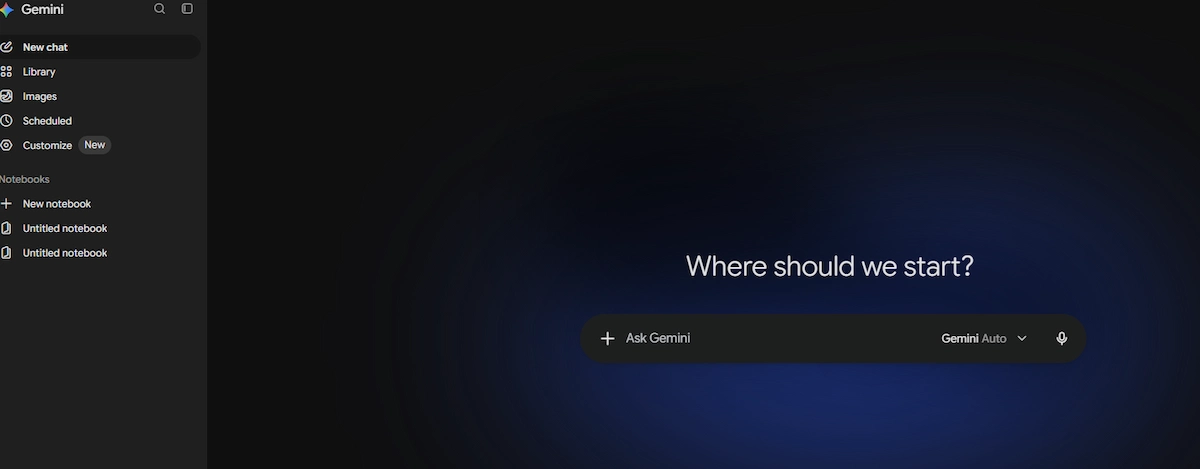
- Free plan: access to Gemini models in the app with a Google account, and a context window of about 32,000 tokens, according to a review of Google pages.
- Limit: compute-based, refreshing every 5 hours up to a weekly cap.
- Upgrade: Google AI Plus at $4.99 a month, Google AI Pro at $19.99 a month.
- Skip it if: you avoid Google accounts or need a fixed cap, since the free allowance is not published as a number.
Claude: best free plan for long writing and documents
Claude is the free ChatGPT alternative to try first if you write or read for a living. It keeps track of long documents, edits a draft without flattening your voice, and explains code well. It does not generate images, and Claude Code, the terminal coding tool, is not part of the free plan.

- Free plan: chat, file uploads, web search, Artifacts, and a few projects, according to reviews.
- Limit: Anthropic publishes no number, and reviews estimate roughly 15 to 40 messages in a rolling five-hour window, so heavy sessions run out fast.
- Upgrade: Pro at $17 a month billed annually or $20 billed monthly, Max from $100 a month.
- Skip it if: you need image generation or live trends in the same app.
Microsoft Copilot: free chat inside Edge and Windows
Copilot is the easiest free ChatGPT alternative to reach if you already use Windows and Edge. It sits in the browser sidebar, can answer questions about the page you have open, and reports include free image generation with daily limits. It works best next to Microsoft products and feels weaker outside them.

- Free plan: Copilot chat with a Microsoft account.
- Limit: free users get lower usage than Microsoft 365 subscribers.
- Upgrade: Microsoft 365 Personal from $9.99 a month, and the workplace add-on at $30 per user a month.
- Skip it if: you do not use Microsoft apps, since most of its value sits there.
Perplexity: free answers with sources
As a ChatGPT alternative, Perplexity works like a search engine that writes the answer. Every reply carries numbered sources you can open, and focus modes narrow the search to academic papers or social sites. It is a poor fit for long creative writing, since the style stays close to a research summary.
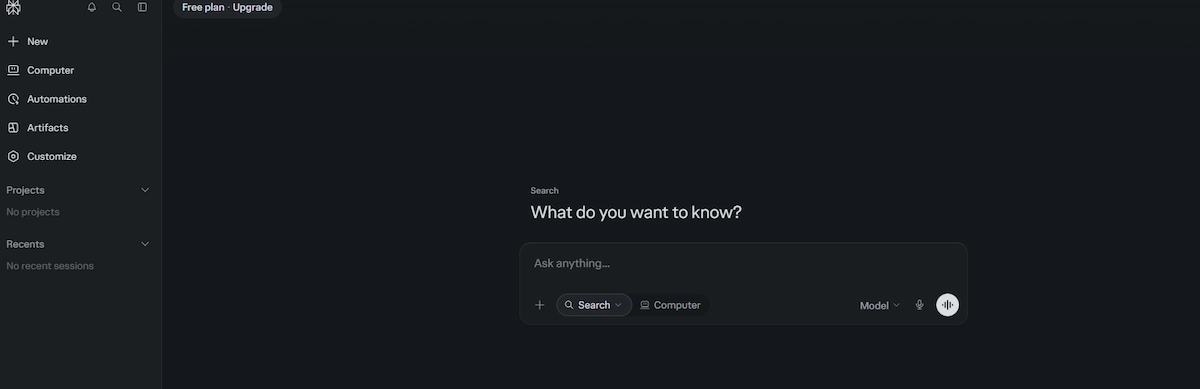
- Free plan: basic searches with sources, and a few Pro searches a day.
- Limit: advanced models and deeper research sit behind the paywall.
- Upgrade: Pro at $20 a month, or $17 a month billed annually.
- Skip it if: you mostly write long drafts or fiction.
DeepSeek: free reasoning and coding, with a privacy catch
DeepSeek is the free ChatGPT alternative people choose for coding, math, and step-by-step reasoning. Its models are open-weight, so developers can run them on their own hardware. The hosted app stores data on servers in China, several governments restrict it on official devices, and the model avoids some political topics.
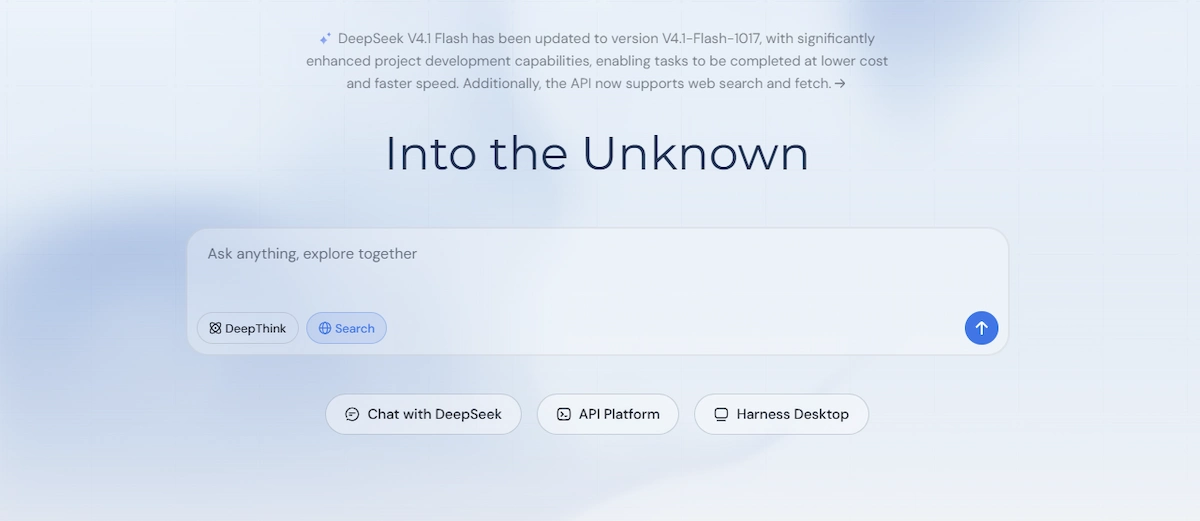
- Free plan: free web app and mobile app.
- Limit: no hard message cap beyond anti-abuse throttling, according to reviews.
- Upgrade: the chat stays free, and the API is billed per token.
- Skip it if: you handle private or regulated data and plan to use the hosted app.
Mistral Le Chat (now Mistral Vibe): free EU-hosted option
Mistral is a French company, and its assistant, a free ChatGPT alternative, runs on infrastructure in the EU, which matters to teams that care about where data is processed. The consumer product was renamed Mistral Vibe in May 2026, and many pages still use the Le Chat name. It has fewer integrations than Google or Microsoft.
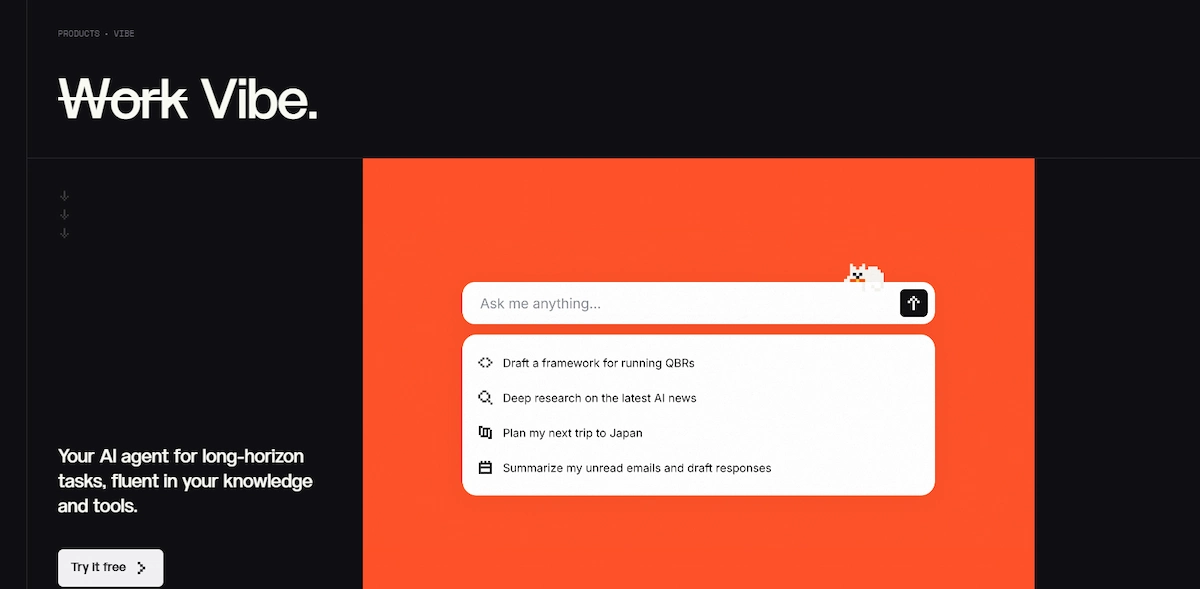
- Free plan: a free tier with chat and file input.
- Limit: stronger models and higher caps need Pro.
- Upgrade: Pro at $14.99 a month, Team at $24.99 per user a month.
- Skip it if: you need deep links to Google or Microsoft tools.
Meta AI: free inside WhatsApp, Instagram, and Facebook
As a ChatGPT alternative, Meta AI appears inside the apps you already open, so you can ask a question in the middle of a group chat or summarize unread messages. It also works at meta.ai and generates images. It is built for casual use more than for professional work, and reviews note that it can state wrong facts with confidence and that Meta uses public posts to train its models.
- Free plan: free in the apps and on the web.
- Limit: a Meta account is needed for most features.
- Upgrade: none needed for basic use.
- Skip it if: you need reliable facts for work.
Grok: free live trends from X
Grok is a ChatGPT alternative that searches the live web and posts on X together, which makes it useful for following a breaking story or public reaction to a launch. The same feed mixes real signals with rumors, so treat every claim as a lead until you verify it elsewhere.

- Free plan: limited access, including capped image generation.
- Limit: heavier use moves you to a paid tier.
- Upgrade: reviews list SuperGrok Lite near $10 a month and SuperGrok at $30 a month.
- Skip it if: you avoid X or want answers that need no second check.
Qwen: free large model from Alibaba
Qwen is a free ChatGPT alternative from Alibaba and is strong at multilingual work and coding, with open-weight versions you can run yourself. Reviews report free access to its largest model. English documentation is thinner than for Western tools, and availability can vary by region.
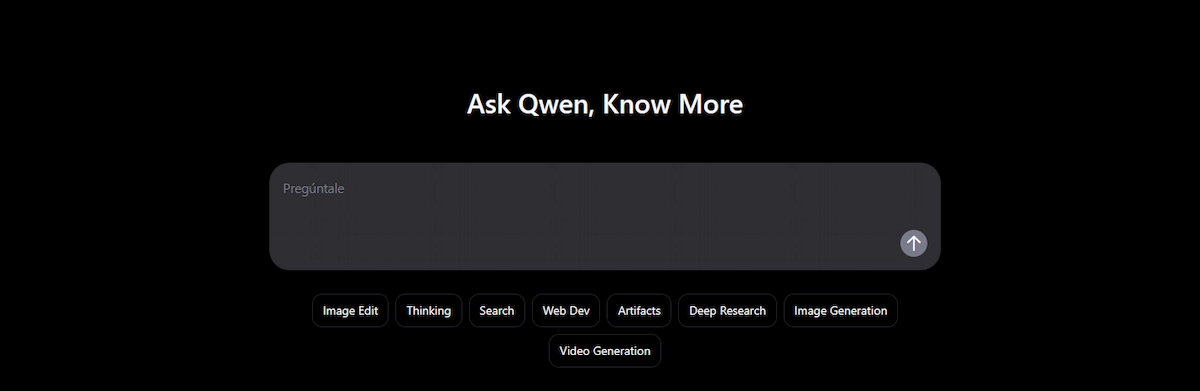
- Free plan: free chat, with file upload and web access reported.
- Limit: varies by region and by model.
- Upgrade: the free tier covers most use, so check the site for current plans.
- Skip it if: you need English-first documentation and support.
Poe: free daily credits across many models
Poe, from Quora, is a ChatGPT alternative that puts many models under one login, which makes it easy to send the same prompt to several of them and compare the answers. It uses a points system, so the free allowance runs out faster on the strongest models.
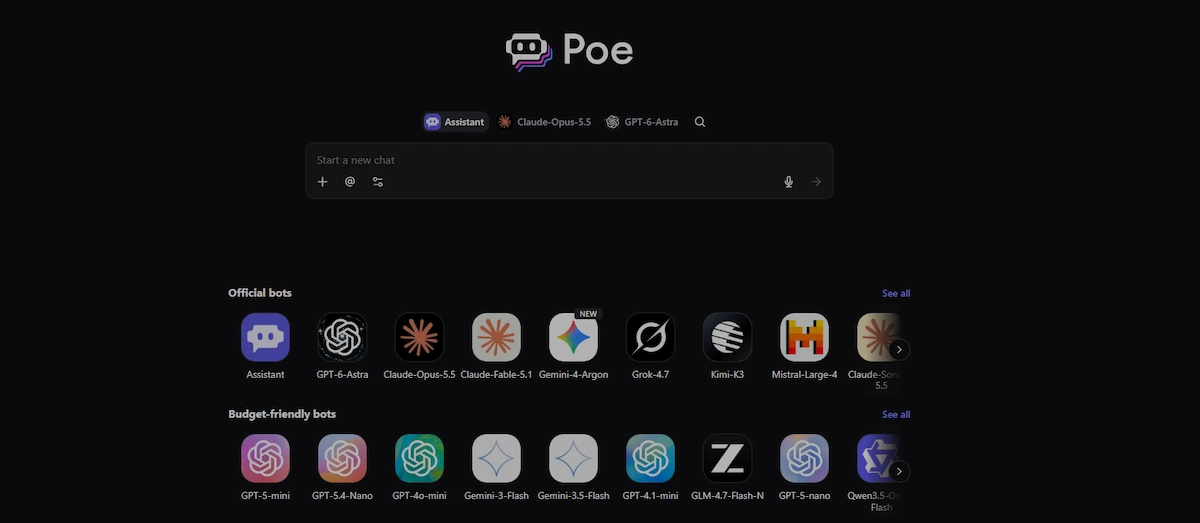
- Free plan: daily credits spread across all bots.
- Limit: fewer free messages per model, and a cluttered interface once you add many bots.
- Upgrade: paid plans add more points, so check the current price.
- Skip it if: you want one polished assistant with memory and projects.
Duck.ai: free chat with no account
Duck.ai from DuckDuckGo is the simplest free ChatGPT alternative for chat without signing up. You can pick from models by several labs, your recent chats stay on your device, and DuckDuckGo says chats are anonymized and not used to train models. It is not built for heavy daily work. The free models are lighter versions from OpenAI, Anthropic, and Mistral plus an open-source option, and reviews report no file uploads, no memory, and no history across devices.
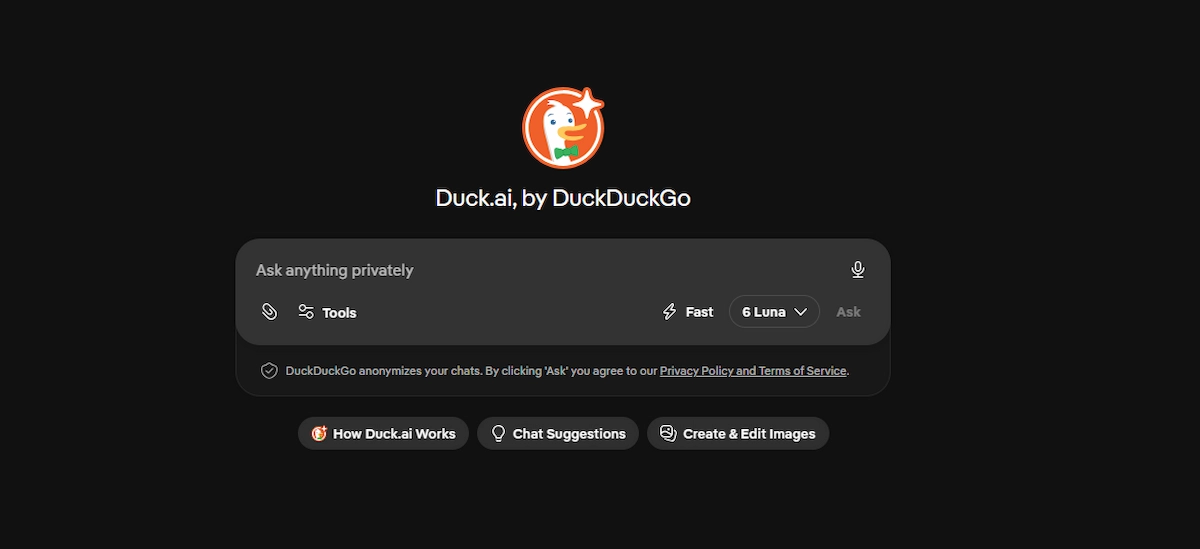
- Free plan: no account, with models chosen by DuckDuckGo.
- Limit: a daily limit with no exact number published, and VPN or mobile networks can trigger it early.
- Upgrade: a DuckDuckGo subscription raises the limit, with Pro at twice the usage of Plus.
- Skip it if: you need long sessions or large file work.
HuggingChat: free open-source models in the browser
HuggingChat is the free ChatGPT alternative from Hugging Face for open models such as Llama, Mistral, and Qwen. It is free, lets you switch models, and works for basics without a long setup. The interface is plain, and it has no projects or long memory.

- Free plan: free access to a changing list of open models.
- Limit: model selection and speed change without notice.
- Upgrade: none for the chat itself.
- Skip it if: you want a polished app with memory.
Gemini Notebook (formerly NotebookLM): free answers from your own files
Gemini Notebook is a ChatGPT alternative that answers only from the sources you upload, such as PDFs, web pages, videos, and Google Docs, and every answer carries citations. It turns the same material into summaries, study guides, flashcards, and audio overviews. It is not a general chat tool and does not manage tasks.
- Free plan: free for personal use with a Google account.
- Limit: caps on sources and daily generations.
- Upgrade: higher limits come with Google AI plans from $4.99 a month.
- Skip it if: you need a general chat tool.
Pi: free voice-first conversation
Pi from Inflection is a free ChatGPT alternative built for talking things through. The voice options sound calm and natural, and it asks follow-up questions instead of rushing to a fix. It is weak on code, research, and anything that needs citations.

- Free plan: free text and voice chat.
- Limit: no technical depth and few facts with sources.
- Upgrade: reviews disagree on whether a paid plan exists, so check the site.
- Skip it if: you need code, sources, or document work.
More free tools worth a look
You.com mixes AI answers with web results and lets you pick the model. Kimi, from Moonshot AI, is strong at long documents and web research, and its free tier reportedly includes web search and file uploads, though heavy use is metered, paid plans start near $19 a month, and reviews say it trains on conversations by default. Phind targets developer questions, though you should confirm the service is still running. Groq serves open models at very high speed and suits developers. Character.AI is built around character chat, and it reportedly ended open-ended chats for users under 18 in October 2025.
Features compared: web search, images, files, voice
Free plans differ less in raw skill than in which tools they include. The table shows what each major free plan offers, based on vendor pages and reviews. Features and caps change often, so confirm each one in the app before you plan around it.

| Tool | Web search | Image generation | File upload | Voice |
|---|---|---|---|---|
| Gemini | Yes | Yes, with caps | Yes | Yes |
| Claude | Yes | No | Yes | Yes, in the mobile app |
| Copilot | Yes | Yes, with daily caps | Yes | Yes |
| Perplexity | Yes, core feature | Limited | Limited | Yes |
| DeepSeek | Yes | No | Yes, text extraction | Limited |
| Meta AI | Yes | Yes | Limited | Yes |
| Grok | Yes, with live X posts | Yes, with caps | Yes | Yes |
| Duck.ai | Check in the app | Check in the app | Check in the app | Check in the app |
Free AI tools like ChatGPT with no sign-up
Many people search for free AI tools like ChatGPT because they do not want to create another account. A no login ChatGPT alternative is useful for a quick question and a poor fit for private work. A handful work without an account, with trade-offs.
Which tools work without an account
Duck.ai is the clearest option, since it needs no account and anonymizes requests. Perplexity answers basic questions as a guest, Copilot can run in the Edge sidebar, and HuggingChat works for basics. ChatGPT itself has a logged-out mode in some regions, with fewer features, and OpenAI has a help page on it. Brave Leo, the assistant built into the Brave browser, works with no account and says it does not keep chats, and You.com allows basic chat before it asks you to sign up. NanoGPT also needs no account, but it charges per use, so it is not free. Grok needs an X account, and reviews report that most features of Pi now require a signup.
| Tool | What you get without an account | The catch |
|---|---|---|
| Duck.ai | Lighter models from several labs, anonymized | Daily limit, no file uploads or memory |
| Brave Leo | A free assistant in the Brave browser sidebar | Needs the Brave browser |
| Perplexity | Basic searches with sources | A few Pro searches, then a signup prompt |
| ChatGPT logged out | Chat with a lighter model | Region-dependent, with tighter limits |
| HuggingChat | Open-source models for basic use | Guest mode is limited |
| You.com | Basic chat with web search | Caps, then a signup nudge |
| NanoGPT | Many models with no account | Pay per use, so not free |
What you give up when you skip the login
Without an account you lose saved history, file uploads, and the stronger models. Limits are stricter and sometimes hit early, especially on a VPN or a shared mobile network, because the tool cannot tell users apart. Voice mode, projects, and memory are usually off.
How to spot fake free ChatGPT sites and wrappers
Search results for free ChatGPT without login include many copies. A wrapper is a thin site that calls a model through an API, adds ads, and keeps your prompts. Warning signs are no company name, no privacy policy, a request for a card number for a free tool, and a domain that imitates a known brand. Other signs are a site that will not say which model it runs, a free homepage that hides a daily cap on the pricing page, an upgrade prompt after a few messages, and a chatbot that is really a lead-capture form. Treat any no-login chatbot like a public space and keep sensitive details out of it.
Open-source and local: run an AI like ChatGPT on your own computer
If privacy matters most, you can skip hosted chat and run a free ChatGPT alternative on your own machine. The cost is hardware and setup time, and the quality depends on the model you choose.
Jan, Ollama, and LM Studio
Jan is a free, open-source app that runs downloaded models offline on Mac, Windows, and Linux, and it can connect to a cloud provider when you need a stronger model. Ollama and LM Studio do similar jobs, with Ollama favored by developers and LM Studio offering a friendlier window. All three keep prompts on your device when you stay local.
Hardware you need and what quality to expect
A laptop with 8 GB of RAM can run a small, capable model, and larger models need more memory and a stronger graphics card. Small local models are noticeably weaker than the best hosted ones on hard reasoning and long context, so expect to trade quality for control.
When local is worth the effort
Local makes sense for private notes, internal documents, offline work, and experiments where you want no rate limits. For everyday questions, a hosted free plan is faster and better.
Best free ChatGPT alternative by use case
The table shows the best free ChatGPT alternative for each common job, followed by a short note on each one.
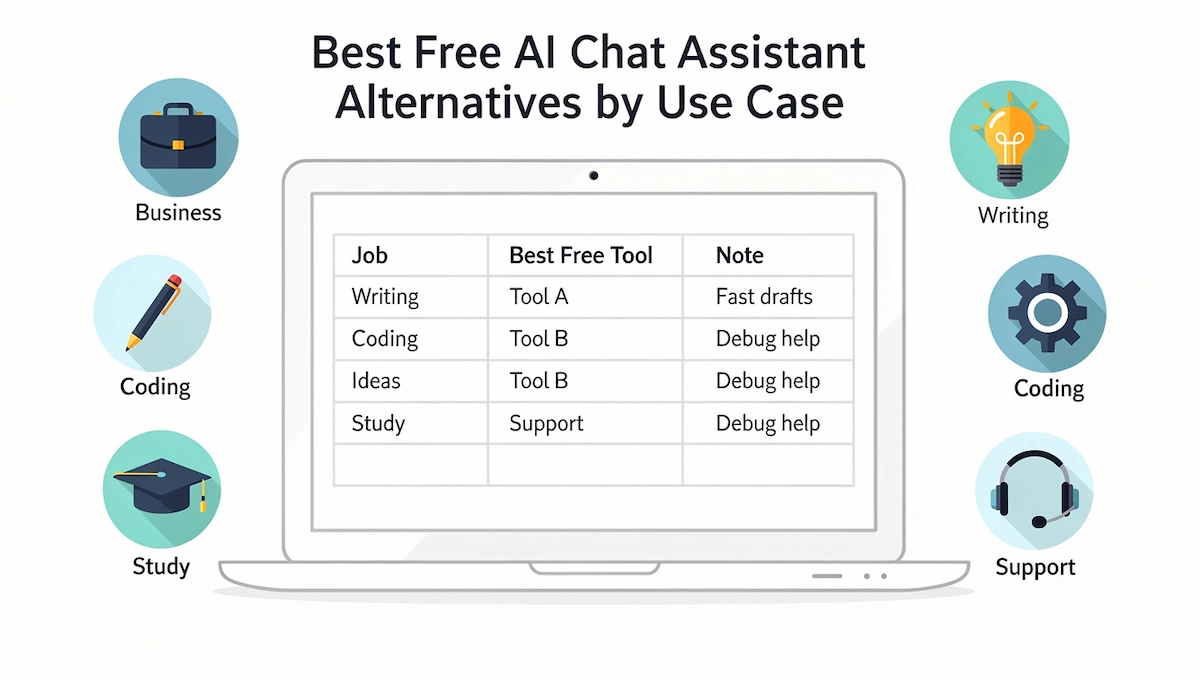
| Use case | First pick | Second pick |
|---|---|---|
| Writing and editing | Claude | Gemini |
| Research with sources | Perplexity | Gemini Notebook |
| Coding | Claude | DeepSeek |
| Students and studying | Gemini Notebook | Perplexity |
| Images, video, and voice | Gemini | Copilot, Pi |
| Small business and work | Copilot or Gemini | Claude |
| Privacy-first use | Duck.ai or a local model | Mistral Le Chat |
| Casual use on your phone | Meta AI | Gemini |
Writing and editing
Taste decides this one, so paste your own rough paragraph into two tools and compare. Claude keeps the voice of long drafts well, and Gemini is faster inside Google Docs. For more on writing with these tools, see our guide to AI content creation.
Research with sources
Use Perplexity when you need links, and open at least two of the cited pages before a claim goes into a document. Gemini Notebook is better when you already have the papers or reports.
Coding
Claude is the usual first test for code explanation and review, DeepSeek suits math and logic, and GitHub Copilot Free gives limited completions inside your editor. Always read generated code before you run it.
Students and studying
Gemini Notebook turns lecture notes and readings into quizzes and flashcards, and Perplexity helps find sources. Check your school policy before you use any tool on graded work.
Images, video, and voice
Gemini handles image generation in its free plan within limits, Copilot has free image creation with daily caps, and Pi has the most natural voice. Claude has no image generator.
Small business and work
Pick the assistant that lives next to your files: Copilot for Microsoft 365 shops and Gemini for Google Workspace teams. For wider tips on tools for a small team, read our guide to AI for small business, and keep customer data out of consumer free plans.
Privacy-first use
Duck.ai needs no account and does not use chats for training, according to DuckDuckGo, and a local model keeps everything on your machine. Mistral is a lower-priced option from a vendor based in the EU.
Free specialist tools that cover one job
Some jobs are better served by a narrow tool with a free plan than by a general free ChatGPT alternative. GitHub Copilot Free suggests code inside your editor within monthly limits. Otter.ai transcribes meetings and writes summaries on a limited free plan. Khanmigo from Khan Academy helps with learning, and its price depends on who you are, so check the current terms. Writesonic, Jasper, and Copy.ai write marketing copy, mostly through short trials or small free allowances. DeepAI offers basic chat and image tools with no account. Check each site for the current free allowance before you rely on it.
Free vs paid: when it is worth upgrading
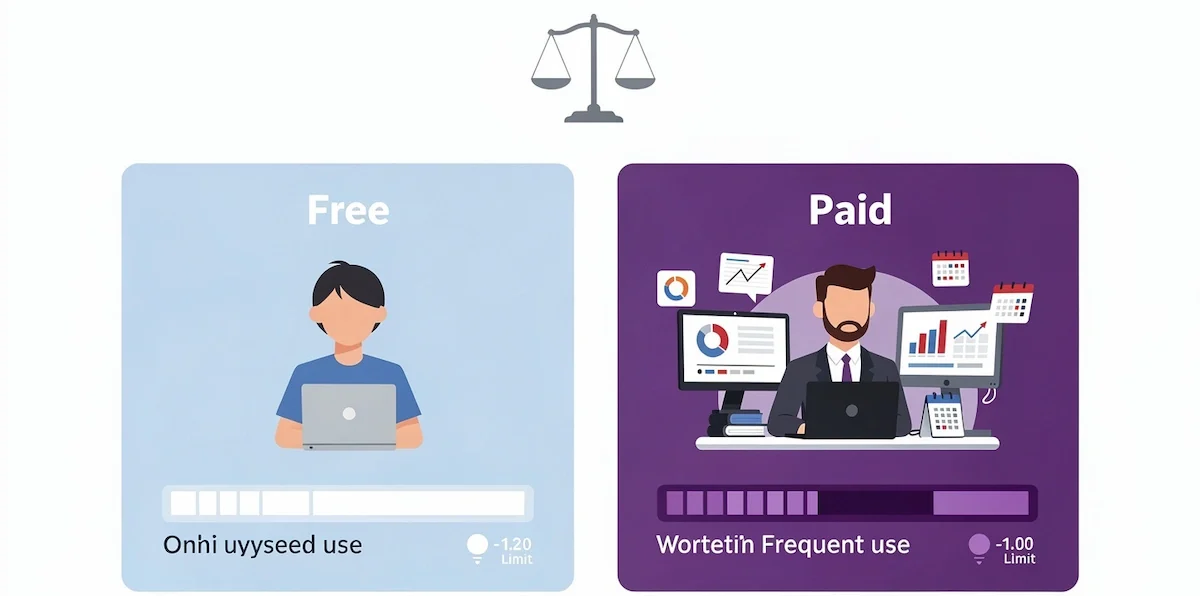
Free AI tools like ChatGPT are enough for occasional use. Many people pay out of habit for a limit they rarely reach, so check your usage before you pay for anything.
Signs you have outgrown the free plan
- You run into the usage limit several times a week.
- You need file uploads, image generation, or long documents daily.
- Answers slow down at busy hours.
- You want projects, memory, or shared workspaces.
- You need business data terms and admin controls.
What the $20 tier usually buys
Most paid plans cluster around $20 a month: ChatGPT Plus, Claude Pro at $20 or $17 billed annually, Google AI Pro at $19.99, and Perplexity Pro at $20. ChatGPT Go, a cheaper plan, is listed near $8 a month and gives more usage than Free. Mistral Pro is $14.99, and Google AI Plus is $4.99. The upgrade buys higher limits, stronger models, and extras such as deep research or coding tools. For a wider comparison of what AI tools cost, read our guide on how much AI tools cost.
Do you need the strongest model for every task?
No. Rewriting a paragraph, summarizing a page, and drafting a routine email work well on a smaller, faster model, and many free plans route simple prompts that way. Save the strongest model for hard reasoning, long documents, and code. That habit alone makes a free plan last longer, and it keeps the paid upgrade for the day you really need it.
Limitations of free AI tools
Free ChatGPT alternatives are good enough for a lot of work, and they come with limits that vendors rarely put on the front page.
Stale knowledge, hallucinations, and confident mistakes
Every tool on this list can state something wrong in a calm tone. Models without web search can be months out of date, and models with search can still quote a weak source. Names, numbers, quotes, citations, and legal or medical details need a second look. A tool that shows links, such as Perplexity, makes the check faster, and the check still has to happen.
Caps, slowdowns, and ads
Free users are the first to be slowed or paused when demand is high, and caps can change without notice. Some free plans now show ads, and OpenAI says ads may appear in the free tier in certain countries. Reasoning, deep research, and image and video generation use far more of the allowance than a plain chat, so a few heavy requests can end your day.
Features arrive late outside the US
New features usually launch in the US first and reach the EU, the UK, and other regions later, and some apps are missing in certain countries. Before you build a habit around a tool, open it from your own country and check that the feature you need is there.
Tips to get more from a free ChatGPT alternative
- Spread the work: use one tool for research, another for drafts, and a third for quick questions, so no single cap runs out.
- Start a new chat for a new topic: very long chats use more of the allowance and lose track of details.
- Ask for short output: request a table or five bullets instead of an essay when that is enough.
- Put the full brief in the first message: five follow-ups cost more than one clear prompt.
- Save heavy jobs for off-peak hours: busy periods tighten limits and slow replies.
- Keep reusable prompts: store the three or four you use most in a note.
- Upload only what is needed: a cut-down file uses less of the allowance than a full report.
What free plans do with your chats
Free consumer plans are the most likely to use conversations to improve products. Policies differ by vendor, country, and plan, and they change, so read the data controls page before you paste anything private.
| Tool | What to know |
|---|---|
| ChatGPT | OpenAI may use conversations to improve models, and a Data Controls setting lets you opt out |
| Gemini | Conversations can be used to improve Google services, and settings let you control activity saving |
| Claude | Consumer policy has changed more than once, so check the privacy setting in your account |
| Perplexity | Stores search history, and the training policy should be confirmed on its page |
| DeepSeek | The hosted service stores data on servers in China, so self-hosting is the safer route for sensitive work |
| Duck.ai | Chats are anonymized, stored locally, and not used for training, according to DuckDuckGo |
| Local models | Prompts stay on your device |
Settings to check before you paste anything
Look for the training toggle, the retention period, and the deletion process. Remove names, account numbers, and contract terms before you paste. Shared chat links can be opened by anyone who has the link. For a company-level view of this topic, see our guide to AI data privacy for business.
How to choose the right free ChatGPT alternative
Answer these five questions in order, and stop at the first clear answer. Each one points to a different ChatGPT alternative.
- Where do your files live? Google Drive points to Gemini, and Microsoft 365 points to Copilot.
- Do you need sources you can open? Start with Perplexity or Gemini Notebook.
- Do you work with long documents or write at length? Start with Claude.
- Is privacy the main concern? Start with Duck.ai or a local model.
- Do you want no account at all? Start with Duck.ai.
Take the first tool that gives a clear answer, then run the test below on it and on one backup. Teams that compare paid options as well can use our how-to on choosing AI tools for business, which has a longer checklist.
When a chatbot is not the right tool
A search engine is faster for a quick fact with a single source. A spreadsheet function or a calculator is safer for exact numbers. A design tool beats a chatbot for finished graphics, and a lawyer or a doctor beats it for advice with consequences. Use a chatbot where drafting, summarizing, brainstorming, and explaining help, and switch tools when the job is precise.
A one-hour test you can run yourself
Reviews are opinions, and a test on your own work is the best way to choose a ChatGPT alternative. Pick eight real prompts: a long-document question, a rewrite, a numbers question, a factual lookup, a formula or code question, a polite but firm email, a summary of a messy thread, and a creative request.
- Run each prompt in two or three tools without changing the wording.
- Score every answer from 1 to 3: 1 is unusable, 2 needs edits, 3 can be sent as is.
- Note the type of failure for every 1: wrong fact, wrong tone, ignored instruction, or refusal.
- Run one prompt twice. If the facts change, treat them as unverified.
- Add up the scores, then read the failure types before you decide.
Keep the wording of each prompt identical across tools, or the comparison means nothing. Good prompts follow the same habits in every tool, which our guide to prompt engineering for business explains.
Build a free AI stack from two or three tools
Most people who switch to a free ChatGPT alternative end up with a main assistant and one or two backups. A common free combination is Gemini for daily work, Perplexity for research, and Claude for long drafts. Another is Copilot inside Edge for quick questions, Gemini Notebook for your documents, and Duck.ai for private questions. Keep the stack small, since every extra tool adds another login, another set of limits, and another habit to remember. Write down which tool handles which job, and review the list every few months, because free plans and their caps keep moving. Our how-to on building an AI tool stack for business shows how to fit these tools next to the software you already use.
Switching from ChatGPT without losing your work
Export your data and custom instructions
Open the data controls in your ChatGPT settings and export your data, so you keep a copy of your conversations. Copy your custom instructions into the matching setting of the new tool. Rebuild only the three or four prompts you use every week instead of moving everything.
The context tax of switching
Every switch costs something that no export can carry over: the memory a tool built about you, your saved instructions, the project files you uploaded, and the habits you formed. Keep one short note with your role, your style rules, and your three most common tasks, and paste it into any new tool on day one. Move one job at a time instead of everything at once, so you can go back if the new tool disappoints.
What changes with Custom GPTs
OpenAI is phasing out Custom GPTs. The free tier help page says new GPT creation and publishing are not available on personal accounts, and for affected Enterprise workspaces one summary lists December 11, 2026 as the date they stop running. If a workflow depends on a Custom GPT, copy its instructions into a project or a saved prompt in another tool.
Mistakes to avoid with free AI tools
- Choosing from a ranking: a list cannot know your work, so test each ChatGPT alternative on your own prompts.
- Paying for several similar plans: upgrade only the tool where you hit a limit.
- Trusting confident answers: every tool can produce hallucinations, so check numbers, quotes, and legal or medical claims against a primary source.
- Pasting private data: treat consumer free plans as semi-public.
- Using a fake site: go to the official address of the tool.
- Ignoring limits: if your work depends on volume, test at your real volume.
Which free ChatGPT alternative should you start with?
Start with Gemini if you live in Google apps, Claude if you write or read long documents, and Perplexity if you need sources. Add Duck.ai for private chat with no account. Run the same prompts in two of these for a week, keep the one that needs the least editing, and treat the rest as backups. The best of the free ChatGPT alternatives is the one you still open after the first week.
Frequently asked questions
What is the best free AI like ChatGPT?
Gemini is the best free all-rounder for most people, Claude is the best free plan for long writing, and Perplexity is the best for answers with sources. The right pick depends on the job, so run the same prompt in two of them.
What are the best AI tools like ChatGPT free to use?
Gemini, Claude, Perplexity, Microsoft Copilot, DeepSeek, Mistral Le Chat, Meta AI, and Duck.ai all offer free plans. Each has limits on usage, so compare the free plan limits against the work you do most.
Is there a free AI like ChatGPT with no restrictions?
No mainstream tool is free of all limits and rules. Open-source models that you run on your own computer come closest, but they need hardware and setup, and small models are weaker than hosted ones.
Which free AI tools like ChatGPT work without an account?
Duck.ai needs no account, Perplexity answers basic questions as a guest, and Copilot can run in the Edge sidebar. HuggingChat works for basics. Expect stricter limits and no saved history.
Are free ChatGPT alternatives as good as ChatGPT Plus?
For drafting, summaries, and everyday questions, the best free plans come close. Paid plans add higher limits, stronger models, and tools such as deep research and agents. Test your own prompts before you pay.
Is ChatGPT itself free in 2026?
Yes. According to OpenAI, free users get unlimited everyday text chats, subject to safeguards, while file uploads, image generation, voice, and data analysis have separate limits. Ads may appear in some countries.
Which free ChatGPT alternative is best for students?
Gemini Notebook turns your notes and readings into quizzes and study guides, Perplexity finds sources, and Gemini helps with drafting. Check your school policy before you use any tool on graded work.
Which free AI is best for coding?
Claude is a common first choice for explaining and reviewing code, and DeepSeek is strong on math and logic. GitHub Copilot Free offers limited completions inside your editor. Read and test generated code before you use it.
Is Google Gemini really free?
Yes, Gemini has a free plan with a Google account. Limits are compute-based, refresh every 5 hours up to a weekly cap, and premium features use more of the allowance. Paid plans start at $4.99 a month.
Can I use Claude for free without hitting limits quickly?
Claude uses session-based limits that your account settings show. Save it for long documents and drafts, and use another tool for quick questions. Paid plans start at $17 a month billed annually.
Which free AI tool is the most private?
A local model keeps prompts on your device, and Duck.ai anonymizes chats and does not use them for training, according to DuckDuckGo. Check the data controls of any hosted tool before you paste private details.
Is there an open-source ChatGPT alternative I can run offline?
Yes. Jan, Ollama, and LM Studio run open models on your own machine, and a laptop with 8 GB of RAM can run small models. Quality drops on harder tasks, so use them when privacy matters more than speed.
Are free AI tools safe for business data?
Free consumer plans rarely come with business data terms or admin controls. Use a business plan for company data, or remove names and figures before you paste, and write a short rule on what staff may share.
How do I spot a fake ChatGPT site?
Watch for a missing company name, no privacy policy, a card request for a free tool, and a domain that imitates a known brand. Go to the official address of the tool and avoid sites that only wrap another model.
What AI is smarter than ChatGPT?
No tool wins every task. Gemini, Claude, and DeepSeek lead on some benchmarks and trail on others, and results change with each release. Run your own prompts in two tools and trust the result on your work.
What is the best free AI for images?
Gemini and Copilot reportedly offer free image generation within daily caps, and ChatGPT Free includes image creation with its own limit. Claude does not generate images. Check the current cap in each app before you plan a project.
Is there a free AI for video?
Full video generation is mostly paid or tightly capped. Some tools offer short free clips or trials, so check the free plan page of the tool you want. Free chat tools can still help with scripts, storyboards, and captions.
What is the best free AI for live information?
Perplexity searches the web and shows sources, Grok reads live posts on X, and Gemini and Copilot use web search too. Open the cited pages for anything important, since a fast answer can still rest on a weak source.
Can I use more than one free AI tool at once?
Yes, and many people do. A common mix is one tool for daily work, one for research, and one for private questions. Keep the group to two or three tools, and write down which one handles which job.
Will free AI plans get worse over time?
Limits and models change without notice, and OpenAI says ads may appear on the free tier in some countries. Plans can also improve. Treat any free plan as temporary, and keep a backup tool you have already tested.
What is DeepSeek good at?
DeepSeek is strong at coding, math, and step-by-step reasoning, and its open-weight models can run locally. The hosted app stores data on servers in China, so keep private or regulated data out of it.
What is the best free AI for business use?
Free consumer plans are fine for non-sensitive drafts. For company data, use a business plan with admin controls and clear data terms, such as Copilot or Gemini inside a work account, and review the terms with whoever handles compliance.
Can I use Claude or ChatGPT without logging in?
ChatGPT has a logged-out mode in some regions, with a lighter model and tighter limits. Claude is not available as a logged-out chat on its own site, but Duck.ai offers a lighter Claude model without an account, according to reviews.
Is there an unlimited free AI chatbot?
Not fully. OpenAI says free ChatGPT users get unlimited everyday text chats, though files, images, and voice have caps, and reviews say DeepSeek has no hard message cap. Claude, Gemini, and Perplexity all limit free use.