Gemini is a solid assistant, but it is not the right fit for everyone. Some people hit usage caps on the free plan, some want better writing, and some do not want all their work tied to a Google account. If you are looking for AI tools like Gemini, this guide compares the options that actually compete with it in 2026, with prices, free limits, strengths and weak points for each one.
The list of Gemini alternatives below covers general assistants, search focused tools and open source models. Each tool is compared against Gemini directly, so you can see what you gain and what you lose by switching. Prices change often, so use the figures as a starting point and confirm them on the official page before you pay.
Quick answer: AI tools like Gemini
The strongest options are ChatGPT, Claude, Perplexity, Microsoft Copilot, Grok, DeepSeek and Mistral Le Chat. Each one handles chat, writing, coding help and file analysis. The right pick depends on the job you want done.

- Best all round: ChatGPT
- Best for writing and long documents: Claude
- Best for research with sources: Perplexity
- Best for Microsoft 365 users: Microsoft Copilot
- Best for live posts and trends: Grok
- Best low cost option: DeepSeek
- Best European option: Mistral Le Chat
- Best for private use: Llama models run on your own computer
What Gemini does well
Before you switch, it helps to know what you would give up. Gemini is the AI assistant made by Google. It works inside Gmail, Google Docs, Google Drive, Google Meet and Android, and it can read very long files because of its large context window. It also handles images, audio and video in the same chat, and it can search the web through Google.
If your day already runs on Google Workspace, that integration is hard to beat. You can ask for a summary of an email thread, a draft inside a document, or an answer from files in your Drive without leaving the app. Gemini also has a generous free plan compared with many rivals, and the paid Google AI Pro plan is priced around 20 USD per month, bundled with extra cloud storage.
The honest conclusion is that Gemini is strong, and an alternative only makes sense if one of the problems in the next section affects you.
Gemini plans and prices
Knowing what Gemini costs makes every comparison fairer. Google sells four consumer tiers. The figures below are US prices checked on 19 October 2026 on public pricing pages, and they differ by country, so confirm them on the official page before you buy.
| Plan | Price per month | What you get |
|---|---|---|
| Free | 0 USD | Fast model, limited access to the stronger model, daily limits, 15 GB of storage |
| Google AI Plus | About 5 USD, higher in some countries | Roughly double the free limits and more storage |
| Google AI Pro | About 20 USD | Higher limits, expanded Deep Research and a large storage bundle |
| Google AI Ultra | From about 100 USD | Highest limits and the most advanced reasoning mode |
For comparison, ChatGPT Go costs about 8 USD and ChatGPT Plus about 20 USD. Claude Pro, Perplexity Pro and Microsoft 365 Premium are all around 20 USD, and Mistral Le Chat Pro is about 15 USD. So the price of Google AI Pro is the same as its main rivals. You gain by switching only when another tool fits your work better, not because it is cheaper.
Why people look for Gemini alternatives
Most people who search for Gemini alternatives have one of six reasons. Knowing yours makes the choice faster.
- Usage limits. The free plan has daily caps on the strongest model, and heavy use of image, video or research features can run into credits or metered limits.
- Answer quality changes. Some users report that answers on long reasoning tasks drift or get shorter over time, especially after model updates.
- Google lock in. Gemini works best with a Google account. If your company uses Microsoft 365 or no cloud suite at all, much of its value is gone.
- Lighter citations. For research, many people want clear links to sources for every claim. Perplexity does this by default, while Gemini is less consistent.
- Writing style. Some people find the tone of Gemini flat or too cautious for creative and long form work.
- No open weights. Gemini runs only on Google servers. If you need to host a model yourself for privacy or cost reasons, you need a different tool.
If none of these apply to you, staying with Gemini is a reasonable decision. If one or two do, the sections below show where to go.
How to choose a Gemini alternative
Pick based on the work you do most often, not on benchmark scores. A model that wins a leaderboard can still be a poor fit for your daily tasks. Use these checks:
- Main task: writing, research, coding, data analysis, images or meetings.
- Free plan limits: how many messages per day, which model you get, and whether file upload is included.
- Price per user: compare the monthly cost for one person and for a team, because business plans are often billed per seat.
- Connected apps: Gmail, Outlook, Slack, Notion, GitHub and similar tools should connect without extra work.
- Privacy: check whether your chats are used to train models and whether you can turn that off.
- Context window: if you upload long reports or books, the size of the window decides how much the tool can read at once.
- Source links: choose a tool that shows where facts come from if you publish or make decisions based on the answer.
A good method is to take three real tasks from last week, run them in two or three tools, and compare the results side by side. This takes less than an hour and tells you more than any review.
If you are choosing for a company, the guide on how to choose AI tools for business gives a step by step process for comparing tools against your workflow.
Assistant, chatbot, model and answer engine
These words get mixed up in reviews, and the difference matters when you compare tools. A model is the engine, for example Gemini 3, GPT or Llama. An assistant is the app built around a model, such as the Gemini app or ChatGPT. A chatbot is any tool you talk to in a chat window. An answer engine, like Perplexity, searches the web first and then writes a short answer with sources.
Some tools let you pick the model inside the app. Others use one model only. When you compare prices, check whether you pay for the app, for the model through an API, or for both.
Gemini alternatives compared
This table puts the main Gemini alternatives next to each other. Prices are typical starting points for one person on the paid plan, and free plans change often.
| Tool | Best for | Free plan | Paid plan from |
|---|---|---|---|
| ChatGPT | All round use | Yes, limited | About 20 USD per month |
| Claude | Writing, long documents, coding | Yes, limited | About 20 USD per month |
| Perplexity | Research with sources | Yes, limited | About 20 USD per month |
| Microsoft Copilot | Microsoft 365 users | Yes | About 20 USD per month with Microsoft 365 Premium |
| Grok | Live posts and trends | Yes, limited | About 30 USD per month |
| DeepSeek | Low cost reasoning and code | Yes | Pay per use through the API |
| Mistral Le Chat | European data hosting | Yes | About 15 USD per month |
| Llama and open models | Private, local use | Free to download | Hardware cost only |
ChatGPT

ChatGPT, made by OpenAI, is the closest match to Gemini in what it can do. It handles text, images, voice, file analysis, data work and web search, and it has the largest set of plugins, custom assistants and connected apps in this category.
Where ChatGPT beats Gemini
ChatGPT has the biggest set of add-ons and connected apps. Custom GPTs, a long list of connected apps and strong voice mode make it easy to build repeatable workflows. Many people also find its answers more natural for brainstorming and everyday conversation. For coding help, it is one of the most used tools in the world.
Where Gemini is better
Gemini wins on Google Workspace integration, on very long context and on the amount of work you can do for free. If you live inside Gmail and Docs, ChatGPT needs connectors to reach the same data.
Price and best use
The free plan gives limited access to the newest model. Paid plans start around 20 USD per month, with higher tiers for heavy users and team plans billed per seat. ChatGPT is the best choice if you want one tool for almost everything.
Claude

Claude, made by Anthropic, is known for careful writing, long document analysis and strong coding help. Many writers, analysts and developers prefer it because the answers read clearly and follow instructions closely.
Where Claude beats Gemini
Claude is often the better pick for long reports, editing, summaries of dense files and code reviews. Its tone is calm and direct, which suits business writing. Projects let you keep files and instructions in one place so you do not repeat yourself in every chat.
Where Gemini is better
Gemini has native video and audio handling, deeper Google app integration and a more generous free tier for some features. Claude has no built in image generation, which matters if you want pictures from the same tool.
Price and best use
The free plan has daily message limits. The Pro plan costs about 20 USD per month, or less when billed yearly. Claude is the best choice for writing, document work and coding.
Perplexity
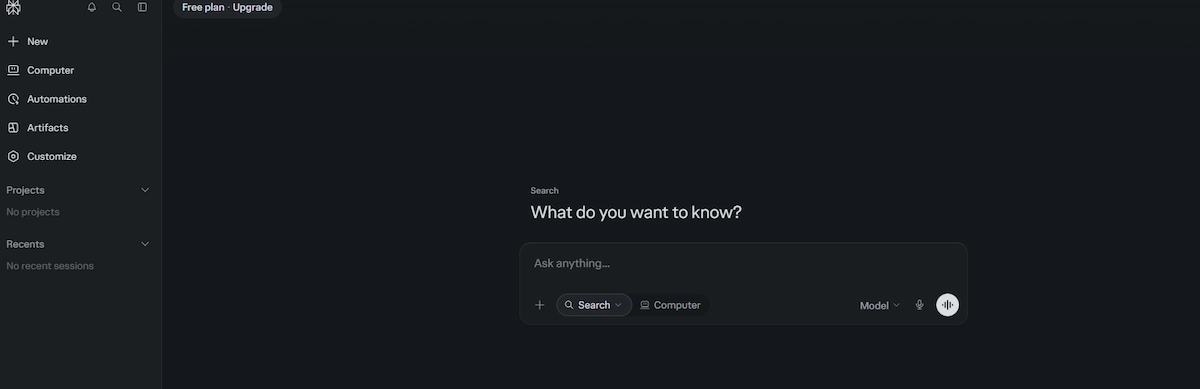
Perplexity is an answer engine rather than a classic chatbot. Every answer comes with numbered sources, which makes checking facts quick. It searches the live web, lets you narrow the search to academic papers or specific sites, and can run deeper multi step research reports.
Where Perplexity beats Gemini
Source links are the main advantage. For market research, news, product comparisons and fact checking, you can open each citation and verify the claim in seconds. The interface is built around search, so you spend less time prompting and more time reading.
Where Gemini is better
Perplexity is weaker for long creative writing, working inside your own documents and app integration. Gemini also handles uploaded video and audio better.
Price and best use
The free plan allows basic searches with a daily cap on advanced ones. The Pro plan costs about 20 USD per month. Choose Perplexity when you need researched answers you can trace back to a source.
Microsoft Copilot
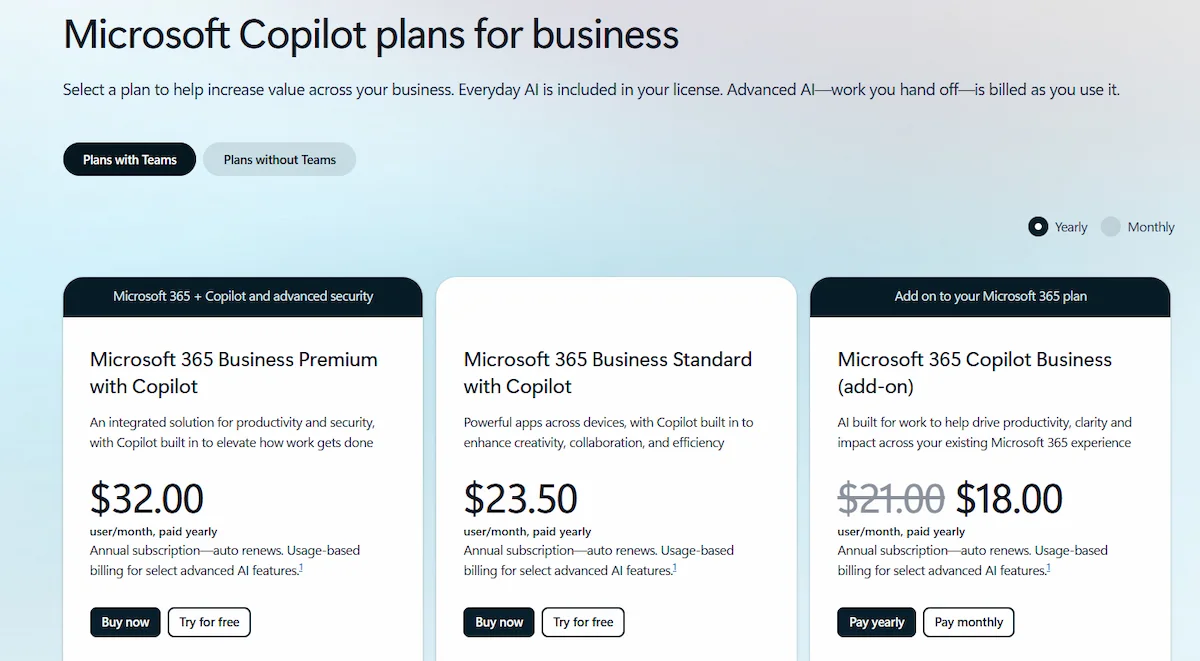
Microsoft Copilot is the natural choice for companies that run on Windows, Outlook, Word, Excel and Teams. It sits inside those apps and can summarize meetings, draft emails and build reports from your files.
Where Copilot beats Gemini
If your company uses Microsoft 365, Copilot works with your emails, calendar, documents and spreadsheets with proper admin controls. It is the mirror image of Gemini for Google Workspace. Enterprise plans add security features that IT teams already know.
Where Gemini is better
Outside the Microsoft world, Copilot offers less. For users of Gmail and Google Docs, Gemini is the more natural fit, and the free version of Gemini is often more flexible for general questions.
Price and best use
A free version is available in the browser and in Windows. For personal use, Copilot comes with Microsoft 365 Premium at about 20 USD per month, since the old standalone Copilot Pro plan was retired. Microsoft 365 Copilot for work is billed per user, at about 30 USD per month. It is the best choice for Microsoft 365 teams.
For a wider view of how these tools fit into a company, see the guide on building an AI tool stack for business.
Grok

Grok, made by xAI, is built into the X platform. Its main feature is access to live posts, which makes it useful for tracking trends, news reactions and public discussion as they happen.
Where Grok beats Gemini
Real time information from X is the clear advantage. If you work in social media, news, finance or marketing, Grok can show you what people are saying right now. It also has a looser tone and answers some questions that other assistants avoid.
Where Gemini is better
Gemini has stronger app integration, better handling of long files and a more reliable record on business use. Grok is less suited to formal work documents.
Price and best use
Basic access is available with an X account, with limits. Higher plans cost around 30 USD per month. Grok is the best choice for trend tracking and live social data.
DeepSeek
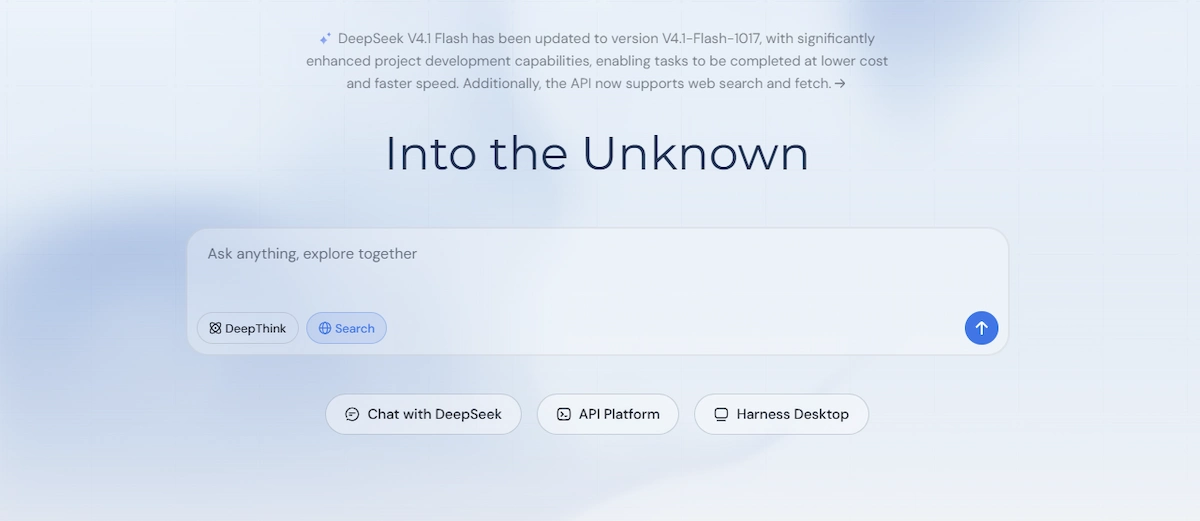
DeepSeek is a Chinese AI lab known for strong reasoning and coding at a very low price. Its models are available through a free chat app and through an API where you pay per use, and some versions are released with open weights.
Where DeepSeek beats Gemini
Cost is the main reason to look at it. API prices are far lower than most Western rivals, which matters for developers who process large volumes of text. Open weights also mean companies can host the model themselves.
Where Gemini is better
Gemini offers better multimodal features, stronger app integration and clearer data handling for Western users. With the DeepSeek chat app, your data is processed on servers in China, so avoid sending confidential or personal information. Self hosting the open model removes that concern.
Price and best use
The chat app is free. API pricing is based on tokens and is among the lowest on the market. It is the best choice for developers and for cost sensitive projects with non sensitive data.
Mistral Le Chat
Mistral is a French AI company, and Le Chat is its assistant. It offers fast answers, web search, image generation and document analysis, with the company based in Europe and subject to European data rules.
Where Mistral beats Gemini
For European users and companies that care about where data is handled, Mistral is an easy choice to defend. It also offers open models that you can run yourself, and the paid plan is usually cheaper than the main rivals.
Where Gemini is better
Gemini has more connected apps, better video and audio support and stronger results on the hardest reasoning tasks. Le Chat has fewer integrations.
Price and best use
A free plan is available, and the Pro plan costs about 15 USD per month. Mistral is a good fit for privacy aware users in Europe.
Meta AI
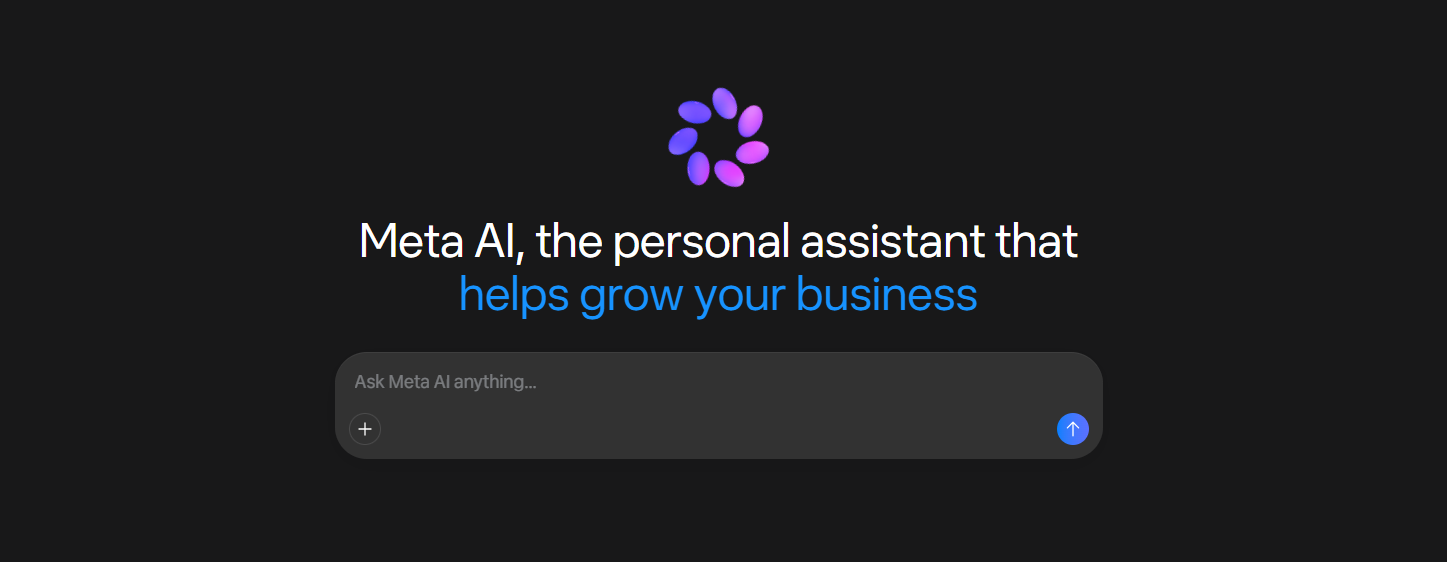
Meta AI is the assistant built into WhatsApp, Instagram, Messenger and Facebook, and it also has its own app. It is free, runs on the Llama models and can answer questions, write short texts and create images.
Where Meta AI beats Gemini
It lives inside the chat apps you already use, so there is nothing new to open. For quick everyday questions, trip ideas or a fast image, that convenience is hard to match.
Where Gemini is better
Gemini is stronger on long files, deeper reasoning and work inside documents and email. Meta AI is not built for office work, and you should not paste business data into a chat on a social platform.
Poe
Poe, from Quora, is an app that gives you many models in one place, including models from OpenAI, Anthropic, Google and others, together with custom bots made by other users. It is useful when you want to send the same question to several models and compare the answers side by side.
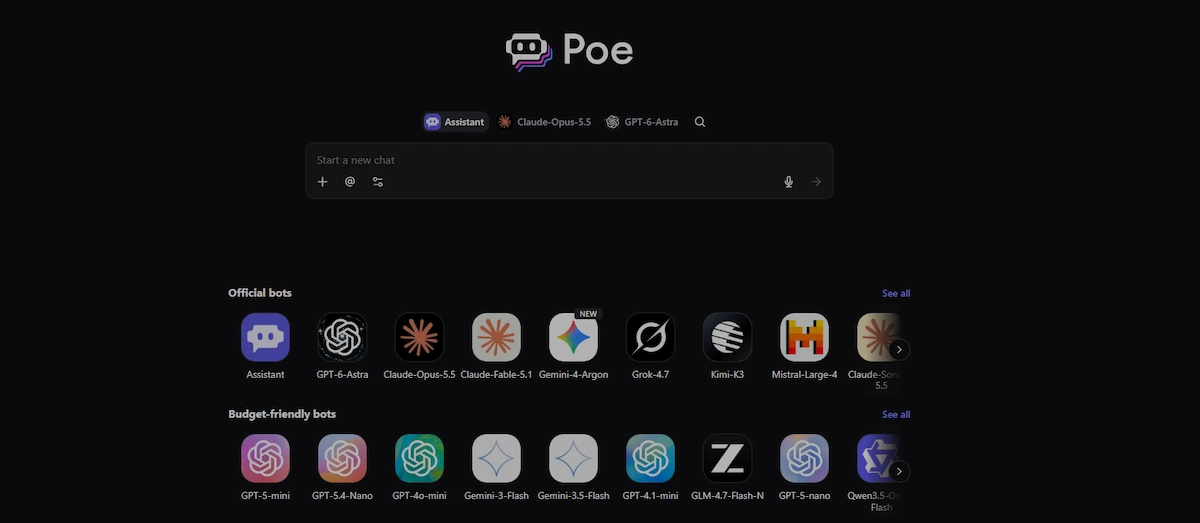
The trade off is the cost model. Poe uses a points system, so heavy use can run out quickly, and the newest features of a model may arrive later than in the original app. It works well as a testing tool, and less well as a daily work tool.
AI inside workspace tools
Notion AI, ClickUp Brain and similar tools add an assistant inside the app where your notes, tasks and documents already live. They answer from your own pages and projects, not from the open web, which makes them useful for searching company knowledge, summarizing project updates and drafting task descriptions.
They are weaker for general questions and research, and many charge an extra fee per user on top of the normal plan. Check whether the assistant is included or sold as an add on before you compare the price with Gemini.
Llama and other open source models
Open weight models such as Llama from Meta, Mistral and DeepSeek can be downloaded and run on your own computer or server. Tools such as Ollama and LM Studio make setup simple, even for people with little technical background.
Where open models beat Gemini
Your data never leaves your machine. There is no monthly fee, no usage cap and no account. You can also fine tune the model on your own data, which matters for companies with special needs.
Where Gemini is better
The best closed models are still stronger on hard tasks, and small models that run on a normal laptop are noticeably weaker. You also need decent hardware, and you handle updates and security yourself.
Price and best use
The software is free. You pay only for hardware or server rental. This option is best for private data, offline use and developers who want full control.
Which tool fits your job
If you already know your main task, this list saves time.
- Writers and editors: Claude first, ChatGPT second. Both keep a steady tone across long texts.
- Students and researchers: Perplexity for sources, then Claude or ChatGPT to explain and summarize the papers you find.
- Developers: Claude and ChatGPT for daily coding help, DeepSeek for cheap API calls, and a local Llama model for private code.
- Marketers and social teams: ChatGPT for copy and ideas, Grok for live trends on X, Perplexity for competitor research.
- Small business owners: ChatGPT or Copilot, depending on whether you use Microsoft 365. Start on the free plan and pay only when you hit the limits.
- Office teams on Microsoft: Copilot, because it works inside Word, Excel, Outlook and Teams.
- Privacy first users: Mistral Le Chat for European hosting, or a local open model for full control.
Do not pay for several subscriptions at once. Most people do well with one paid assistant and one free search tool, and you can drop either at any time.
Alternatives by task: images, video and documents
Many people use Gemini for more than chat. This table shows which tools to test for each task.
| Task | Tools to test | Note |
|---|---|---|
| Images | ChatGPT image generation, Midjourney, Mistral Le Chat | Midjourney is strongest for style, ChatGPT is easiest inside a chat |
| Video | Runway and the video features of other assistants | Most tools bill video by credits, so check the cost per clip |
| Long documents | Claude, ChatGPT Projects, Perplexity Spaces | Upload files and ask questions across all of them |
| Live web research | Perplexity, ChatGPT search, Grok | Prefer tools that show source links |
| Meetings and email | Microsoft Copilot in Teams and Outlook | Needs a Microsoft 365 account |
| Coding | Claude, ChatGPT, DeepSeek, local Llama | Use a local model for private code |
Gemini vs ChatGPT, Claude and Perplexity
These are the three comparisons people search for most. The table gives the short version, and the notes below explain the choice.
| Question | Gemini | ChatGPT | Claude | Perplexity |
|---|---|---|---|---|
| Strongest at | Google apps, long files, video | All round use, add ons | Writing, long documents, code | Research with sources |
| Weakest at | Source citations | Depends on plan limits | No image generation | Creative writing |
| Works inside Google apps | Yes | Through connectors | Through connectors | No |
| Shows source links | Sometimes | With web search | With web search | Always |
| Free plan | Generous | Limited | Limited | Limited |
Gemini vs ChatGPT
Choose Gemini if your work happens in Gmail, Docs and Drive, or if you upload long files and video. 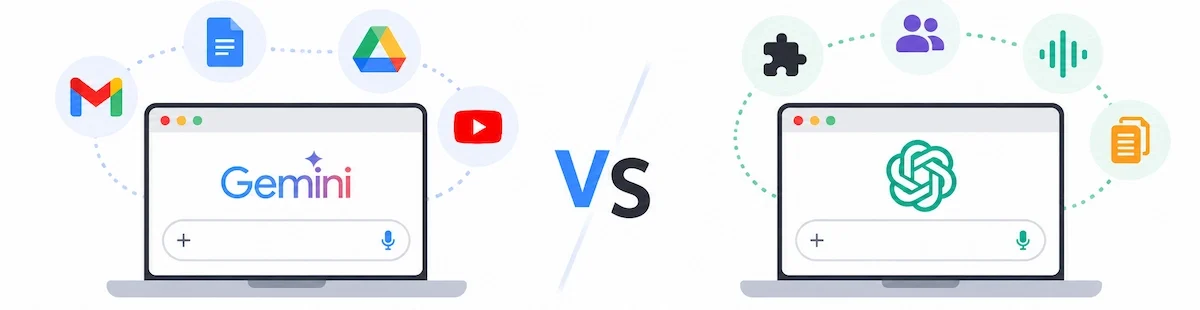
Choose ChatGPT if you want the widest set of add ons, custom assistants and a strong voice mode. Both are good enough for most tasks, so the deciding factor is usually the apps around them.
Gemini vs Claude
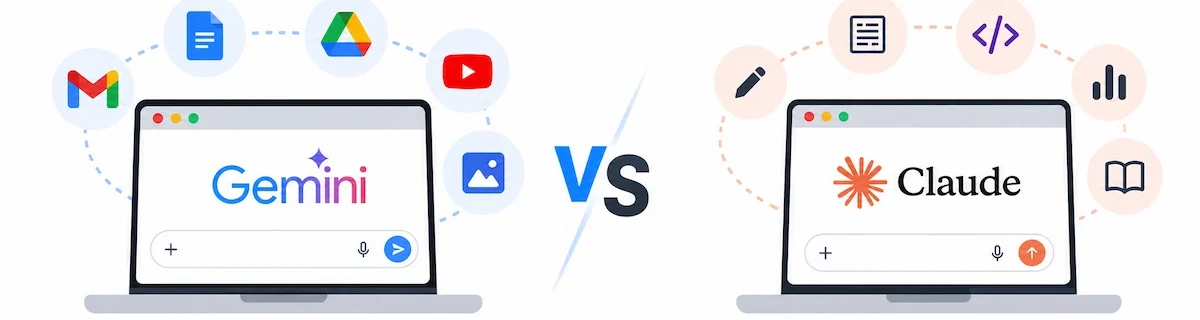
Choose Claude when text quality matters most, for example reports, editing and code review. Choose Gemini when you need images, audio, video or the Google suite in the same place.
Gemini vs Perplexity
These two solve different problems. Perplexity is a search tool that writes short answers with citations.

Gemini is a general assistant. Many people keep Perplexity for research and use Gemini or another assistant for everything else.
Free Gemini alternatives
You can do a lot without paying. Free plans are good for testing a tool before you commit, but they all have limits, and those limits change without notice.
| Tool | What you get for free | Main limit |
|---|---|---|
| ChatGPT | Chat, file upload, web search | Daily cap on the newest model |
| Claude | Chat, file analysis | Daily message limit |
| Perplexity | Unlimited basic searches | Few advanced searches per day |
| Microsoft Copilot | Chat, image creation | Fewer features than the paid plan |
| DeepSeek | Chat with strong reasoning | Servers can be busy, data stored in China |
| Mistral Le Chat | Chat, search, images | Fewer messages on the best model |
| Llama on your computer | Everything, offline | Needs your own hardware |
The best free Gemini alternative for most people is ChatGPT or Claude. If you want sources, use Perplexity. If you want no limits and full privacy, run an open model locally.
Gemini alternatives for business
Companies have different needs from individuals. Price per seat, security, admin controls and data handling matter more than which model wins a test. Before you pick a tool, check these points:
- Security certificates: look for SOC 2 and similar audits.
- Single sign on: SAML support makes user management easier.
- Data use: confirm that business chats are not used to train public models.
- Billing: business plans are usually charged per user, so costs grow with the team.
- Admin tools: you want user roles, audit logs and the option to restrict features.
For Google Workspace companies, Gemini itself is often the simplest choice. For Microsoft 365 companies, Copilot fits better. ChatGPT Team and Enterprise and Claude Team and Enterprise are strong neutral options when your tools are mixed. Mistral suits European companies with strict data rules.
Running costs add up quickly once a whole team is involved, so read the breakdown in how much AI tools cost before you sign a contract. Ask for a trial with two or three real users first, and only then roll the tool out to everyone.
Private and open source options
If you handle client data, health records, legal files or trade secrets, the safest approach is to keep the data on your own system. Open weight models let you do that. You run the model locally, no text is sent to an outside server, and you control who has access.
The simple setup works like this: install Ollama or LM Studio, download a model such as Llama or Mistral, and chat in a local window. A modern laptop with 16 GB of memory can run smaller models. Larger models need a strong graphics card or a rented server.
Rules about personal data apply to chats too. The guide to AI data privacy for business lists what to check before any client information goes into a tool.
The trade off is quality. Local models are improving fast, but the top closed models are still ahead on difficult reasoning and long documents. Many teams use both: a local model for sensitive data and a cloud assistant for everything else.
How to move from Gemini to another tool
Switching takes less time than most people expect. Follow this checklist:
- Export your chats. Use Google Takeout to download your Gemini activity and keep a copy.
- Save your best prompts. Copy the prompts you reuse into a document, since they work in most tools with small changes.
- List your connected tools. Note which apps you used with Gemini so you can connect the same ones in the new tool.
- Test with real tasks. Run three tasks from last week in the new tool and compare the results.
- Check privacy settings. Turn off training on your chats if the tool allows it.
- Keep Gemini for a month. Use both for a while, then cancel the paid plan once you are sure.
Good prompts transfer well between tools. If you want better results from any of them, the guide on prompt engineering for business explains how to structure requests.
Pricing and limits to expect
Most paid consumer plans sit around 20 USD per month. Cheaper entry plans exist in some countries, and premium tiers for heavy users can cost from 100 to 250 USD per month. Free plans are meant for testing, so expect caps on the strongest model, on file uploads and on image or video generation.
Watch for three things that raise the real cost. The first is credits for video and image tools that are billed on top of the plan. The second is per seat pricing, where five users cost five times the single price. The third is API pricing based on tokens, where long documents and long answers add up fast. Plans, names and limits change several times a year. The figures in this guide were checked on 19 October 2026, so check the official page on the day you buy.
How to check any AI answer
Every assistant on this list can produce a wrong answer that sounds confident. This is true for Gemini and for every alternative, so build a short checking habit before you publish or send anything.
- Ask for sources and open at least one of them. If the link is missing or does not support the claim, do not use it.
- Check numbers and names such as prices, dates, quotes and legal or medical details in a second place.
- Run the same question in a second tool. If the answers disagree, find out why before you trust either one.
- Use a research tool for facts and a writing tool for style, since they are built for different jobs.
- Keep a human reviewer for anything that reaches customers.
Final verdict
No single tool is the best Gemini alternative for everyone. ChatGPT is the safest all round choice. Claude is better for writing and long documents. Perplexity is better when you need sources. Copilot wins inside Microsoft 365, Grok helps with live trends, DeepSeek is the cheapest for developers, Mistral suits European users, and open models give full privacy.
Gemini is still a strong option, especially for Google Workspace users, so switch only when a specific problem pushes you to. Pick two of the AI tools like Gemini listed here, test them on your own tasks for a week, and keep the one that saves you the most time. If you want to see how other business teams use these assistants day to day, the guide on how to use AI in business shows practical examples. Prices and plan details can be checked on the official Gemini plans page.
FAQ
What are the best alternatives to Gemini?
The best options are ChatGPT, Claude, Perplexity, Microsoft Copilot, Grok, DeepSeek and Mistral Le Chat. ChatGPT is the closest all round match, Claude is strongest for writing, and Perplexity is best for research with sources.
Which AI tools like Gemini are free?
ChatGPT, Claude, Perplexity, Microsoft Copilot, DeepSeek and Mistral Le Chat all have free plans. Each one has daily limits on its best model. Open models such as Llama are free to run on your own computer, and you pay only for hardware.
Is ChatGPT better than Gemini?
It depends on the task. ChatGPT has more add-ons and feels more natural for brainstorming and coding. Gemini is better for Google Workspace, long files and video. Test both on your own work.
Is Claude better than Gemini?
Claude is often better for writing, editing and long document analysis. Gemini is stronger for video, audio, Google apps and free use. Choose Claude if text quality is your main need.
What is the best Gemini alternative for research?
Perplexity is the best choice for research because every answer includes numbered source links. That makes it easy to check each claim before you use it.
What is the best Gemini alternative for business?
For Microsoft 365 companies, Copilot is the best fit. For mixed tools, ChatGPT Team or Enterprise and Claude Team or Enterprise are strong choices. Always check security certificates, single sign on and how your data is used.
Which Gemini alternative is the cheapest?
DeepSeek has very low API prices, and open source models cost nothing to use apart from hardware. Among consumer plans, most paid tiers cost around 20 USD per month, and Mistral is slightly lower.
Can I run a Gemini alternative on my own computer?
Yes. Open weight models such as Llama, Mistral and DeepSeek can run locally with tools like Ollama or LM Studio. Your data stays on your machine, but the results are weaker than the best cloud models.
Is DeepSeek safe to use?
The DeepSeek chat app processes data on servers in China, so do not enter confidential or personal information. Developers who host the open model themselves avoid that issue.
Why do people leave Gemini?
The most common reasons are usage limits, changes in answer quality, dependence on a Google account, weaker source citations, writing style and the lack of open weights.
Can I export my data from Gemini?
Yes. Google Takeout lets you download your Gemini activity. Save your best prompts as well, because they usually work in other tools with small edits.










