Digital marketing with AI tools means running your normal online marketing, such as content, SEO, email, ads and social media, with software that can write, analyze and automate part of the work. So what is digital marketing with AI tools in practice? It is the same job with a faster first draft, quicker reports and fewer repeated tasks.
We use these AI tools every week in our own campaigns, and the pattern is always the same. The AI tool does the slow part, and a person checks the result before it goes out. That is why this guide focuses on what to use, where it fits and what to watch for.
Most AI tools for marketing work in plain language. You type what you need, the AI tool answers, and you edit the answer until it is ready to publish.
You do not need a technical background to start. If you can describe a marketing task in plain words, you can already use most of the AI tools below.
Key Takeaways
- Digital marketing with AI is regular marketing done with software that drafts, sorts data and automates routine steps.
- Most teams get the biggest gain in content, email and reporting.
- Start with one tool for one channel, then add more.
- Always check the AI output before it goes live.
- Measure time saved and conversions, not only how much content you produce.
What Is Digital Marketing with AI?
The easiest way to understand it is to split the phrase in two. First comes digital marketing, then the AI part that sits on top of it.
What is digital marketing
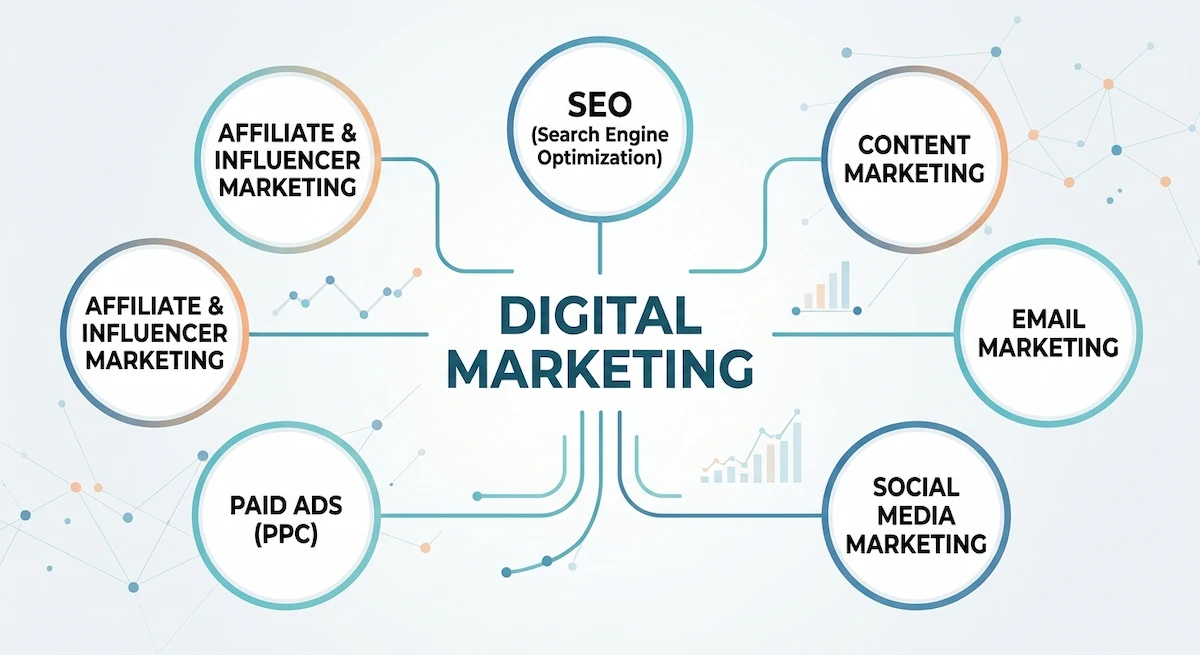
Digital marketing is the way a business reaches customers online. It includes a website, search engine optimization (SEO), content, email, social media, paid ads and the analytics that show what works. Every channel produces data, and that data is what tells you where to spend time and money.
The main types of digital marketing are:
- SEO: getting your pages to show up when people search.
- Content marketing: blog posts, videos and guides that answer questions.
- Email marketing: messages sent to subscribers and customers.
- Social media marketing: posting and advertising on social platforms.
- Paid ads (PPC): ads on search engines and social media where you pay per click or view.
- Affiliate and influencer marketing: other people promote your product for a fee or a share of sales.
AI tools now exist for every one of them, which is why digital marketing with AI covers the whole list and not one narrow task.
What AI adds to digital marketing
AI tools take over work that used to be slow or manual. They write first drafts, group customers by behavior, suggest keywords, test ad versions and summarize reports. Most of them run on machine learning or generative AI, which means they learn patterns from large amounts of data and then produce text, images or predictions.
The process behind every AI tool is similar. You give it data or an instruction, the AI looks for patterns it has learned before, and it returns a draft, a score or a prediction. The quality of the result depends on how clear your input is and how clean your data is.
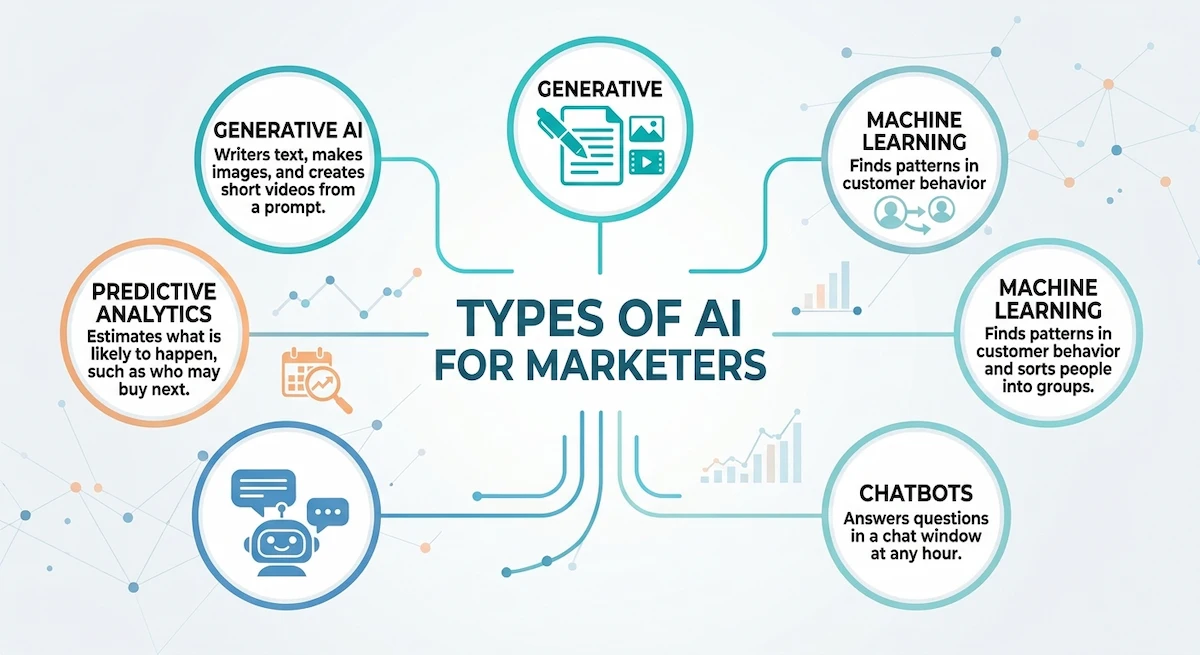
Marketers usually meet a few types of AI:
- Generative AI writes text, makes images and creates short videos from a prompt.
- Machine learning finds patterns in customer behavior and sorts people into groups.
- Predictive analytics estimates what is likely to happen, such as who may buy next.
- Chatbots answer questions in a chat window at any hour.
You will also hear the names ChatGPT, GPT and large language model (LLM). A large language model is the AI trained on huge amounts of text so it can write and answer questions. GPT is the family of models behind ChatGPT, and Claude and Gemini are other tools built on the same idea. For marketers, it simply means an assistant that understands a written instruction and replies with a draft.
Put together, digital marketing with AI tools is a normal marketing plan where software handles the repeated parts and marketers keep the decisions. If a term in this guide is new to you, our AI terms glossary explains the most common ones in plain language.
Why does this matter now? Customers expect fast answers, personal messages and content that matches what they search for, and a small team cannot deliver all of that by hand. AI tools close that gap. They do not replace the plan, but they make the plan possible for a team of one, three or ten people. That is also why AI in digital marketing keeps showing up in job posts and tool reviews.
We also see a small tool definition worth stating. A digital marketing tool is any software that helps you plan, run or measure online marketing. An AI tool is one that does part of that job on its own, based on your input.
Digital Marketing vs AI Marketing: What Is the Difference?
Many articles use these two terms as if they mean the same thing. They overlap, but they are not identical.
Digital marketing describes where you market: search, social, email, ads and your own site. AI marketing describes how part of that work gets done: with software that learns from data. A business can do digital marketing without any AI, and it can use AI inside only one channel.
In daily work the line is thin.
The difference matters when you plan a budget. AI marketing is not a separate channel you buy. It is a way to run the channels you already have, so the first question is always which channel is slowest or most expensive for you right now. When we write an email with an assistant, that is digital marketing with AI. When we only schedule the same email by hand, it is digital marketing without it.
How AI Tools Fit Into Each Digital Marketing Channel
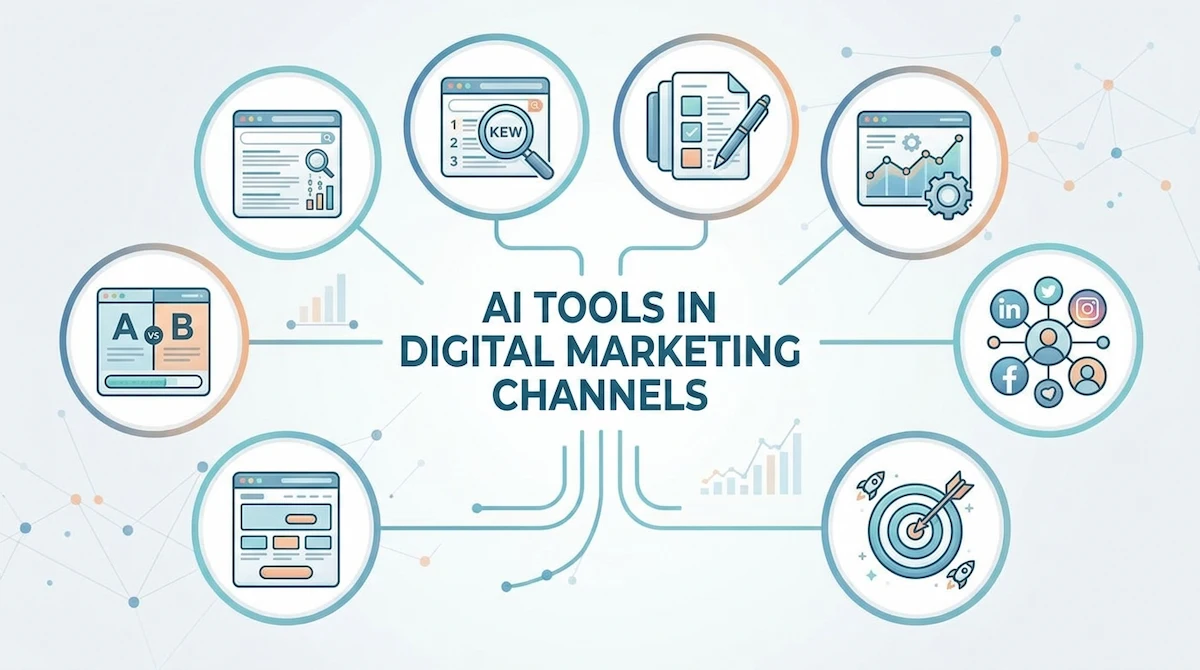
Each channel has its own AI use. This table shows the most common ones, and the sections after it explain how we use them.
| Channel | What AI does | Common tools |
|---|---|---|
| SEO | Keyword research, content scoring, outlines | Semrush, Surfer SEO, Ahrefs |
| Content | First drafts, edits, headlines, images | ChatGPT, Claude, Jasper, Canva |
| Subject lines, segments, send time | Mailchimp, Klaviyo, HubSpot | |
| Social media | Post ideas, scheduling, captions | Buffer, Hootsuite, Canva |
| Paid ads | Bids, audiences, ad copy tests | Google Ads, Meta Advantage+ |
| Landing pages | Layout tests, heatmaps, lead scoring | Hotjar, Unbounce, HubSpot |
| Analytics | Reports, trends, predictions | Google Analytics, Looker Studio |
| Customer service | Chatbots, reply drafts | Chat widgets, helpdesk assistants |
You will notice that no channel is missing an AI option. That does not mean you need one everywhere. We pick the channel that takes the most hours and start there, because that is where the gain is easiest to see.
How to Use AI Tools in Digital Marketing
This is the part most readers want. Here is how to use AI in digital marketing, and how AI digital marketing works day to day, channel by channel, with the tasks we hand to an AI tool and the ones we keep.
Content creation and editing
An AI draft saves the most time on posts that follow a pattern, such as product pages, how-to articles and newsletters. It saves the least on opinion pieces, where the point of view has to be yours.
Content is where most people start, because a blank page is the slowest part of the job. We ask an assistant such as ChatGPT or Claude for an outline, an AI first draft or ten headline options, then rewrite the AI draft in our own voice. Grammarly helps with the final edit. For longer pieces, our guide on how to write blog posts with AI walks through the full process.
SEO and keyword research
Search engine optimization is the work of making your pages easy to find for the words people type. AI tools help with the research side, which used to take days.
In SEO, AI tools like Semrush, Surfer SEO and Ahrefs group keywords, show what the top pages cover and score a draft against them. We use them to find gaps in what is already published, not to copy competitors, and we always check that the search intent of the keyword matches the page we plan to write. If you want the exact steps, read how to use AI for SEO before you buy anything.
Email marketing and automation
Email marketing gives the cleanest test of what works, because every send has numbers attached to it. That is why we use it to learn how far an AI tool can go. A change of one word in a subject line can move the open rate, and the report tells you within a day whether it worked.
Email is easy to improve with AI because the results are measurable. An AI tool can write subject lines, sort the list into segments and pick the best send time for each person. We test two or three versions and keep the winner. Our post on how to write marketing emails with AI shows prompts that work.
Paid ads and campaign optimization
Paid ads cost real money, so mistakes show up fast. AI tools help most when they test many small changes at once.
Ad platforms already use AI for bids and audiences, as in Google Ads and Meta Advantage+. Our part is the creative: we write several ad versions, run an A/B test and keep the one that gets better clicks. This kind of work is usually called performance marketing, because the budget follows the results. For copy ideas, see how to write ad copy with AI.
Social media planning and publishing
Posting on social media every day is hard to keep up when one person does everything. AI takes some of that weight.
Social media takes time because it never stops. Tools such as Buffer and Hootsuite plan the calendar and suggest captions, while Canva makes the images. We keep one hour a week to review the plan before it posts. If you want to go further, our guide to automating social media with AI covers the setup.
Chatbots and customer service
Customer questions repeat. Where is my order, how do I reset my password, what is your return policy. A chatbot is built for exactly that kind of question, and it does not get tired at two in the morning. For a small shop, that can mean the difference between a lost sale and a closed one, because the answer arrives while the customer is still on the page.
A chatbot answers common questions at any hour and passes harder ones to a person. This saves time for the team and shortens waiting for customers. Small businesses can start without a developer, and our walkthrough on how to build a chatbot without coding shows how.
Personalization and audience segmentation
Personalization means showing each person something close to what they want, based on what they did before. AI tools sort your audience by behavior and purchase history, then change the email, the product list or the ad. We start with two or three segments, because more than that is hard to manage. The same data also helps us map the customer journey, which is the path from the first visit to the first purchase.
A good example is a store that sends one email to people who bought once and another to people who bought five times. The AI tool finds the groups, we write the message for each one, and the open rate usually rises because the email matches the reader.
Analytics, reporting and predictive insights
Reports used to take hours of copy and paste. Now Looker Studio and Google Analytics can summarize results, flag drops and show trends. Predictive analytics goes one step further and estimates which customers are likely to buy or leave. We still read the numbers ourselves before we act on them.
This is also the area where AI saves the most thinking time. Instead of opening five dashboards, we ask an AI tool to summarize what changed this week, and then we check the two or three numbers that matter.
Landing pages and conversion rate optimization
A landing page turns visitors into leads or buyers, so small changes matter. Tools like Hotjar show where people click and stop, and Unbounce tests layouts. Lead scoring in a CRM such as HubSpot ranks the high-intent leads first, so sales call them sooner.
The result is simple. Fewer visitors leave without doing anything, and the team spends its time on the people who are most likely to buy.
Video, images and voice
Short videos and graphics used to need a designer or a camera. Today a marketer can make social images in Canva, turn a script into a presenter video with Synthesia, or add a voiceover to a product clip. We use AI video and image tools for quick social posts and product explainers, and we keep the final brand check for a person, because faces, hands and small text still go wrong.
Examples of AI in Digital Marketing
Examples help more than definitions, so here are four situations we see again and again. They are simplified, and they show the pattern rather than exact numbers.
- An online store. The owner uses an AI tool to write product descriptions, an email tool to send a reminder when a cart is left behind, and a chatbot to answer shipping questions. Sales stay the same at first, but the owner saves several hours a week.
- A local service business. A plumber or a dentist uses AI to write monthly posts for the website, reply to reviews and plan a few social posts. The AI draft is short and a person adds local details.
- A small B2B company. The team uses an AI assistant to summarize calls, score leads in the CRM and draft follow-up emails. Sales call the best leads first.
- A content site or blog. The writer uses AI tools for keyword ideas, outlines and a first draft, then edits every page by hand and checks every fact.
In all four cases the AI does the repeated part, and a person keeps the decisions. That is the same pattern whether the business has one employee or fifty.
Best AI Tools for Digital Marketing by Task
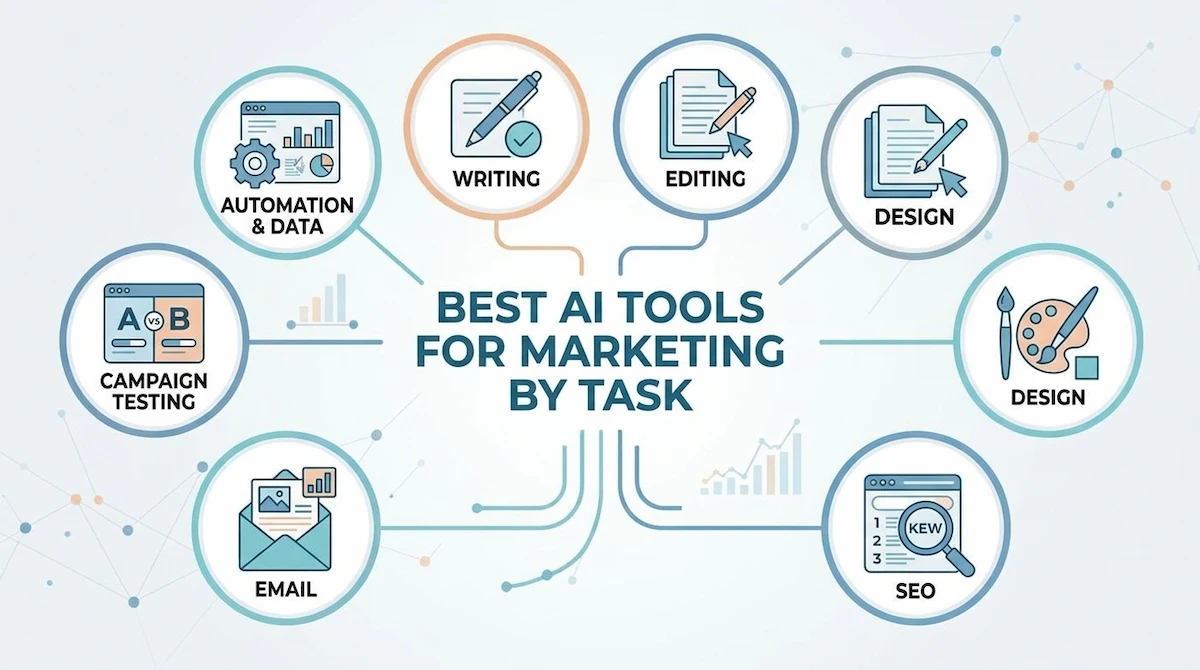
You do not need all of these AI marketing AI tools. Pick one per task and keep it for a month before you judge it. For a wider list, see our roundup of AI tools for marketing.
| Task | Tool | Best for | Free option |
|---|---|---|---|
| Writing and ideas | ChatGPT, Claude, Gemini | Drafts, outlines, headlines | Yes |
| Brand copy at volume | Jasper, Copy.ai | Teams with a set tone | Trial only |
| Editing | Grammarly | Final proofreading | Yes |
| Design | Canva | Social images and ads | Yes |
| SEO | Semrush, Surfer SEO, Ahrefs | Keywords and content gaps | Limited |
| Mailchimp, Klaviyo | Segments and automations | Yes, small lists | |
| CRM | HubSpot | Leads and reporting | Yes |
| Social | Buffer, Hootsuite | Scheduling | Limited |
| Video | Synthesia | Videos without filming | Trial only |
| Connecting tools | Zapier | Simple automations | Yes |
Choosing an AI tool is easier if you ask three questions. Does it solve a task we do every week? Can we try it for free? Does it work with the AI tools we already use? If the answer to any of them is no, we skip it for now. A broader overview of how this market is organized is available in the Coursera guide to AI marketing tools.
Tools for beginners
If you are just starting, take one assistant, one design tool and the email tool you already use. ChatGPT, Canva and Mailchimp cover a lot of ground at no cost. That is enough to learn how the process feels.
Tools for larger teams
Larger teams usually need shared accounts, brand rules and reporting in one place. A CRM like HubSpot and an SEO suite like Semrush make sense once several people work on the same campaigns. Before you buy, check our guide on how to choose AI tools for business.
Pros and cons of the AI tools we use most
No tool is perfect, and the weak points matter as much as the strong ones. This is what we notice after daily use.
| Tool | Pros | Cons |
|---|---|---|
| ChatGPT or Claude | Fast drafts, flexible, free plan | Can state wrong facts, generic tone |
| Canva | Easy design, templates, free plan | Designs can look alike |
| Semrush | Deep keyword and competitor data | Price, takes time to learn |
| Mailchimp | Simple email setup, free for small lists | Advanced features cost more |
| HubSpot | CRM, email and reports in one place | Paid tiers grow quickly |
| Zapier | Connects tools without code | Task limits on cheaper plans |
AI Search and Digital Marketing: AEO, GEO and AI Overviews
Search is changing, and digital marketing with AI tools now includes it. Search engines show AI answers at the top of the page, and chat assistants answer questions without sending anyone to a site. That created two new terms: AEO, answer engine optimization, and GEO, generative engine optimization.
In simple words, the goal is to be the source that these answers use. In our own work this means clear definitions near the top, short sections with direct answers, and pages that stay accurate. Google explains how AI features in Search use your content, and it is worth a read.
Some AI tools now track whether your brand shows up in AI answers, such as Semrush AIO, Peec AI and OtterlyAI. We check this once a month. It does not replace normal SEO, it sits next to it.
A practical example from our own pages: when we added a short direct answer under each question heading, the pages became easier for both people and AI answers to quote. The same change helped readers who only scan the page on a phone.
Free vs Paid AI Tools for Digital Marketing
You can do a lot with free plans, and we suggest starting there. The table shows what usually changes when you pay.
| Plan | What you get | When it makes sense |
|---|---|---|
| Free | Basic drafts, limited use, fewer features | Learning, small tasks, one person |
| Paid | Higher limits, team seats, integrations, reports | Daily use, several channels, a team |
Free plans usually limit how many messages you can send, how long the AI output can be and which features you can use. For learning, that is fine. For a business that publishes every week, the limits show up fast.
Our rule is simple. Pay only when a free plan stops you from finishing real work. Add up what you would pay for all the AI tools you use, and compare it with the hours you save, because several small subscriptions add up quickly.
An AI Workflow We Use for Content and Campaigns
This is the exact order we follow for a blog post or a campaign. It keeps the speed of AI and the quality of a human edit.
- Set the goal. One sentence: who is it for and what should they do after reading.
- Research. Check the keyword, the search intent and what the top pages cover.
- Ask for an AI first draft. Give the AI tool the goal, the audience, the tone and a short outline.
- Edit by hand. Fix facts, add our own examples and remove generic lines.
- Check the brand voice. Read it aloud. If it does not sound like us, rewrite it.
- Publish and measure. Track clicks, conversions and time saved.
The AI first draft is only a starting point. The human review is what makes the page worth reading, and skipping it is the fastest way to publish something generic.
A short prompt is usually enough to start. For example, we write: “Write a 600 word blog post for small business owners about email marketing, in a clear and friendly tone, with three practical tips.” Then we ask the AI to shorten, add examples or change the tone until the AI draft is close.
A few habits make an AI draft much better:
- Tell the AI who the reader is.
- Give it the tone and the length you want.
- Paste in the facts, so the AI does not guess.
- Ask for two versions and keep the better one.
- Ask the AI to list anything it is not sure about.
Email campaign workflow
- Write the goal and the offer in two sentences.
- Ask the AI for three subject lines and one short email.
- Edit the email and keep one clear button.
- Send two subject lines to a small part of the list.
- Send the winner to everyone else and note the result.
Social media workflow
- Pick one article or product.
- Ask the AI for five post ideas and captions.
- Make the images in Canva and check the text on them.
- Schedule the posts for the week.
- Review comments and reply by hand.
Video repurposing workflow
- Record or take one longer video.
- Use an AI tool to add subtitles and find the best clips.
- Cut three short clips for social media.
- Write a caption for each and post them over a week.
A Simple Week of Digital Marketing with AI
To make this concrete, here is how one normal week looks for us. It is a routine, not a rule, so change it to fit your channels.
- Monday: we ask an AI tool for keyword ideas and an outline, then choose one topic.
- Tuesday: the AI writes a first draft, and we edit it by hand.
- Wednesday: an AI assistant turns the post into three social captions and one email.
- Thursday: the email tool tests two AI subject lines on a small part of the list.
- Friday: we read a short AI summary of the weekly report and decide what to repeat.
Nothing here is complicated. The AI tool does the slow part each day, and the whole week fits into a few hours of focused work.
Benefits of AI in Digital Marketing
These are the gains we see most often from AI in digital marketing, and they show up in small teams first.
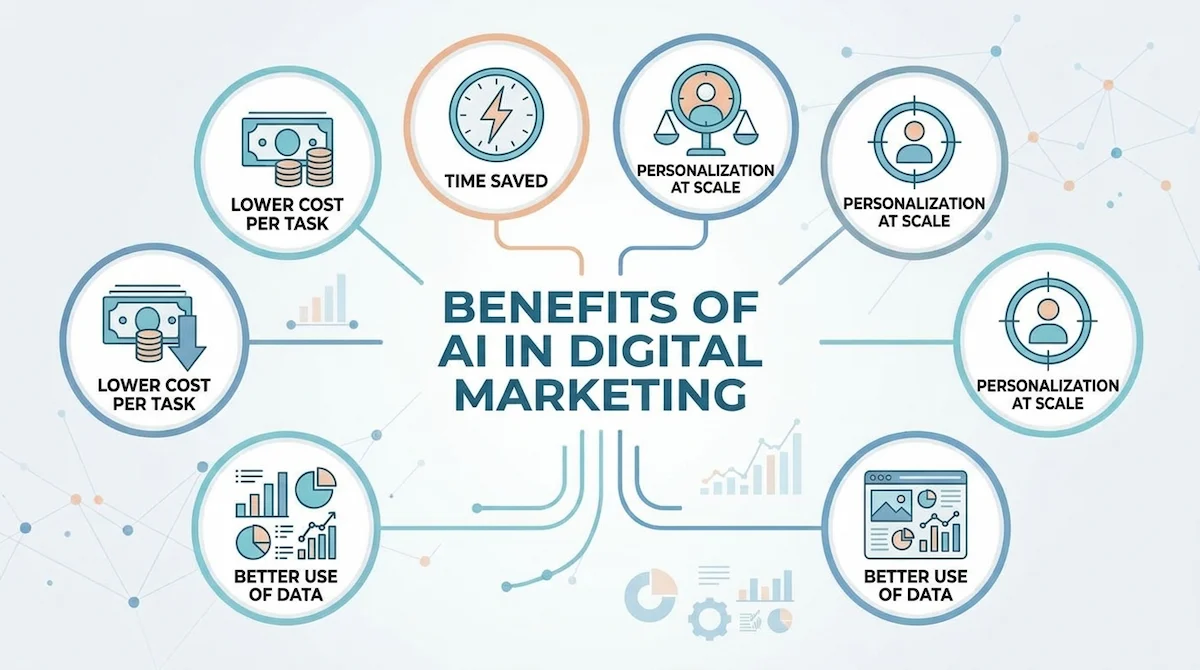
Time saved on repeated tasks
Drafts, summaries, captions and reports take minutes instead of hours. That time goes back to strategy and talking to customers. A weekly report that took two hours can take twenty minutes with an AI summary and a quick check.
Personalization at scale
One person can send different emails to different groups without writing each one from scratch. Customers get messages that fit them better, and they are more likely to open the next one.
Better use of data
Marketing produces more data than anyone can read. AI tools sort it and point out what changed, so decisions are based on numbers, not guesses. We spot a falling campaign sooner and fix it before the budget is gone.
Lower cost per task
A small team can cover more channels. That does not mean fewer people, it means each person gets more done in the same week. Our own team covers more channels than we could three years ago with the same number of people.
Risks and Limits of AI in Digital Marketing
AI in digital marketing is useful, but it has limits, and ignoring them causes problems later. Every item below comes from something we saw go wrong, or nearly go wrong.
Inaccurate or generic output
Tools can state wrong facts with full confidence, and they tend to write the same smooth phrases for everyone. We check every number and add a real example to each piece. A sentence with a specific detail is hard for an AI tool to invent.
Privacy and data protection
Do not paste customer lists or private data into an AI tool without checking its rules. Read our guide on AI data privacy for business before you connect any customer data.
Copyright and originality
Generated text and images can look close to existing work. We run a plagiarism check on written content and use our own photos or licensed images where it matters. If a claim is not ours, we do not publish it without a source.
Over-automation and lost authenticity
If every message sounds the same, people stop paying attention. We keep a person in the loop for anything that speaks for the brand, such as replies to complaints. An AI tool can draft the reply, but a person decides what we promise.
Poor data quality
An AI tool is only as good as the data it gets. Old lists, duplicates and wrong tags lead to wrong segments, so we clean the data first. Ten minutes spent removing duplicates saves hours of confusing results later.
Ethics and transparency
Customers are more relaxed about AI than many marketers expect, but they do not like being misled. We do not pretend a chatbot is a person, and we do not publish AI-made reviews or fake testimonials. If AI helped write a piece, we are ready to say so.
Cost creep and training
Subscriptions look small one by one and add up fast. Each tool also needs someone who knows how to use it. We set a monthly budget for AI tools and spend a short session with the team on every new one, so nobody pays for a tool that sits unused.
How to Start with AI Tools in Digital Marketing
You can set up digital marketing with AI in an afternoon. Follow these steps in order, and do not skip the rules in step four.
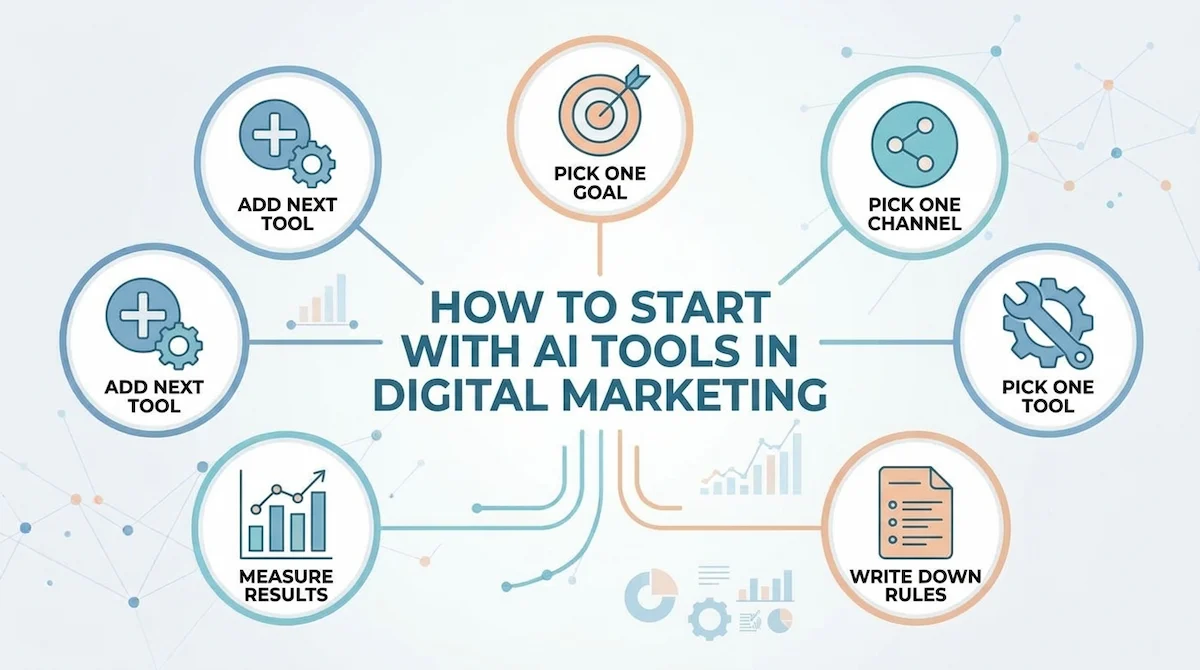
- Pick one goal. For example, publish two posts a week or answer emails faster.
- Pick one channel. Content, email or social is usually the easiest.
- Pick one tool. Use a free plan first.
- Write down the rules. Who checks the AI output, what data is allowed, what tone to use.
- Measure the result. Compare time and conversions before and after.
- Add the next tool. Only when the first one is saving time.
Most teams fail at step four, not step three. They pick a good AI tool and never agree on who checks the AI output. Write that rule down before the AI first draft goes out.
If you want help building the full setup, our guide to an AI tool stack for business shows how teams combine AI tools without buying too many.
How to Measure Results and ROI
Producing more content is not a result, and counting AI drafts tells you nothing about the business. A result is more leads, more sales or more hours saved. Pick a few numbers and track them before and after you add an AI tool.
| Goal | What to track | How to compare |
|---|---|---|
| Save time | Hours per task | Before and after the tool |
| More leads | Cost per lead, conversion rate | Same channel, same month |
| Better email | Open rate, click rate | Test version against the old one |
| Better ads | CTR, cost per click, CAC | A/B test |
| Overall value | ROI | Gain minus tool cost |
We keep the report short and review it monthly, with one line per goal. If a number does not move after two months, we change the prompt or drop the AI tool. Our article on AI ROI for business explains how to turn these numbers into a clear answer.
Common Mistakes and a Quick Checklist
These are the mistakes we see most often, and some we made ourselves.
- Buying several AI tools before one is working.
- Publishing the AI first draft without a human review.
- Pasting private customer data into a public tool.
- Counting volume instead of results.
- Using the same tone for every audience.
- Never updating prompts after the first try.
The most expensive mistake is the first one on the list. A team that buys five AI tools in one month often ends up using one, and paying for the other four.
Before you publish anything made with AI, run through this short checklist:
- Are all facts and numbers checked?
- Does it sound like our brand?
- Does it have at least one example of our own?
- Is private data kept out of it?
- Do we know which number will tell us if it worked?
Skills, Jobs and Courses for Digital Marketing with AI
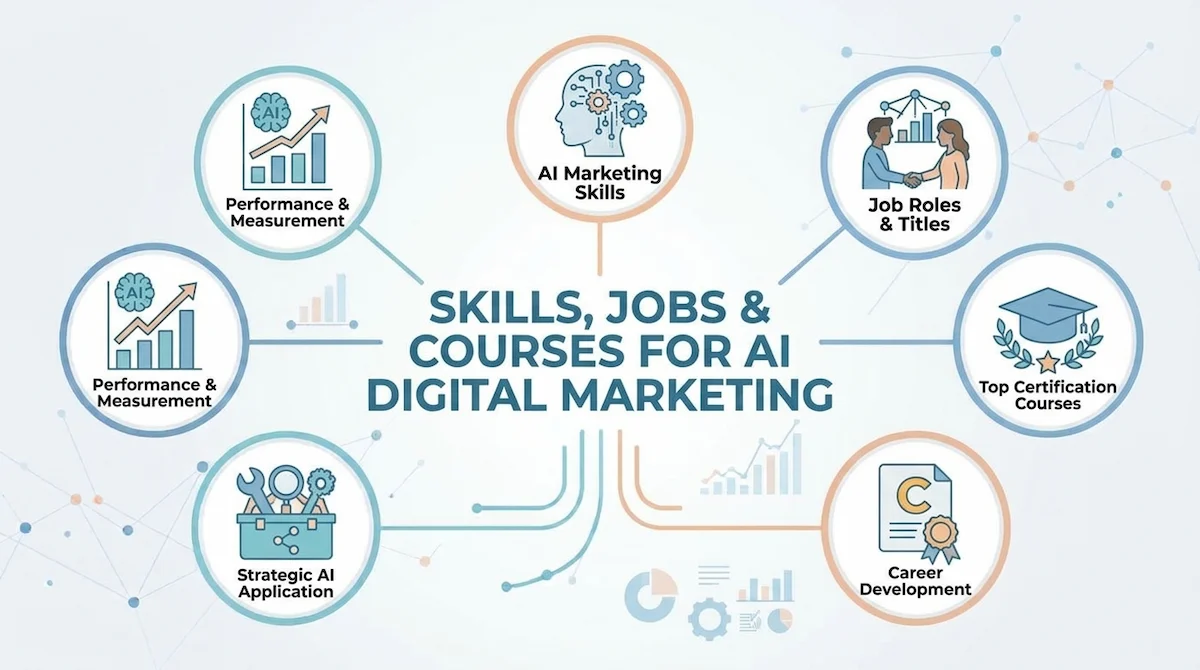
Many readers who search for digital marketing with AI also want to know how to build a career around it. Here is how we see it, from the point of view of people who hire and train marketers.
Skills worth building
The base is still marketing: knowing your audience, writing clearly and reading data. On top of that come AI skills such as writing a good prompt, checking an answer for mistakes and connecting AI tools into a simple workflow. Soft skills matter too, especially judgment and willingness to keep learning. A marketer who can explain why a draft is wrong is more useful than one who can only generate drafts.
Jobs that use these skills
Content marketer, SEO specialist, email marketer, performance marketer and social media manager all use AI tools now. Employers increasingly ask for them in job posts, so it helps to name the AI tools you know. Our list of AI tools to learn shows which ones come up most.
Do you need a course?
Not always. A digital marketing with AI course helps if you are new and want structure, and it should cover SEO, content, email, ads and analytics with hands-on practice. If you already work in marketing, learning one tool at a time on real tasks is often faster. Either way, keep a small portfolio of work you did with AI tools, with the task, the AI tool and the result written down.
The Future of Digital Marketing with AI
From what we see, three things will keep growing: more personal messages, more AI answers in search and more automation between AI tools. Voice search and generative AI will play a bigger role as well, and customer journeys will be easier to map because AI tools can follow a person across channels.
The future of AI in digital marketing is not about owning more software. The marketers who do well will not be the ones with the most AI tools. They will be the ones who know their audience, set clear rules and keep checking the work.
Conclusion
So, what is digital marketing with AI tools? It is regular digital marketing where software handles drafts, sorting and reports, and people keep the strategy and the final check. Start with one goal, one channel and one tool, measure the result, and only then add more.
If you do that, you will save time without losing the quality that makes your brand worth reading. Digital marketing with AI works best when the AI tool stays an AI tool and the marketer stays in charge.
FAQ
Will AI replace digital marketers?
No, but marketers who use AI will replace those who do not. Tools handle drafts and reports, while people set the strategy, check facts and keep the brand voice. In our work, the AI tool speeds up the task and the person decides what goes live. Jobs are changing, but the need for people who understand customers is not going away.
Which AI tool is best for digital marketing beginners?
Start with a general assistant such as ChatGPT or Claude, plus Canva for design and the email tool you already use. They cover content, images and email, and all have free plans. Add SEO or analytics AI tools later, once you know which channel needs the most help.
Are there free AI tools for digital marketing?
Yes. ChatGPT, Claude, Gemini, Canva, Grammarly, Mailchimp and HubSpot all have free plans with limits. They are enough to learn the process and handle small campaigns. You only need to pay when the limits stop real work, and by then you will know which feature is worth the price.
How do you use AI in digital marketing?
Pick one task, such as writing an AI first draft or sorting an email list, and give the AI tool a clear instruction. Then check the AI output, edit it and measure the result. Repeat this for one channel before you move to the next. Most of the gain comes from doing the same simple task well every week.
Do I need technical skills to start digital marketing with AI?
No. Most AI tools work with plain language, and you can begin by describing the task in a sentence. Marketing basics help more than coding, and the rest comes with practice. A few hours with one AI tool on a real task will teach you more than a long course.