A shop owner who answers the same ten customer questions every morning, a freelancer who spends Sunday evening chasing invoices, a restaurant manager who rebuilds the weekly schedule by hand: all of them lose hours to repetitive tasks that software can now handle. That is the practical case for AI for small business owners, and it is why more small businesses try AI every year. This guide explains what AI can do for a small business, which AI tools are worth testing, what they cost, where the risks sit and how to begin with one workflow instead of ten. It is written for people without a technical background, and the last part gives you a 30-day plan you can follow step by step.
Key takeaways
- Start with one workflow that is repetitive and easy to check, not with a big AI project.
- A general AI assistant plus the AI features inside your current software cover most needs for about 20 dollars a month.
- Customer service, marketing, bookkeeping and scheduling give the fastest results.
- Keep a human in the loop for every answer that reaches a customer.
- Judge the pilot after 30 days by hours saved and errors avoided, not by how impressive the tool looks.
What is AI for small business?
Artificial intelligence in a small company means software that can read, write, summarize, predict and answer questions in everyday language, so that one person can finish work that used to need several hours or an extra hire. The owner does not build anything.
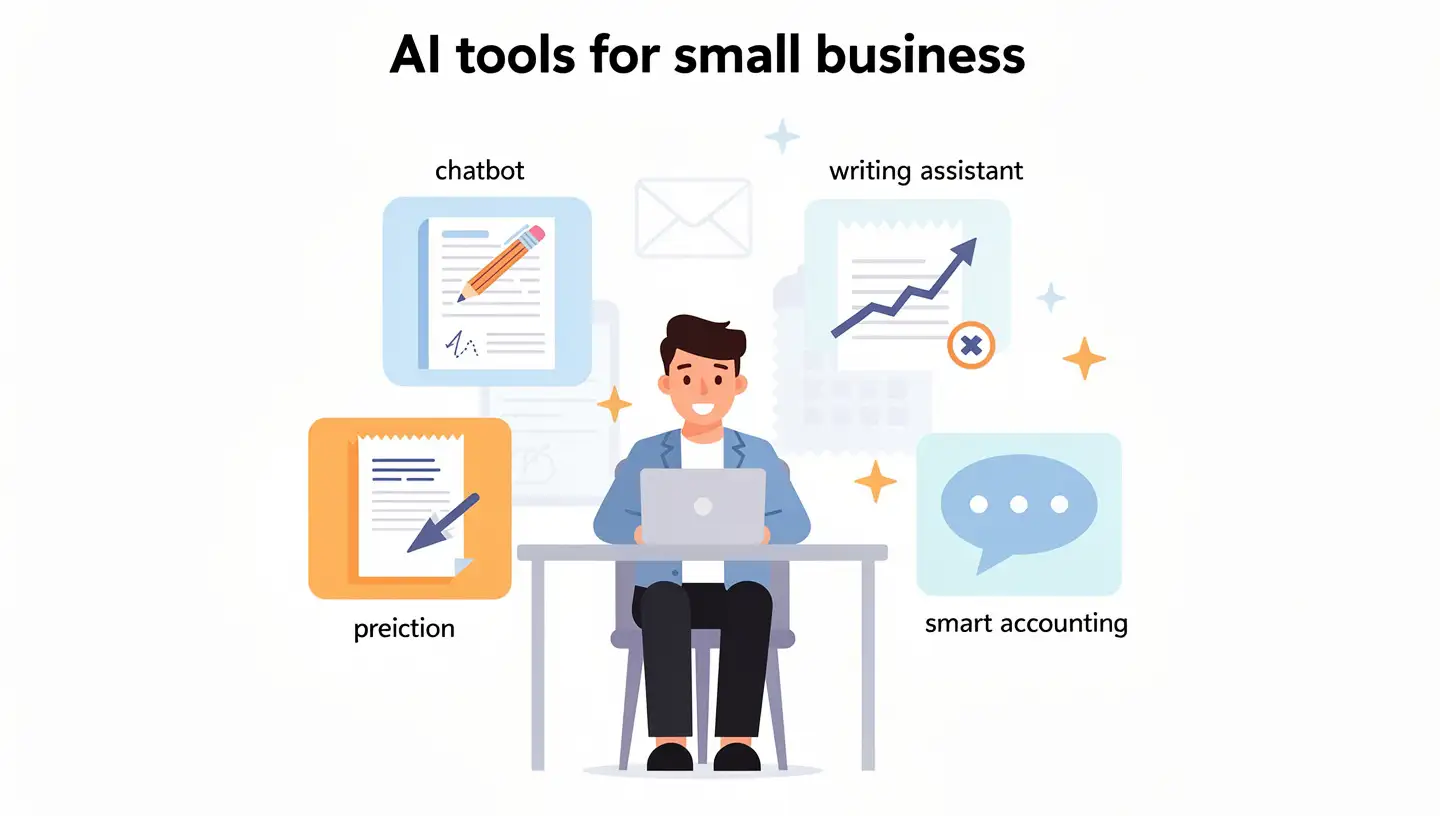
You open a tool, describe the job and check the result. Most small businesses meet artificial intelligence first through a chatbot, a writing assistant or a feature that quietly appeared inside the accounting or email software they already pay for.
AI, machine learning and generative AI in plain terms
The words get mixed up, so here is the short version. Artificial intelligence is the broad label for software that performs tasks which normally need human judgment. Machine learning is the method behind it: the system finds patterns in large amounts of data instead of following rules that a programmer typed in. Generative AI is the type most owners use daily, because it produces new text, images, audio or code from a short instruction called a prompt. ChatGPT, Claude and Gemini all belong to this group. If you meet a term that is not explained here, the AI terms glossary covers the rest in plain language.
How AI differs from regular automation
Traditional automation follows a fixed rule: when a form is submitted, send this email. It breaks the moment the input looks different from what the rule expected. An AI tool can handle messy input, such as a customer message written in three different ways, and decide what it means before acting. In practice the two work together. Automation moves the information from one place to another, and AI reads, writes or sorts it on the way. Many artificial intelligence projects in small companies are really this combination, which is why they stay cheap.
How small businesses use AI today
Surveys give different numbers because they ask different questions. The 2025 Empowering Small Business report from the US Chamber of Commerce found that 58% of surveyed small businesses describe themselves as users of generative AI, up from 40% in 2024 and 23% in 2023. One software vendor quotes 71% for small businesses using tools like ChatGPT, but that figure comes from marketing content and does not say what counts as use. A business that pastes a question into a chatbot once a month and a business that runs its customer support on AI can both be counted as users, so treat any single percentage with care.
What the surveys agree on is the direction. Small businesses mostly begin with writing, customer replies, scheduling and data entry, and they add automation after the first tool pays off. Very few start with custom software. Most rely on built-in AI features in the accounting program, the CRM or the email platform they already use, which is also why the entry cost is low.
Benefits of AI for small businesses
How can AI help small businesses in a way that shows up on the bottom line? The honest answer is that it helps with time first, and everything else follows from that.
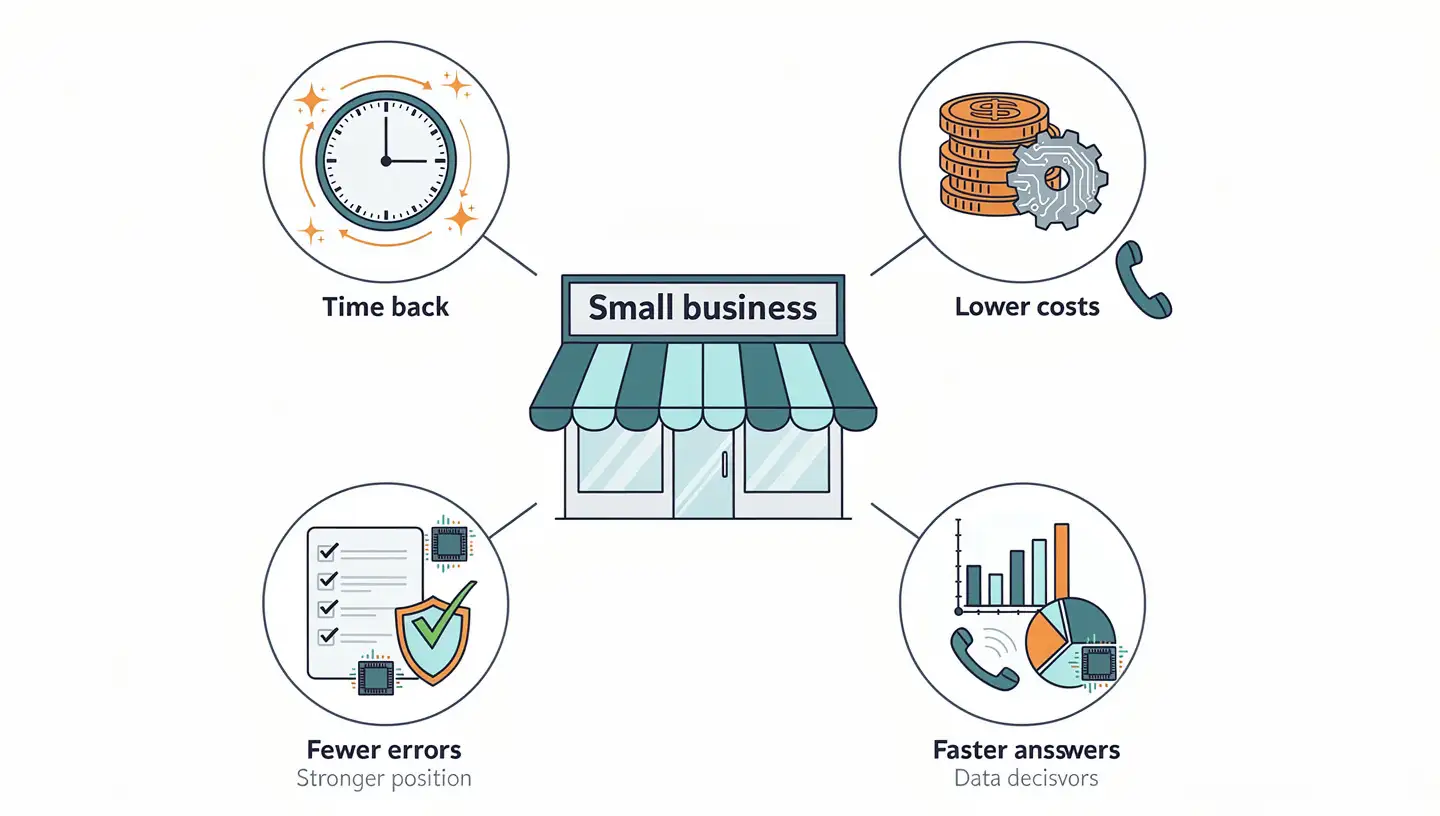
The five benefits below appear in almost every case study, and each one is easy to test on a small scale before you commit money.
Time back from repetitive work
Most owners spend a large part of the week on tasks that need attention but not talent: answering the same questions, formatting quotes, copying numbers between systems, writing the third version of a product description. A writing assistant produces a first draft in a minute, and a scheduling tool handles the back and forth about appointment times. Owners who track the hours often find that save time is not a slogan: five hours a week is a realistic result for a person who writes a lot.
Lower costs without extra hires
A new employee costs salary, taxes, equipment and training. A subscription for an AI tool costs a fraction of that and does not need onboarding. This is the basis of the cost savings that appear in competitor guides, but it needs a careful reading: AI rarely replaces a whole role in a small company. It removes the least interesting 10 to 20 percent of several roles, which lets the same team take on more work before the next hire becomes necessary.
Faster answers for customers
Customers expect a reply within minutes, and a small team cannot sit at the inbox all day. Customer support chatbots answer common questions at any hour, and an AI phone assistant picks up calls that would otherwise go to voicemail. Faster replies usually mean more booked jobs, because the customer often contacts three businesses and hires the first one that answers.
Decisions based on your own data
Sales records, invoices, website visits and reviews already contain the answers to questions like which product sells slowly or which customers return. AI tools can read these numbers and explain them in plain sentences, which supports data-driven decisions without hiring an analyst. The quality still depends on clean data, so a messy spreadsheet gives a messy answer.
Fewer human errors
Tired people mistype numbers, forget a follow-up and send the wrong attachment. Software that checks invoices against orders, flags a duplicate entry or reminds you of an open quote removes a share of these slips. The reduction is real only where the task has clear rules, so measure the error rate before and after instead of assuming it.
A better position against bigger competitors
Large companies have marketing departments, support teams and analysts. A small firm with well-chosen AI tools can produce a similar volume of content, answer as quickly and report as clearly, which is the real competitive advantage: not magic, only a smaller gap in capacity. What the small firm keeps is the personal relationship with the customer, and AI should protect that time instead of replacing it.
What can AI do for a small business? Use cases by function
The most useful way to think about AI is by department, because each one has a few tasks that are clear, frequent and easy to check. Pick the function where your own week feels heaviest and read that part first.
Customer service and AI receptionist
Customer service is the most common starting point. A chatbot on the website can answer questions about opening hours, prices, delivery and returns, and pass anything unusual to a person through an escalation to a human. An AI receptionist for small business owners handles the phone in the same way: it answers, collects the name and the reason for the call, books an appointment and sends you a summary. The setup takes an afternoon. Our guide to AI in customer service shows how to write the answers the bot should give.
AI for small business marketing and content creation
Marketing is where generative AI saves the most time for the least effort. It drafts social media posts, email campaigns, product descriptions, ad variations and blog outlines, and it turns one long article into five short posts. The draft is never the final version, because it needs your product knowledge and your tone of voice. Plan to edit every piece, and keep a short style note with examples of your own writing that you paste into each request. For a wider look at connecting these steps, see the guide on AI marketing automation.
Sales and lead follow-up
Leads go cold quickly, and the most common reason is a slow reply. AI can answer a new inquiry within a minute, write a follow-up that mentions the customer’s own question and remind you which quotes are still waiting. Some CRM tools also rank leads by how likely they are to buy, based on past deals. The human part stays the same: the call, the negotiation and the trust.
Accounting and bookkeeping
AI bookkeeping for small business teams mostly means less typing. The software reads receipts and invoices, suggests the right expense category, matches bank transactions and flags entries that look wrong. It can also write a plain-language summary of the month, such as why costs rose. An accountant should still review the books, because a wrongly categorized expense repeats every month until someone notices it.
Operations, planning and meeting notes
Operations work is full of small jobs: scheduling shifts, writing procedures, summarizing meetings, turning a messy idea into a checklist. AI automation for small business operations connects these jobs, so that a meeting recording becomes notes, the notes become tasks and the tasks land in your project tool. AI for business planning is a good use for an assistant too: ask it to challenge a budget, list risks of a new offer or outline a launch plan, then decide for yourself.
HR, hiring and scheduling
Even a team of eight has HR work: job posts, screening messages, shift plans, onboarding checklists and payroll questions. AI drafts the job ad, summarizes applications against the criteria you set and builds a shift schedule around availability. Decisions about who to hire or dismiss stay with you, and screening tools should never be the only judge of a candidate, because they can repeat bias from their training data.
Product development and research
Before you launch a product or a new service, AI can summarize customer reviews, group the complaints that repeat, compare competitor pages and suggest names, packages or price tests. It shortens the research phase, but the final choice needs real customer conversations, since a model only knows what is written down.
Inventory, forecasting and reporting
Shops and service businesses with stock can use inventory forecasting to see which items will run out and which ones tie up cash. The tool looks at past sales, seasons and promotions and suggests how much to order. Reporting works the same way: instead of building a chart by hand, you ask a question about your data and get a table or a short explanation. The suggestions are estimates, so compare them with your own experience before placing a large order.
AI use cases by industry
The same tools look different in each trade, so this table shows where small businesses in common sectors usually begin.
| Industry | Typical first use of AI |
|---|---|
| Retail and ecommerce | Product descriptions, review replies, inventory forecasting, email campaigns |
| Restaurants and cafes | Shift scheduling, menu text, review responses, demand estimates for ordering |
| Trades and home services | AI phone answering, quote follow-up, appointment booking |
| Professional services | Proposal drafts, meeting summaries, client emails, research |
| Clinics and salons | Booking reminders, after-hours calls, no-show follow-up |
| Real estate | Listing descriptions, lead replies, document summaries |
Best AI tools for small business
The list of AI tools for small business in 2026 changes every few months, so this section focuses on categories and on tools with a long track record. Prices and features move quickly, and the numbers below were checked in October 2026. Always confirm them on the vendor page before you pay.
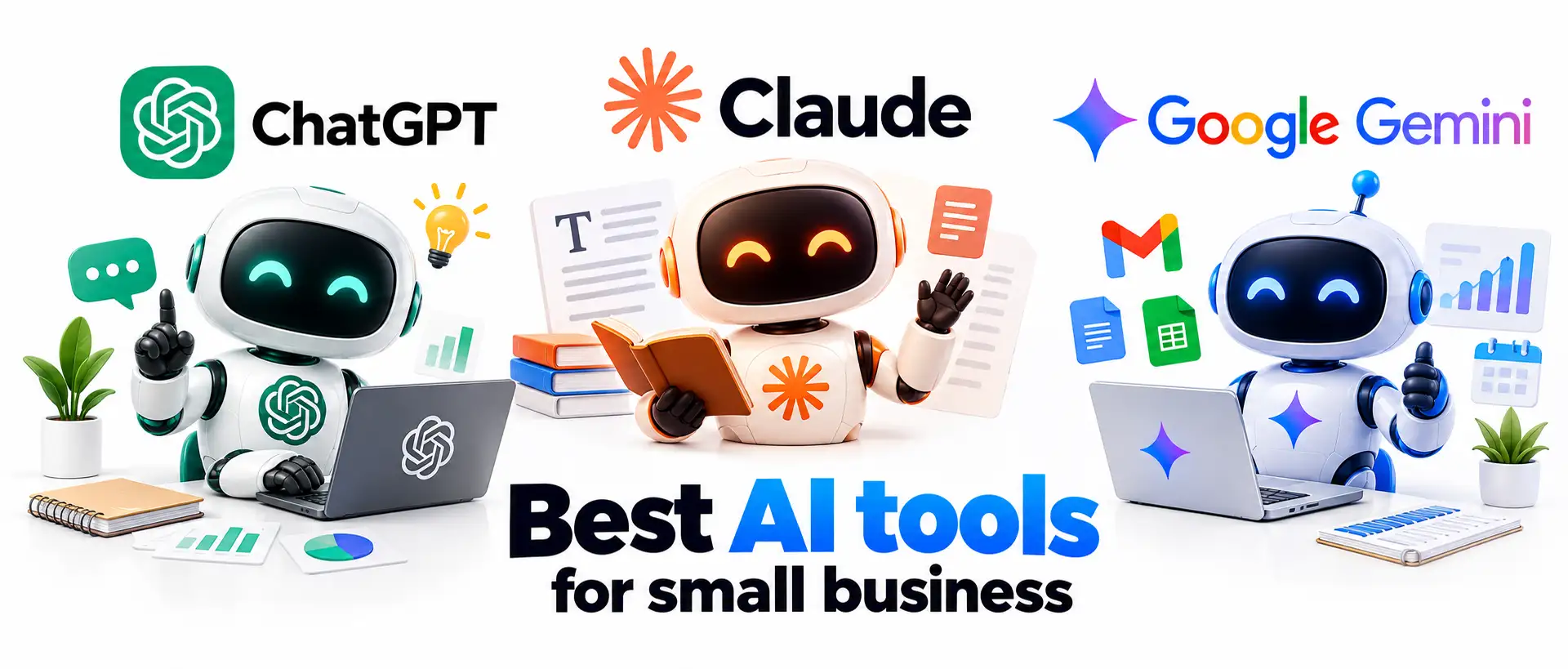
General AI assistants
An assistant such as ChatGPT, Claude or Gemini is the best first purchase because it covers writing, research, analysis and brainstorming in one place. The paid plans cost about 20 dollars a month each (ChatGPT Plus 20, Claude Pro 20, Google AI Pro 19.99), and all three have a free tier with daily limits. Choose by testing the same real task in each one, since the differences show up in tone and accuracy for your kind of work. If you already use Google Workspace or Microsoft 365, check the built-in Gemini or Microsoft 365 Copilot options before adding another subscription.
Marketing, design and content tools
Canva includes AI features for images, presentations and social media layouts, and it is easy enough that nobody needs design training. Grammarly checks tone and mistakes in emails and proposals. Email platforms and website builders now include their own drafting buttons. These AI tools for small business marketing work best when they sit inside the program where you already build the campaign, so you do not copy text between windows.
Customer service and phone tools
Website chat tools such as Intercom or Tidio offer a chatbot that learns from your help pages. For calls, an AI receptionist for small business use, such as Smith.ai or Goodcall, answers the phone, qualifies the caller and books the visit. An AI answering service for small business owners costs more than a chatbot, but it fills the gap for trades, clinics and salons where the phone is the main source of work.
Accounting and finance tools
QuickBooks and Xero include AI features that sort transactions and write summaries, and receipt tools such as Dext read the paper pile for you. Compare AI accounting software for small business needs by how well it connects to your bank and how easily your accountant can see the data, since both matter more than the number of AI features.
Automation and workflow tools
Zapier and Make connect your apps and add AI steps, such as sorting incoming emails or writing a reply for approval. These AI tools for small business automation are the next step after the first chatbot: one trigger, one AI action and one place where the result lands. Start with a single workflow and check it weekly. If you want to see how the pieces fit together, the guide to an AI tool stack for business lists a sensible order.
Meeting and note tools
Otter.ai, Fireflies and the built-in recorders in Zoom and Google Meet produce meeting summaries with action items. Notion AI does a similar job for written notes and project pages. Tell participants that the call is being recorded, because the law in many places requires consent.
Free AI tools for small business
You can start without paying. The free versions of ChatGPT, Claude and Gemini handle most writing and research. Canva, Grammarly and Notion offer free plans with limited AI credits, and Zapier and HubSpot CRM have free tiers for small volumes. Free AI tools and free AI marketing tools are enough to test an idea. The limits usually show up in three places: daily message caps, weaker connections to other apps and fewer privacy controls.
When free AI tools are not enough
Free tools stop being enough when the same work needs several people or several apps. Warning signs are copying customer details between tools, follow-ups that depend on your memory and a team that shares one login. At that point a paid plan with shared workspaces, a CRM with built-in AI or a connected automation saves more than it costs.
How to choose AI tools for your small business
Choosing well matters more than choosing the newest tool, and AI tools for small business owners tend to look similar on a features page. These criteria separate the useful ones from the rest, and the guide on how to choose AI tools for business goes deeper into each one.
- Workflow fit: the tool must solve a task you actually repeat every week, not a task that sounds impressive.
- Integrations: check that it connects to your email, calendar, CRM or accounting software.
- Data privacy: find out whether your inputs are used to train the model and where they are stored.
- Total cost of ownership: add the subscription, extra seats, setup time and any usage fees.
- Human in the loop: look for a review step before anything reaches a customer.
Run a short trial with a real task and compare the output with the work of a person on your team. If the tool fails the trial, drop it without regret.
How to use AI for small business: a 30-day plan
Most failed AI projects share one problem: the owner tried to change everything at once. The plan below keeps the pilot small, gives it a deadline and ends with a decision based on numbers.
Week 1: pick one problem
List the tasks that take the most time in a normal week and mark the ones that are repetitive, rule-based and easy to check. Choose one, for example answering price questions or writing product descriptions. Write down how long it takes now, because you will compare against it later. Then decide who will test it and what a good result looks like. AI training for small business teams can be as simple as an hour of shared practice with the chosen tool, followed by a page of examples that worked.
Weeks 2 and 3: test and measure
Run the tool on real work for two weeks. Keep the prompts that work in a shared document, and note every case where the output needed a big correction. Clear instructions give better results, so give the tool the context, the audience and an example, as described in the guide to prompt engineering for business. Track the time per task and the number of errors each week. Do not skip the review: a person reads every output before it goes out.
Week 4: keep, drop or expand
Compare the results with the numbers from week one. If the tool saves time at an acceptable quality, keep it and write the process down so someone else can repeat it. If the saving is small, change the task or drop the tool. If the result is strong, pick the next workflow and repeat the cycle. The point of start small is that each step is cheap, so a wrong guess costs a month of a low subscription and nothing more.
Best practices for using AI in your business
The 30-day plan gives the order of work. These habits keep the result steady after the pilot is over.
Start with AI features built into your tools
Your accounting software, CRM, email platform and website builder probably have AI buttons already. Try those before buying anything new, because they work on data that is already in the system and need no extra setup.
Train your team to work alongside AI
People use a tool when they understand what it is for. Hold one short session, show two tasks the tool does well and one it does badly, and share the prompts that worked. A written policy on what may be pasted into AI tools belongs here too. Introduce the tool as a helper for the boring parts of the job, so that nobody in the small business team worries about their role.
Review output and track results
Set a regular check, for example every Friday, where one person reads a sample of AI output and logs the hours saved. Update the instructions when the same mistake appears twice.
How much does AI cost for a small business?
A small business AI budget is lower than most owners expect, because the first tools cost about as much as a streaming subscription. The real cost sits in the time you spend setting up and checking the work. For a detailed price comparison by category, read how much AI tools cost. The table below is a rough planning range, based on the typical price of the tools described above and not on a quote from any vendor.
| Stage | Typical setup | Monthly budget (USD) |
|---|---|---|
| Solo owner | One general AI assistant, free design and note tools | 30 to 150 |
| Small team | Assistant seats, a chatbot, meeting notes, one automation tool | 150 to 750 |
| Growing business | CRM and accounting AI, AI phone service, several automations | 750 to 3,000 or more |
Usage-based tools, such as phone assistants that charge per minute, can grow with call volume, so set a monthly limit before you launch.
How to measure the ROI of AI in a small business
The ROI of AI in a small business is easy to estimate with three numbers. First, multiply the hours saved per month by the hourly cost of the person who did the work. Second, add the value of fewer errors, such as the cost of correcting a wrong invoice. Third, count extra revenue, for example the jobs won because you replied faster. Subtract the monthly cost of the tool and your own setup time. The guide on AI ROI for business includes a worksheet for this. Count only what you can show in your records, and ignore estimates that nobody can check.
Risks of using AI in a small business and where it will not help
The pros and cons of AI are balanced, and the cons are manageable when you know them in advance. The US Small Business Administration lists the same main concerns: sensitive data, copyright and customer trust. Artificial intelligence also makes mistakes that sound confident, which is the reason for the next four points.
Data privacy and security
Never paste customer lists, passwords, health information or contracts into a free tool without reading its data policy. Business plans usually offer stronger controls and keep your inputs out of model training. Write a one-page rule that says which data may be used with AI and which may not, and read the guide on AI data privacy for business before you connect any tool to customer records.
Wrong or invented answers
Language models sometimes state false facts with full confidence, a problem called hallucination. A made-up price, a wrong opening time or an invented legal claim can hurt a small company quickly. Keep a human in the loop for anything that carries a number, a promise or a legal meaning.
Copyright and legal questions
The rules on who owns AI-generated text and images differ by country, and they are still changing. Do not ask AI to copy another brand, and check images for logos or recognizable people before publishing. If a contract, a claim about health or a tax filing is involved, ask a professional.
Customer trust and where AI will not help
Customers dislike discovering that a warm message came from a machine, so say clearly when a bot is answering. AI will not fix an unclear offer, a weak product or a slow delivery process. It also performs poorly on delicate conversations, such as a complaint from a long-time client, which belong to a person.
Ethical concerns and transparency
Tell customers when they are talking to a bot and give them a quick way to reach a person. Do not use AI to write fake reviews or to imitate a real person, and avoid tools that make decisions about people without a human check. Honest labeling protects trust, which is the main asset of a small business.
Common mistakes when starting with AI
Four mistakes appear again and again. Owners buy several tools at once and use none of them well. They publish raw output without a check and lose credibility on the first error. They skip the baseline measurement, so after a month nobody can say whether anything improved. And they leave the team out, so the people who would use the tool see it as a threat. Fix the order instead: one workflow, one owner, one measurement and one review step. When the team sees that the tool takes away boring work and not jobs, adoption follows without pressure.
How to learn AI for your business: courses and training
A small business owner does not need a degree to use these tools well. Free lessons from Google, Microsoft and Coursera explain the basics in a few hours, and the help centers of ChatGPT, Claude and Gemini include example prompts. A book or a course helps most when you pair it with real work: take one lesson, apply it to a task from your own week and note the result. Ask your team to share what they learn, since the best prompts usually come from the person who does the job daily.
The future of AI in small business
Three changes are already visible. First, AI is moving into the software you already own, so many owners will use it without choosing a separate product. Second, AI agents that carry out several steps on their own, such as answering a customer, checking an order and booking a delivery, are getting more capable, and the guide to AI agents for business explains what they can do today. Third, rules on transparency and data use are tightening in many countries, so every small business should keep a record of which tools you use and what data they see. The advice stays the same in every case: small steps, a person who checks and numbers that prove the gain.
Where to start
Your next step is small and concrete. Open your calendar, find the task that eats the most time every week and give it a 30-day trial with one tool from the list above. Write down the current time per task today, so the result in a month is a number and not a feeling. Small businesses that follow this routine usually find a second and a third use for AI on their own, because the first win shows where the next one hides. If the first tool fails, you have lost a few hours and a small subscription, and you now know your business better than before.
AI for small business FAQ
What is the best AI for small business?
There is no single winner. For most owners the best start is a general assistant such as ChatGPT, Claude or Gemini, because it covers writing, research and analysis for about 20 dollars a month. Add a specialized tool later for support, accounting or scheduling, after one workflow has proved its value.
Can AI help small businesses?
Yes, mainly by taking over repetitive tasks such as customer replies, scheduling, drafting content and data entry. The gain is time and faster response, not a replacement for judgment. Results are best when you start with one clear task and measure it.
How do I start using AI in my small business?
Pick one repetitive task, test a free tool on real work for two weeks and compare the time and quality with your current method. Keep a person reviewing the output. If the result is good, keep the tool and move to the next workflow.
How much does AI cost for a small business?
A solo owner can begin with free tools or one subscription of about 20 dollars a month. A small team with a chatbot, meeting notes and an automation tool often spends a few hundred dollars monthly. Usage-based services need a spending limit.
Do I need technical skills to use AI?
No. Modern tools work with plain language, and most setup is a matter of connecting accounts and writing clear instructions. Technical help becomes useful only when you connect several systems or build custom automation.
Is AI safe for small business data?
It can be, if you choose the right plan and the right data. Use business plans with clear privacy terms, avoid pasting sensitive customer information into free tools and write a short internal rule about what may be shared.
Will AI replace employees?
In small companies it usually changes the content of jobs more than the number of jobs. AI takes over routine drafting, sorting and data entry, so employees spend more time on customers and decisions. Training the team early reduces fear and mistakes.
Can I use AI to start a business?
Yes. AI can help you test an idea, research competitors, draft a business plan, write a first website and prepare marketing copy. It does not replace talking to real customers, which should come early and often.
Which AI should I use: ChatGPT or Claude?
Both are strong, and each costs about 20 dollars a month for a paid plan. Test the same real task in each, such as an email reply or a summary of a report, and keep the one whose output needs less editing. Many owners use both.
How do I measure the ROI of AI?
Record the time a task takes before AI, then record it again after a month of use. Multiply the hours saved by the hourly cost, add the value of fewer errors and extra sales, and subtract the cost of the tool.
Which industries benefit most from AI?
Industries with many repeated customer questions and admin tasks gain fastest: retail, restaurants, home services, clinics and professional services. The deciding factor is not the sector but how much of your week as a small business owner goes to repetitive, rule-based work.
What types of content can AI create for my business?
It can draft emails, social posts, product descriptions, blog outlines, ad copy, images, presentations and meeting notes. Every piece needs your review for facts, tone and brand style before it is published.
Are there free AI tools for small businesses?
Yes. ChatGPT, Claude and Gemini have free versions, and Canva, Grammarly, Notion, Zapier and HubSpot CRM offer free plans with limits. They are enough for a test, but check the privacy terms before you use customer data.










