AI lead generation uses machine learning, predictive scoring, and language models to find prospects, qualify them, and follow up while their interest is still fresh. Instead of building lists by hand and guessing which leads matter, teams let software study CRM data, website behavior, and buyer signals, so reps spend their time on conversations. Gartner reports that 75% of B2B buyers prefer a sales experience without a rep, which means speed and relevance now decide who gets the meeting.
This guide shows how to use AI for lead generation in a seven step process, with ten practical ways to apply it, a tool table, prompts you can copy, costs, measurement, and the mistakes that waste budget in AI lead generation. It works for a B2B sales team, a small business, and a solo founder.
Quick Answer: How to Use AI for Lead Generation in 5 Steps
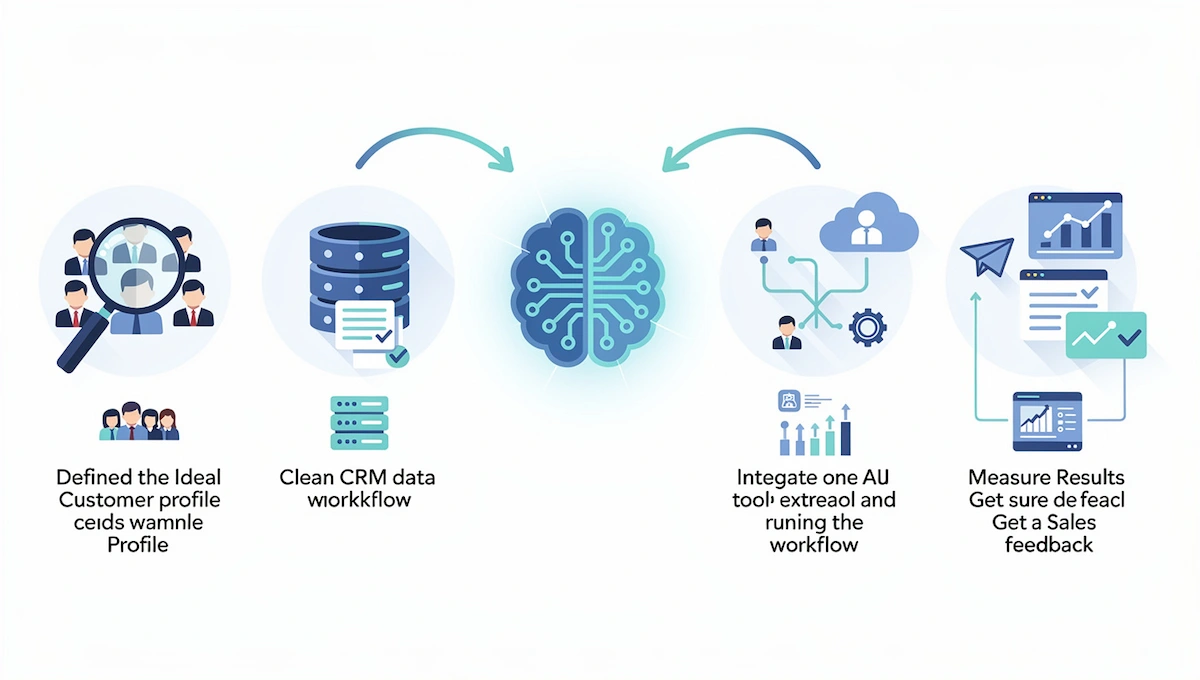
The short version of AI lead generation is to start small and measure everything:
- Define your ICP. Study your last 50 to 100 closed-won deals and write down what the best customers have in common.
- Clean your data. Remove duplicates and fill missing fields in the CRM, because AI is only as good as the records it learns from.
- Pick one workflow. Start with lead scoring, routing, or personalized email, whichever fixes your biggest bottleneck.
- Connect one tool. Add a data source, a sending tool, and a CRM, and run the workflow on a small group of leads.
- Measure and adjust. Compare results with your baseline and a control group, then ask sales for feedback every week.
What Is AI Lead Generation?
AI lead generation is the use of artificial intelligence to automate how you identify, qualify, and nurture potential customers. It covers finding prospects that match your ideal customer profile, enriching their records, scoring them on fit and behavior, writing personalized messages, and routing hot leads to the right rep. Before learning how to use AI for lead generation, it helps to know what the term covers, and the same ideas apply to AI for B2B lead generation and to local services. The wider technology behind it is explained in the guide to generative AI for business.
AI Lead Generation vs Traditional Lead Generation
The biggest difference is where the human time goes. In the traditional method reps research each account one by one, while AI lead generation does the research, scoring, and first follow-up automatically. AI sales lead generation moves the repeat work to software.
| Task | Traditional approach | With AI |
|---|---|---|
| Prospect research | Manual, one account at a time | Automatic discovery and enrichment |
| Qualification | Fixed rules and gut feeling | Predictive scoring on fit and behavior |
| Outreach | One template for everyone | Message adjusted to each lead |
| Lead assignment | Round robin or manual | Routing by fit, workload, and region |
| Follow-up | Periodic and easy to forget | Triggered by what the lead does |
| Buying intent | Limited view | Continuous signals from many sources |
| Forecasting | Spreadsheets | Predictive pipeline view |
| Style | Reactive | Proactive |
How AI Lead Generation Works
Most AI lead generation systems cover five jobs: lead discovery from CRM data and buyer signals, AI lead scoring and qualification, personalized outreach, lead routing to the right rep, and pipeline reporting. The data comes from your CRM, website visits, email engagement, social activity, and third-party intent sources. In a 2025 report on how B2B buyers decide, Gartner found that buying decisions involve many stakeholders, which is why AI that tracks signals across a whole account helps more than a single form fill.
Benefits of AI Lead Generation
The benefits of AI lead generation show up in five areas, and each one maps to a number you can track.
- Efficiency. Research, list building, enrichment, and first follow-up run automatically, so reps spend more time on conversations. HubSpot reports that 64% of salespeople who use AI save between one and five hours a week.
- Better lead quality. AI lead scoring looks at fit and behavior together, so the leads that reach sales are more likely to buy.
- Relevant messages. Outreach that mentions a real signal gets more replies than one template sent to everyone.
- Speed and scale. Software replies within minutes, at any hour, and handles thousands of leads without extra headcount.
- Clear reporting. Pipeline and source data show which channels produce meetings and revenue.
These gains depend on clean data and a defined process, which is why the steps below start with goals and data, not tools.
How to Use AI for Lead Generation: A 7 Step Process
This process works whether you sell software or run a local clinic. Each step has one output, and the order matters: goal first, tool last. When you follow how to use AI for lead generation in this order, you avoid buying software that does not fit the problem.
1. Set a Goal and Record a Baseline
Write one goal, such as booking 20 more qualified meetings a month or cutting response time to under five minutes. Then record the numbers you want to change: MQL to SQL conversion, speed-to-lead, cost per lead, and the share of leads that become meetings. Without a baseline you cannot prove that AI lead generation helped.
2. Define Your Ideal Customer Profile
Look at your last 50 to 100 closed-won deals and list common traits: industry, company size, buyer title, use case, and tech stack. Add what the best customers say about why they bought. A sharp ICP is the input for every other step of AI lead generation, and it tells the AI which leads to prioritize instead of rewarding anyone who fills out a form.
3. Clean Your CRM Data
Remove duplicates, standardize job titles and industry labels, and fill missing fields before any AI tool touches the records. A simple readiness check helps: at least 5,000 leads with known outcomes, 80% of key fields complete, UTM parameters tracked, and 12 months of conversion history. Clean data matters most for AI lead scoring, because models learn from past outcomes. If you score low, focus on data hygiene first and use simple rules for scoring.
4. Pick One High-Impact Use Case
Choose the workflow that fixes your biggest pain, and ignore the rest for now. AI lead generation works best when it starts with one narrow job.
| Pain point | First workflow | Expected change |
|---|---|---|
| Slow replies to new leads | Automatic routing and instant follow-up | Response time drops from hours to minutes |
| Poor lead quality | Lead scoring | More MQLs become SQLs |
| Low reply rates | Personalized email drafts | Higher replies and meetings |
| Forgotten follow-ups | Nurture sequences by behavior | Fewer leads go cold |
| Manual data entry | Automatic enrichment | Complete records, less admin |
5. Choose and Connect the Tools
Pick AI lead generation tools by job, not by feature count: a data source, a sending tool, and a CRM are the lean stack. Check that each one connects to your CRM, shows how it verifies data, and can be tested with a free trial. Plan time for integration maintenance too, because API changes and field updates can break a sync without warning. Building the whole setup is covered in the how-to on building an AI tool stack for business.
6. Run a Pilot With a Control Group
Run the AI lead generation workflow on one team, one region, or half of your inbound leads for at least 30 days, and keep the other half on your current process. Wait for enough conversions, usually 100 or more per group, before you judge the result. Add human review of the first batch of AI-written messages before anything is sent.
7. Measure, Retrain, and Scale
Compare the pilot with the baseline and ask sales weekly which high-scored leads were weak and which low-scored leads converted. Feed that back into the AI lead scoring rules every quarter, since models that are never updated lose accuracy over time. Add the next AI lead generation workflow only when the first one beats the baseline.
10 Practical Ways to Use AI for Lead Generation
These ten methods are the most common uses of AI lead generation. You can use each one alone, and the best results come from combining a few in one workflow.
1. Build Targeted Lead Lists
Use a data tool such as Apollo, ZoomInfo, or LinkedIn Sales Navigator to search by industry, company size, role, and region, then add filters for signals such as recent funding, hiring, or new technology.
Export the matching contacts to your CRM with all available data. AI lead generation scans far more data points than a rep can check by hand.
2. Enrich Lead Records With Context
Enrichment adds job title, company size, industry, email, phone, and tech stack to a lead record. Clay chains several providers in a waterfall, so if one source has no match, the next one is tried.
AI lead generation depends on complete records, so enrichment comes before scoring. Verify emails before you send, because bounces damage your domain reputation.
3. Score and Prioritize Leads
AI lead scoring gives each lead a number based on fit and behavior, so reps call the hottest ones first. The scheme below is an illustration, not a standard. Set your own thresholds and review them every quarter.
| Signal | Points |
|---|---|
| Job title matches buyer persona | +20 |
| Company size in target range | +15 |
| Visited the pricing page | +25 |
| Attended a webinar | +15 |
| Opened three or more emails | +10 |
| No activity in 30 days | -15 |
In this example, 70 points or more is sales-ready and 40 to 69 goes to nurturing. Sales feedback tells you which signals deserve more weight.
4. Write Personalized Outreach at Scale
Give the AI a signal about the lead, such as a new job post or a funding round, and ask for a short email that mentions it and ends with one question. Keep sequences to 6 to 8 touches over three to four weeks, since 10 or more touches in two weeks create prospect fatigue. Use human review: a person should read every message before it goes out. The how-to on writing marketing emails with AI shows how to keep drafts short and specific.
5. Automate Follow-Up and Nurturing
Automated follow-up is where AI lead generation saves the most hours. Set triggers by behavior: a pricing page visit, a downloaded guide, or an unopened proposal. Each trigger sends a relevant message and alerts the rep when the lead looks ready. Speed matters here, because InsideSales data cited by Improvado shows that responding within five minutes makes a lead about 21 times more likely to qualify than waiting 30 minutes.
6. Capture and Qualify Leads With a Chatbot
An AI lead generation chatbot answers questions at any hour, asks qualifying questions about need, budget, timeline, and location, and books a meeting on the rep calendar. Keep the flow short and offer a human option, because a bot that misunderstands people drives them away. You can build a basic one with the guide on building a chatbot without coding.
7. Identify Anonymous Website Visitors
AI lead generation tools such as Dealfront and RB2B match website traffic to company records, even when nobody fills out a form.
Most work at the company level, so treat the result as a signal for outreach and not as a personal contact. Check the privacy rules in your market before you use visitor data.
8. Turn Content Into Lead Magnets and Interactive Tools
AI can turn a strong blog post into a checklist, a calculator, a quiz, or a template that visitors exchange for an email address. Interactive tools tend to capture more leads than a plain download, and AI speeds up the drafting. The guide to AI content creation covers the writing side of this.
9. Reactivate Closed-Lost and Churned Leads
Export lost deals and churned customers, and ask the AI to summarize the reason from CRM notes and call transcripts. Then send each group one relevant update, such as a new feature that solves the objection. These contacts already know you, so reply rates are often better than for cold lists. This is the cheapest part of AI lead generation, because you already own the list.
10. Use AI Agents to Qualify Leads and Book Meetings
AI agents for lead generation go one step further: an AI agent researches a prospect, scores the lead, sends a tailored follow-up, and schedules a meeting, and it adjusts based on outcomes. Start with one narrow job, keep a person approving anything with brand risk, and log every action.
The guide to AI agents for business explains when they pay off.
Channels Where AI Helps Find Leads
AI lead generation is not limited to cold email. These channels give you more ways to find and warm up prospects.
- Email. Sequences with a personalized first line and one question, sent from verified domains.
- LinkedIn. AI can research a profile and draft a message that you send yourself. Automated bots that click and message at scale break the platform terms, so keep the sending manual.
- Review sites. Reviews on sites such as G2 or Trustpilot show people complaining about a competitor, which signals a switching need.
- Ad libraries. The Meta Ad Library shows which companies advertise in your niche, so you can list active advertisers as prospects.
- Social listening. AI monitors posts and mentions for buying questions and flags them to a rep.
- Content and search. AI helps plan articles, landing pages, and lead magnets that answer buyer questions.
- Your own website. Chat, forms, and visitor identification catch people who found you without outreach.
Pick two channels where your buyers already spend time and run AI lead generation there first, instead of spreading thin.
Trigger Signals and Intent Data: When to Reach Out
Timing often matters more than wording. Trigger-based targeting means contacting a prospect right after an event that makes your offer relevant, and AI lead generation tools can watch for these events across thousands of accounts at once.
- New hire or promotion in the buyer role.
- Funding round or a new budget cycle.
- Job posts that mention the problem you solve.
- Technology change, such as adopting or dropping a tool you integrate with.
- Leadership change or a new office.
- Product launch or expansion into a new market.
- Review activity, such as complaints about a competitor.
Buyer intent data adds a second layer: topics a company researches, pages it visits on your site, and repeat visits to pricing. Combine a trigger with a fit score before a rep acts, and make contact within days, since most triggers lose value within a few months.
After the Reply: Qualify, Demo, and Hand Off
AI lead generation ends when a person talks to the lead, so the handoff needs a plan. Many teams lose deals here, not at the top of the funnel.
- Classify replies. An AI can sort answers into interested, not now, wrong person, and unsubscribe, route the first group to a rep, and stop sequences for the rest.
- Prepare the call. Before each call the rep gets a one page brief with the company, the signal that triggered the outreach, and past touches.
- Qualify on the call. Ask about need, timeline, budget, and who else decides. Call recording tools such as Fireflies create a summary and action items, with consent from everyone on the call.
- Run a short demo. Spend most of the time on the buyer problem and a short time on the product. Some teams use a reverse demo, where the buyer shows how they work today.
- Hand off cleanly. Log notes and next steps in the CRM so the lead is never asked the same question twice.
AI summaries of calls also help with coaching: managers can review the questions that led to booked meetings and repeat them. Check each summary against the recording before you act on it.
Best AI Lead Generation Tools by Job
No single product covers every job, so most teams combine two to four tools. The table lists the best AI lead generation tools for each job. Prices are public starting prices at the time of writing and change often, so confirm them on the vendor page.
| Tool | Best for | Free option | Starting price |
|---|---|---|---|
| HubSpot | CRM, scoring, and AI assistant in one place | Yes, free CRM | Paid plans vary by seat |
| monday CRM | No-code lead workflows and routing | Free trial | Check current plans |
| Apollo | Prospecting and sequences for small teams | Yes, limited | About $59 per user a month |
| Clay | Enrichment and personalization | Free trial | About $149 a month |
| Lemlist | Cold email with personalization | Free trial | About $59 a month |
| Instantly | High-volume cold email | Free trial | About $37 a month |
| Hunter.io | Email finding and verification | Yes | From about $49 a month |
| ZoomInfo | Deep B2B data and intent | Demo only | Quote based |
Lead Lists and Data
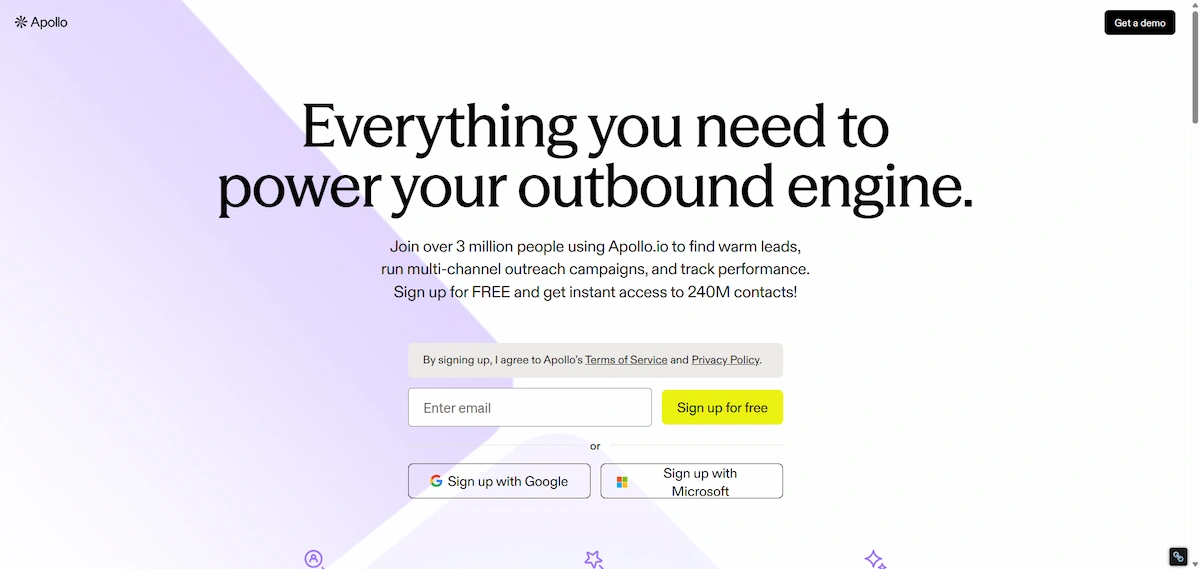
AI lead generation tools start with data. Apollo combines a large contact database, filters, and sequences, which suits small teams.
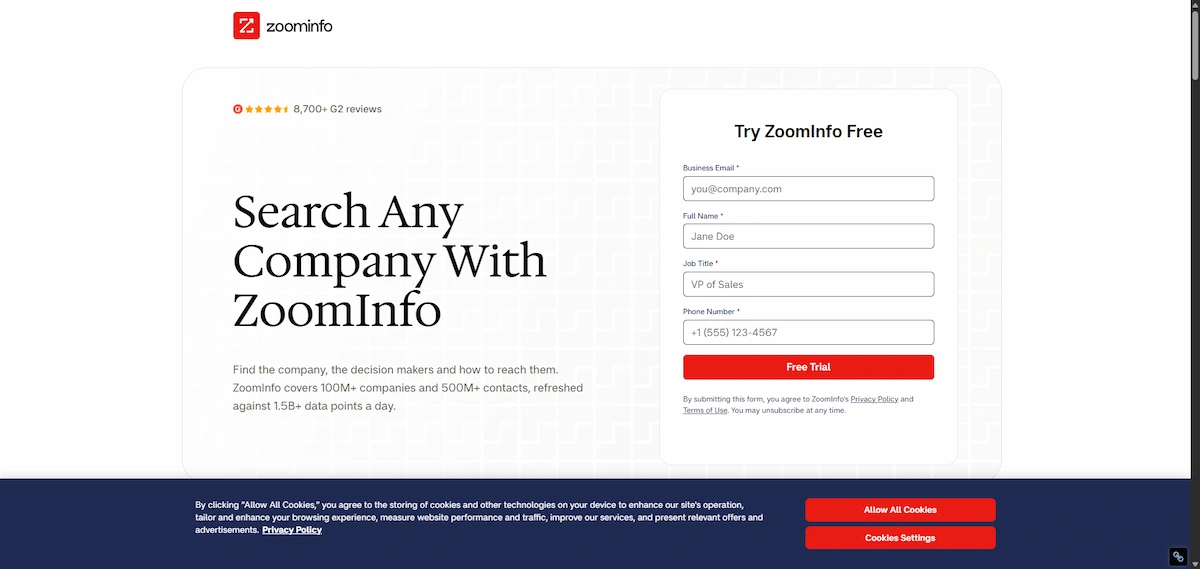
ZoomInfo and Cognism offer deeper verified data and intent signals for larger budgets, with Cognism known for phone-verified numbers and GDPR-friendly data.
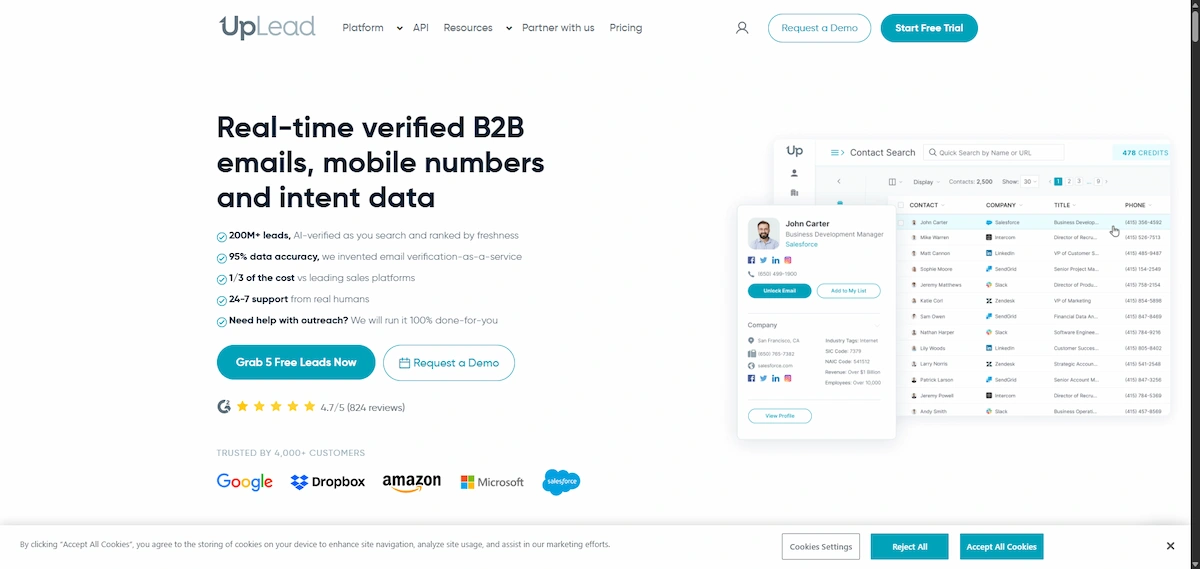
UpLead and Hunter.io are cheaper options focused on email accuracy.
Enrichment and Research
Clay pulls data from many providers in one workspace, runs AI research on each prospect, and drafts personalized lines.
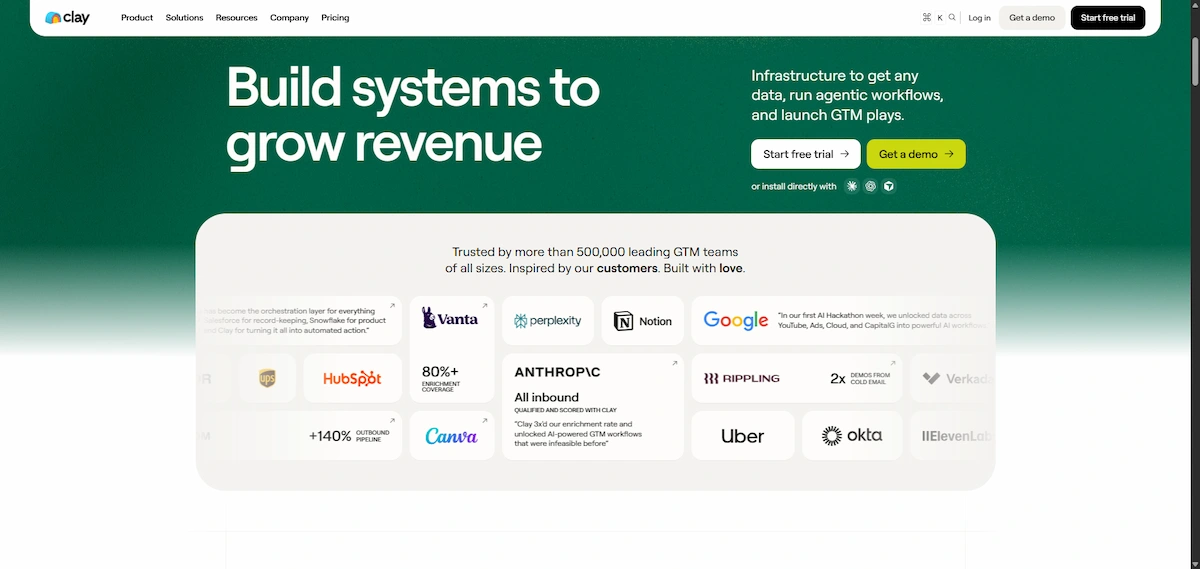
It takes some setup work, and long waterfalls across many providers can time out, so start with two or three sources.
Email Outreach and Warm-Up
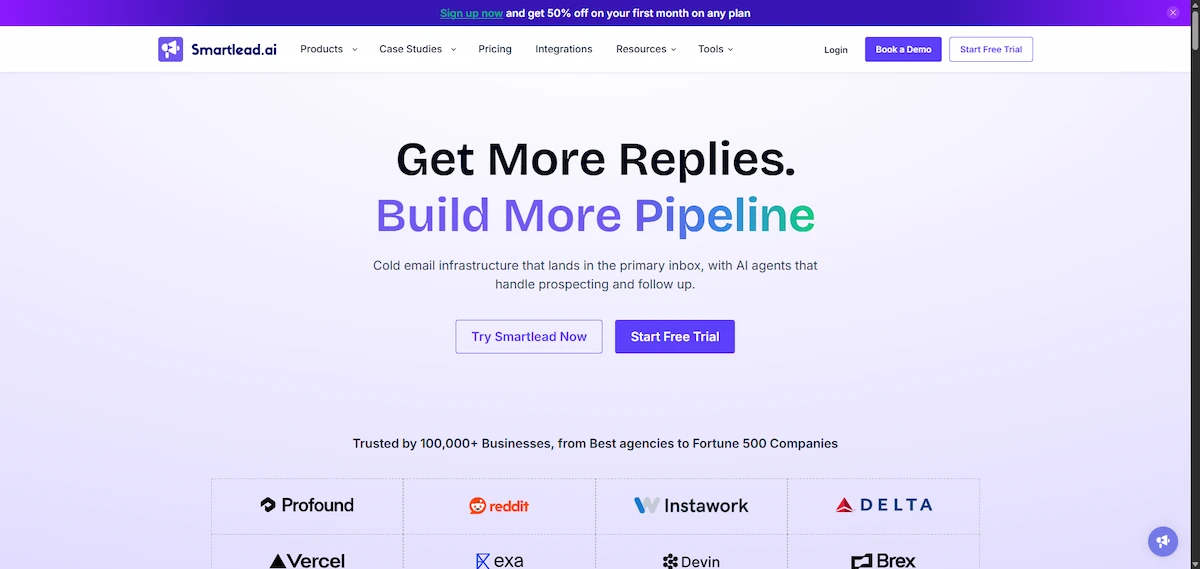
Lemlist handles personalization and multi-channel sequences, Instantly and Smartlead suit high-volume sending with unlimited inbox pooling and warm-up.

New inboxes need three to four weeks of warm-up, starting at about 50 emails a day across several domains.
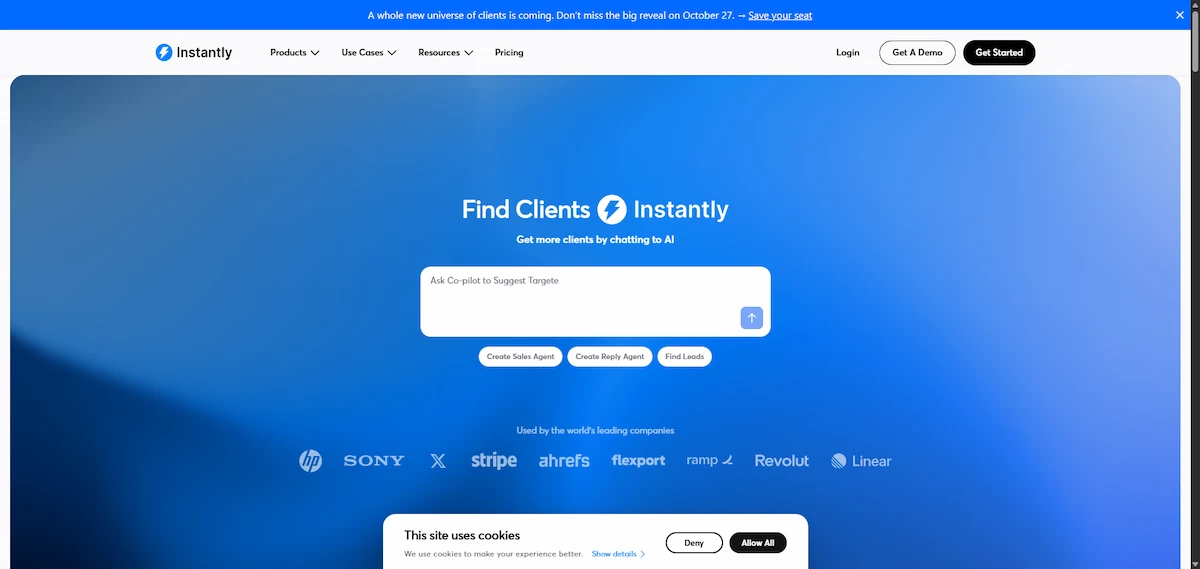
Personalization quality varies, so review output by hand. Protect email deliverability with verified addresses, low daily volume per inbox, and a clear opt-out.
CRM and Lead Scoring
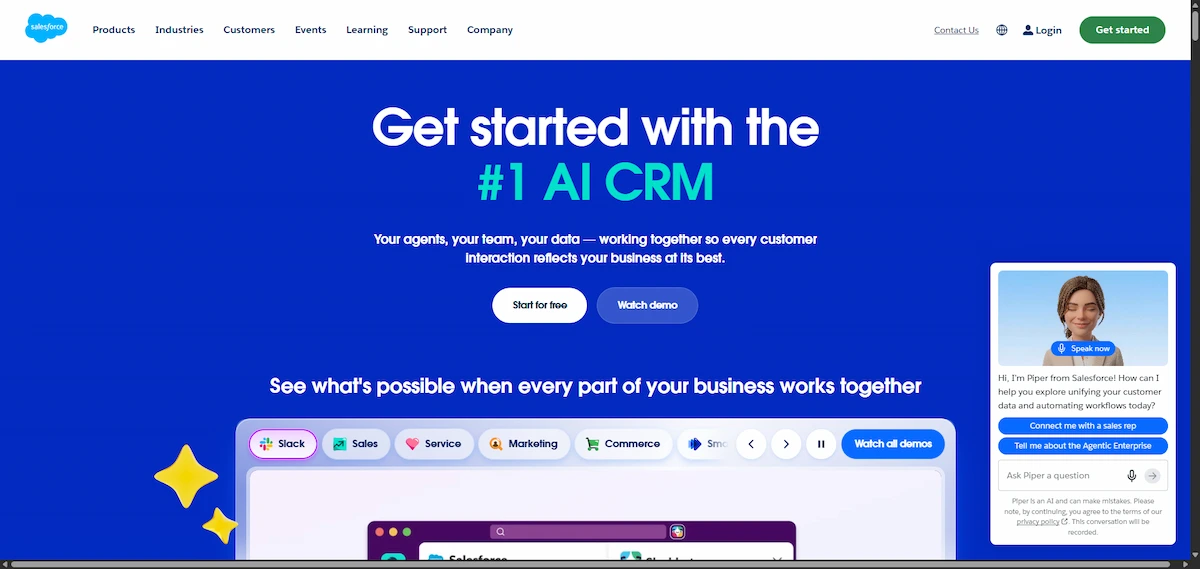
HubSpot includes rule-based scoring in its free CRM and predictive AI lead scoring in higher plans, and monday CRM offers no-code automations for routing and follow-up.
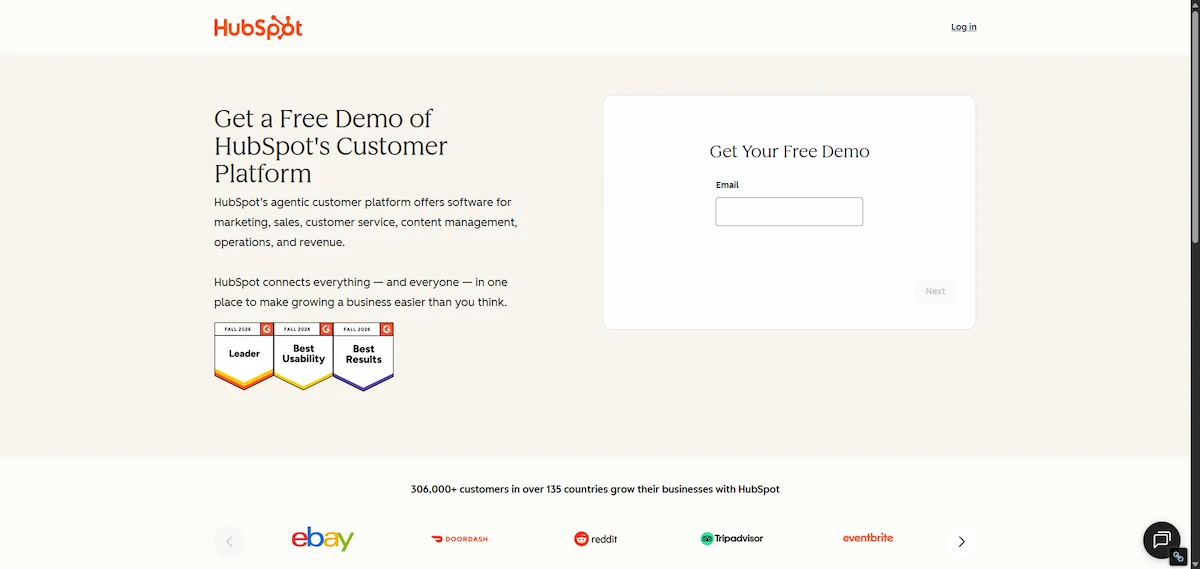
Salesforce suits large teams, and Madkudu adds predictive scoring on top of an existing CRM. Predictive models need enough historical data, so use simple rules until you have it.
Chatbots and Website Visitor Identification
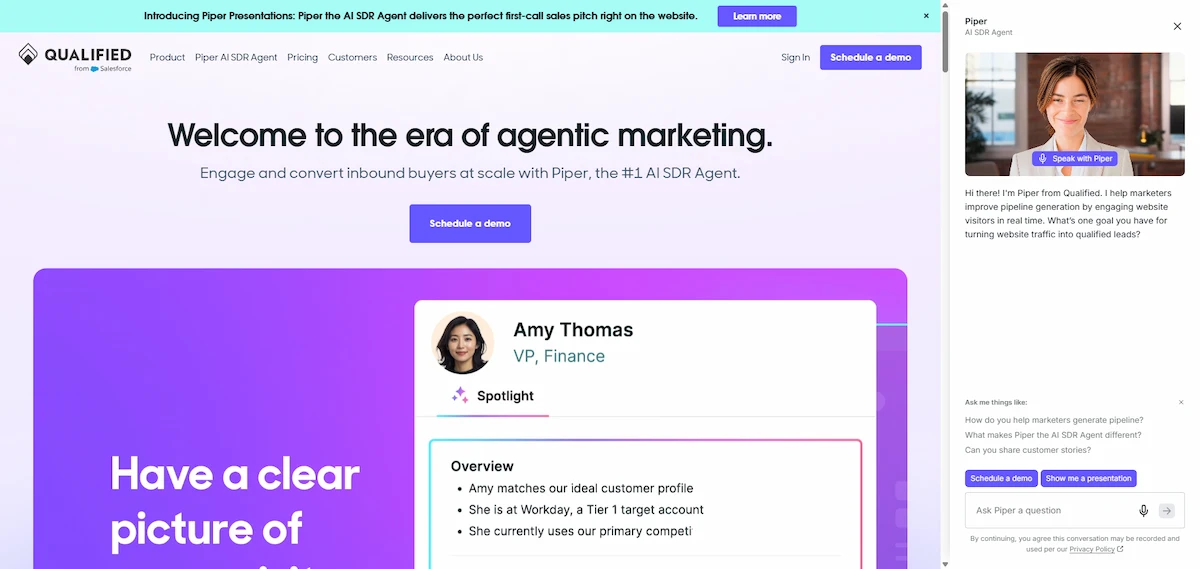
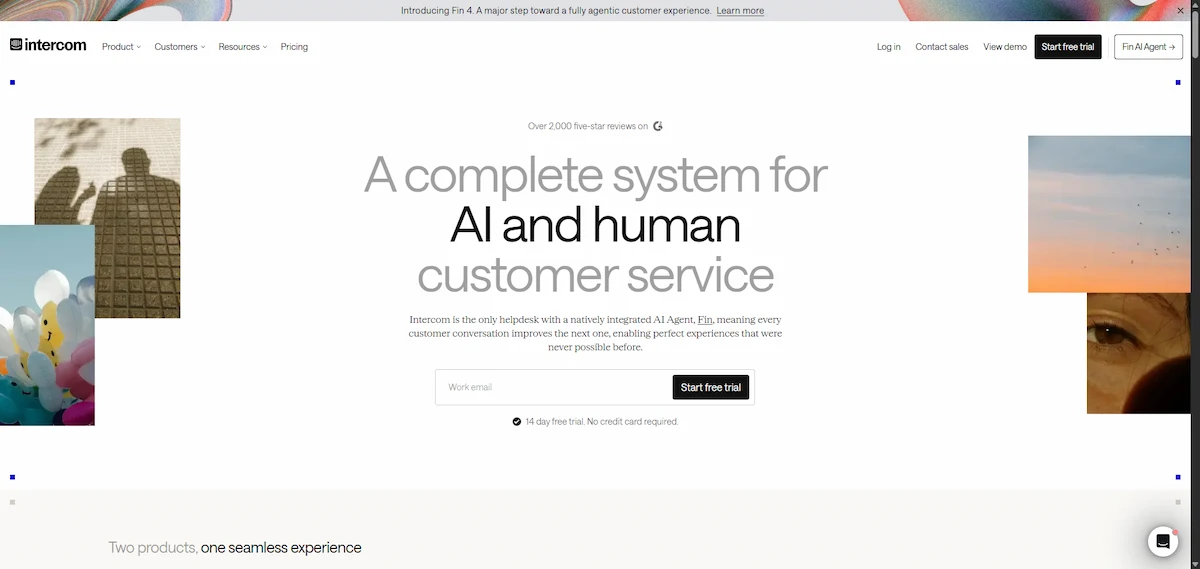
Drift, Qualified, and Intercom run website chat that qualifies visitors and books meetings, usually at a higher price.
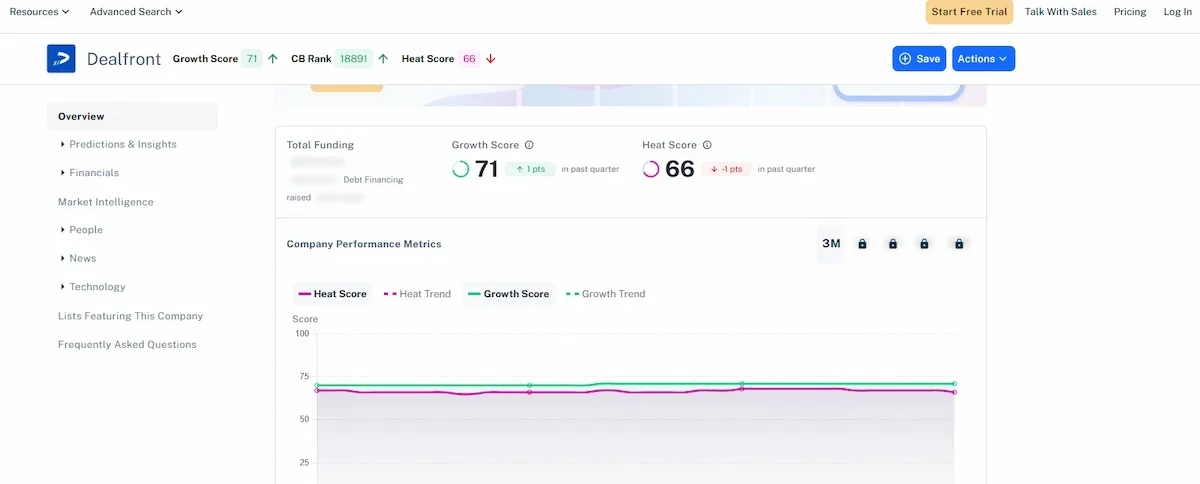
Dealfront and RB2B show which companies visit your site. Test any chatbot on real conversations before you roll it out widely.
AI Agent Platforms
Salesforce Agentforce, IBM watsonx Orchestrate, monday agents, and MindStudio let you build agents that research, score, and follow up on leads.

These platforms fit teams that already run a clean CRM and a defined process, since an agent on top of messy data repeats the mess faster.
A Starter Stack for Small Teams
A small business can begin with three pieces: a free CRM such as HubSpot, one data or sending tool such as Apollo or Hunter.io, and an AI assistant such as ChatGPT or Claude for drafts. Add a chatbot builder once the basics work. Improvado estimates about $500 to $1,500 a month for a small stack that combines Hunter.io, Lemlist, and a free HubSpot CRM, and a leaner start on free plans costs far less. Most AI lead generation software offers a free plan or a trial, so test before you commit.
AI Lead Generation Prompts You Can Copy
These AI lead generation prompts turn a general assistant into a lead generation helper. Replace the brackets with your details, never paste personal data you are not allowed to share, and check every fact before using it.
- ICP builder: Here are 30 closed-won deals with industry, company size, buyer title, and deal size: [paste]. List the five traits they share and write a one paragraph ICP.
- Lead research: Research [company] using its website and recent news. List three signals that suggest it needs [service], with a source link for each.
- Cold email: Write a 90 word email to [title] at [company]. Mention [specific signal], offer [one clear benefit], and end with one question. Do not use hype words.
- Follow-up: Write three follow-up emails spaced four days apart. Each adds one new piece of value, and none says “just checking in”.
- Scoring rules: Turn these ICP traits and behaviors into a 100 point scoring scheme with thresholds for sales-ready and nurture.
- Chatbot script: Write five qualifying questions for a website chatbot for [business] covering need, budget range, timeline, location, and contact. Keep each under 12 words.
- Reactivation: Write a short email for a lead who went quiet after a demo. Refer to [last topic] and offer one useful resource.
Specific inputs give better results than general requests, and a pasted sample of your best past email helps the tone. For more on writing instructions, read the guide to prompt engineering for business.
AI Lead Generation for Small Businesses and Local Services
AI lead generation is not only for software companies. A local dental or veterinary practice can use AI to reply to new web inquiries within minutes, text back missed calls, and send appointment reminders. A freelancer or agency can use it to research prospects, draft a short intro email, and keep a follow-up schedule without a sales team.
For small teams the rule is to automate the repeat tasks first: the first reply, the follow-up, and the data entry. Keep the personal parts human, such as phone calls, quotes, and relationships. AI lead generation pays off for a small business because it levels the field against larger competitors that have a full sales staff, as long as you start with one workflow and a clean contact list.
How to Choose an AI Lead Generation Tool
The right tool fits your process, your data, and your budget. To choose an AI lead generation tool, check these six points:
- Integration. Does it connect natively to your CRM and sending tool, or does it need extra connectors?
- Data quality. How does the vendor verify emails and phone numbers, and how often is the data refreshed?
- AI type. Is the scoring rule-based or predictive, and how much historical data does the model need?
- Total cost. What do data credits, setup, and training add to the license?
- Compliance. Does the vendor offer consent tracking, opt-out handling, and GDPR terms?
- Team fit. Can your team run it without an engineer?
| Team size | Data | Scoring | Outreach | Chat |
|---|---|---|---|---|
| 1 to 50 people | Apollo, Hunter.io | HubSpot rules | Lemlist | Intercom |
| 50 to 500 people | ZoomInfo or Apollo, Clay | Madkudu | Outreach | Drift |
| 500 and more | ZoomInfo, custom pipeline | 6sense or custom model | Salesloft | Qualified |
The general method for picking any tool is the same each time: define the job, test on real work, and measure the result.
How to Structure a Team for AI Lead Generation
AI lead generation works best when someone owns it. A small company can assign the role to one person, and a larger one needs a few specialists.
- Owner or specialist. Builds lists, workflows, and scoring rules, and watches data quality. Often a marketing ops or sales ops person.
- Sales reps or SDRs. Work the leads, give feedback on scores, and handle conversations.
- Copywriter. Writes and reviews message templates and the prompts that produce them.
- Manager. Reviews results weekly and decides which workflow to add next.
Skills grow in stages. Beginners run one list and one email sequence by hand. Intermediate users connect enrichment and scoring to the CRM. Advanced users build triggers, A/B tests, and agents. Train reps on reading scores and on when to ignore them, and hold a short feedback meeting every week, since people and software improve each other.
What AI Lead Generation Costs
The license of most AI lead generation tools is only part of the price. Add data enrichment at about $0.50 to $3 per lead, setup and integration, training, and ongoing tuning. Improvado suggests budgeting 1.5 to 2.5 times the license fee for the first year. Treat these figures as vendor estimates, not guarantees.
| Team type | Typical monthly tool spend | First-year total (estimate) |
|---|---|---|
| Small team, one or two tools | $500 to $1,500 | $14,000 to $37,000 |
| Growth team, several tools | $3,000 to $8,000 | $70,000 to $200,000 |
| Enterprise, full stack | $20,000 and more | $300,000 and more |
Free plans and lean stacks cost far less, so start there. Typical price ranges for common tools are in the guide to how much AI tools cost.
How to Measure AI Lead Generation Results
Measure the same numbers before and after, and compare them with a control group. For AI lead generation these are the metrics that matter:
- Lead quality: MQL to SQL conversion, SQL to opportunity conversion, and lead-to-customer rate by score band.
- Efficiency: speed-to-lead, cost per MQL and per SQL, and the share of rep time spent on high-score leads.
- Revenue: pipeline and closed revenue from AI-scored leads, deal size, and sales cycle length.
- Model health: how many high-score leads convert, false positives, and false negatives.
Vendor estimates suggest that returns arrive slowly: months one to three are usually negative while you set things up, months four to six bring 10 to 20% efficiency gains, and months seven to twelve can lower cost per lead by 30 to 50%. Expect your numbers to differ, and track ROI by comparing revenue from AI-scored leads with the total cost of the stack. A fuller method for the money side is in the how-to on AI ROI for business.
Attribution and Forecasting
Leads rarely come from one touch, so multi-touch attribution gives credit to every step that moved the buyer: the first ad, the webinar, the email reply, the chatbot chat. Compare it with first-touch and last-touch views, and run a holdout test where one group gets no AI follow-up, to see the real lift. Predictive forecasting then uses score bands and stage history to estimate pipeline and revenue for the quarter. Treat forecasts as ranges, and recheck them against actual results every month.
Compliance and Ethics: Email, Data, and Consent
Cold outreach and data collection are regulated, and AI lead generation makes it easy to break rules at scale. In the US, the CAN-SPAM compliance guide from the FTC says commercial email needs accurate sender information, a truthful subject line, a physical address, and a clear way to opt out, and opt-outs must be honored promptly.
- GDPR and similar laws. In the EU and UK, marketing email and data use need a lawful basis and an easy way to object, and the rules for consumers are stricter than for business contacts. Check local rules or ask a lawyer.
- Platform terms. LinkedIn and other platforms restrict automated data collection, and tools that scrape against those terms can lose access.
- Source your data. Use providers that document where contacts come from, and do not buy lists with unclear sourcing.
- Human review. A person should approve AI-written messages, and the message must not make claims you cannot support.
- Bot disclosure. Some places require you to tell people when they talk to a bot, so label chatbots clearly.
The guide on AI data privacy for business explains how to check where your data goes before you connect a new tool.
Common Mistakes and When AI Lead Generation Does Not Work
Most failures in AI lead generation repeat the same causes. Knowing them early saves months.
- Skipping data cleanup. Duplicates and missing fields teach the model noise.
- Too little training data. Predictive scoring needs thousands of leads with outcomes, so use rules until you have them.
- Copying your current customers. A model trained only on closed-won deals ignores new segments, so test leads from adjacent groups.
- Over-automation. Ten or more touches in two weeks cause unsubscribes and spam complaints.
- Tool sprawl. Several tools that write to the same CRM fields overwrite each other, so assign one source of truth per field.
- Sending unreviewed messages. Generic AI text hurts your reputation.
- Measuring the wrong thing. Opens and clicks matter less than meetings and revenue.
Knowing how to use AI for lead generation also means knowing where it fails. Some situations do not suit AI lead generation at all: a market of fewer than about 500 target accounts, sales cycles longer than 18 months, deals that run on referrals and personal trust, and heavily regulated industries with strict consent rules. In those cases use AI for research and note-taking and keep outreach personal.
Edge Cases to Plan For
These cases need special handling in AI lead generation:
- A new product with no history. Predictive models have nothing to learn from, so start with rule-based scoring and manual review until you have 100 or more outcomes.
- Several product lines. One score for everything blurs fit. Build separate ICPs or models for each line.
- Multiple languages. Chatbots and email models often work worse outside English, so test each language and keep a human fallback.
- Shared credit. When a chatbot and an SDR both touch a lead, define in advance who gets credit in reports.
The Future of AI Lead Generation
Three trends stand out in AI lead generation. Agents that research, write, and book meetings are moving from pilots to daily work. Platforms are tightening rules on automated data collection, so first-party data and consent will matter more. And real-time intent signals are becoming standard, which makes speed-to-lead a key advantage. None of this removes the need for a person to own relationships and decisions.
Final Thoughts on How to Use AI for Lead Generation
The best way to use AI for lead generation is to define a sharp ICP, clean your data, start with one workflow, and measure it against a baseline. Keep a person in charge of messages, follow the email and privacy rules, and add tools only when the first one proves its value. Teams that do this get faster replies and better leads without burning their list.
Frequently Asked Questions
How do you use AI for lead generation?
Define your ICP, clean your CRM data, and start with one workflow such as lead scoring, personalized email, or routing. Connect a data source, a sending tool, and a CRM, then run a pilot with a control group and measure against your baseline. That is how to use AI for lead generation without wasting budget.
What is the fastest way to generate leads with AI?
Start with one task that already has volume: reply to new form fills within five minutes, or send a personalized email sequence to a small verified list. Both show results within weeks. Add scoring and agents after the basics work.
What is the best AI tool for lead generation?
It depends on the job. HubSpot and monday CRM suit scoring and routing, Apollo and ZoomInfo suit data, Clay suits enrichment, and Lemlist or Instantly suit email. Start with the tool that fixes your biggest bottleneck and test it on a free plan.
How do you choose AI lead generation software?
Match the tool to one job, check that it connects to your CRM, ask how it verifies data, compare total cost including credits, and test it on a free trial with real leads. Pick the simplest option that covers your main workflow.
How do general AI tools differ from AI lead generation platforms?
General assistants such as ChatGPT write, research, and analyze, but they hold no contact database or CRM link. Lead generation platforms add verified data, scoring, sequencing, and reporting. Many teams use both.
Can AI generate leads for free?
Partly. Free CRM plans, Hunter.io, limited Apollo access, and a general assistant such as ChatGPT can cover research, drafts, and scoring rules. Free plans limit volume and features, so expect to pay once you scale outreach.
What does a lean AI lead generation tech stack look like?
A free CRM such as HubSpot, one data or sending tool such as Apollo or Hunter.io, and a general assistant such as ChatGPT or Claude for drafts. Add a chatbot or an enrichment tool only when a clear need appears.
How does AI help qualify leads?
AI scores each lead on fit and behavior, such as job title, company size, pricing page visits, and email engagement. It sends the best leads to sales first and can ask qualifying questions through a chatbot. Review the scores with sales, since models make mistakes.
Can AI replace sales reps or SDRs?
Not fully. AI lead generation handles research, scoring, and first follow-up, while people own strategy, conversations, and closing. Teams that combine both get faster responses and better conversations.
What data does AI need for lead generation?
Accurate CRM records, firmographic data such as company size and industry, buyer titles, behavior data such as site visits and email engagement, and historical deal outcomes. Aim for at least 80% complete key fields before you start.
Do I need a data scientist for AI lead generation?
Not for most small and mid-size teams. Platforms include scoring and workflows that run without code. A data scientist helps only for custom models, very large datasets, or complex attribution.
How long does it take to see results from AI lead generation?
A single workflow such as scoring or routing can run in two to four weeks. Clear gains from AI lead generation usually appear within three to six months, and cost per lead can improve further in the second half of the first year.
How much does AI lead generation cost?
A lean start can cost nothing on free plans, small stacks often run $500 to $1,500 a month, and enterprise stacks cost much more. Add data credits, setup, and training to the license price.
Is AI lead generation worth it for small businesses?
Yes, if you start with one workflow. Automating the first reply, follow-up, and data entry saves hours and helps a small team compete with larger ones. Keep personal contact for calls and quotes.
What is the difference between AI lead generation and marketing automation?
Marketing automation follows fixed rules to send emails and trigger tasks. AI lead generation goes further by predicting which leads will convert, adjusting messages, and learning from results.
How do AI agents help with lead generation?
An agent can research a prospect, score the lead, send a tailored follow-up, and book a meeting, and it updates the CRM. Start with a narrow job and keep human approval for anything that affects your brand.
What is the difference between AI agents and basic automation?
Basic automation follows fixed rules, such as sending a template after a form fill. An agent decides what to do next, such as researching the lead, choosing a message, and adjusting based on replies. That flexibility needs closer monitoring.
Is it legal to use AI for cold email and lead generation?
Using AI is legal, but your outreach must follow the law. In the US, CAN-SPAM requires accurate sender details and an easy opt-out, and the EU and UK have stricter rules on consent and data use. Check local rules or ask a lawyer.
What is trigger-based lead targeting?
It means contacting prospects when an event makes them more likely to need your product, such as a new hire, a job post, a funding round, or a product launch. These signals fade within months, so speed matters.
How do I write cold emails with AI without sounding generic?
Give the AI a specific signal about the lead, a clear benefit, and one question to end with. Keep the email short, remove hype words, and read every draft before sending. Never rely on a single template for all leads.
Why do AI-generated leads not convert?
Usually because of dirty data, a vague ICP, generic messages, or scoring models trained on too little history. Check the data first, then rewrite the message, then retrain the model with sales feedback.
What is the best AI chatbot for lead generation?
Drift, Qualified, and Intercom are common for larger teams, and simple chatbot builders work for small sites. Pick one that connects to your CRM and calendar, and test it on real conversations first.
Can ChatGPT generate leads?
ChatGPT cannot produce verified contact data, but it can help with ICP drafts, prospect research, email copy, follow-up sequences, and scoring rules. Check every fact and use a data tool for contacts.
When does AI lead generation not work?
When your market has fewer than about 500 target accounts, sales cycles run longer than 18 months, deals depend on referrals and trust, or the industry has strict consent rules. Use AI only for research and notes in those cases.










